R&S
®
ZVA / R&S
®
ZVB / R&S
®
ZVT GUI Reference
File Menu
Operating Manual 1145.1084.12 – 30 103
Save
Saves and names the active setup. The analyzer opens a standard Windows™ Save As dialog box to
select a NWA setup file name (*.zvx) and location for the setup file.
MMEMory:STORe:STATe 1,"<file_name>"
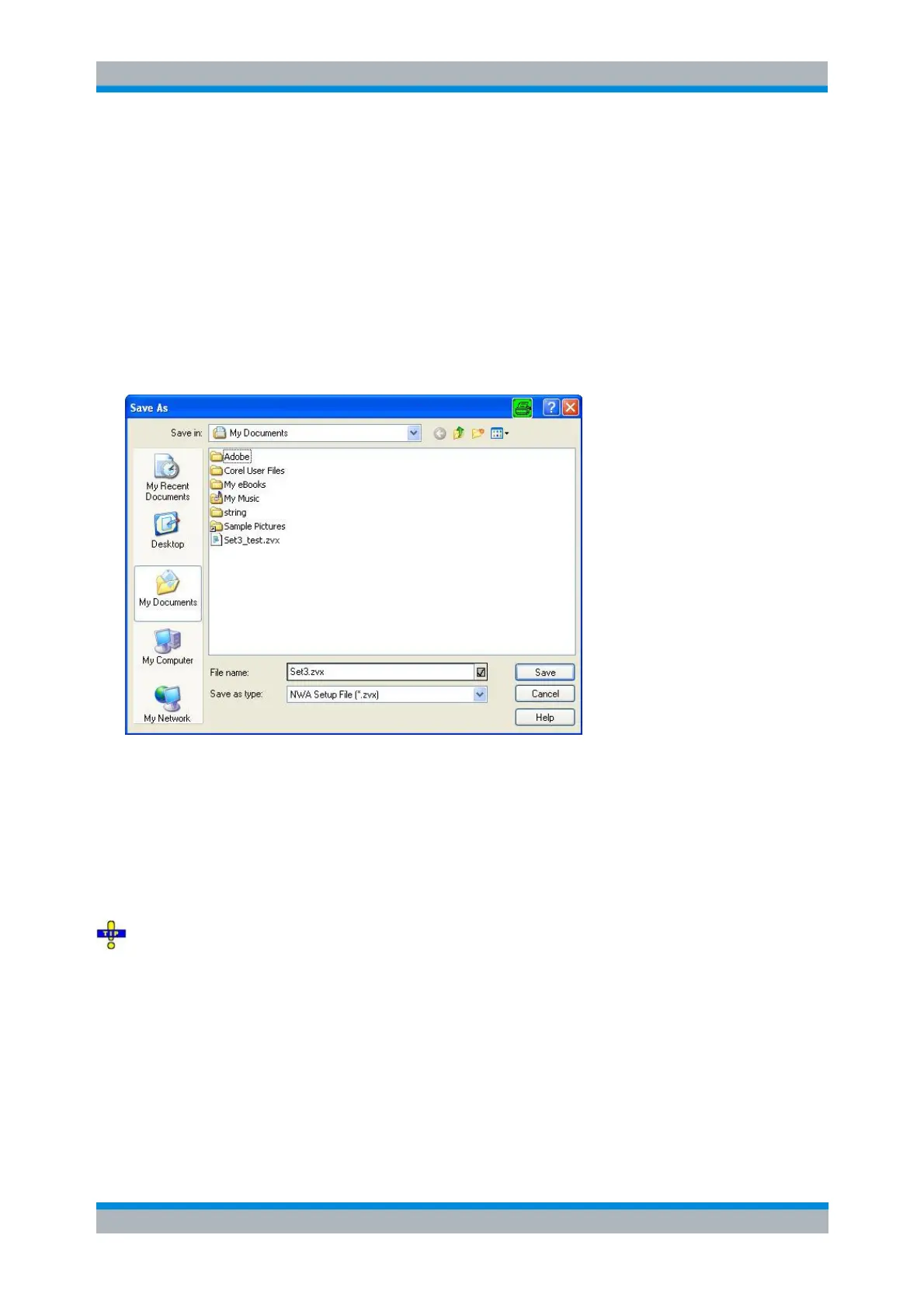
Save As Dialog
Specifies the name and location of a particular file (e.g. a NWA setup file) to save:
File Name specifies a file name to save the current data (e.g. the setup). The analyzer adds the
extension (e.g. *.zvx) in the Save As Type box.
Save in specifies the drive and directory in which the data is stored. The icons to the right of the
pull-down list are provided for easy navigation in the file system (place the cursor on the icons to
obtain What's this? help).
Save saves the data (e.g. the active setup) in the selected file and directory and closes the dialog.
Cancel closes the dialog without saving the data.
The Save As dialog is used to store various data types (e.g. cal kit data, limit lines, sweep segment
lists, ...). Depending on its use the dialog is opened with different file locations and data types. File
locations (directories) are remembered when the dialog is closed. To restore default directories use the
System – System Configuration – Resets dialog.
Open / Recall
Recalls an existing setup from a file. The analyzer opens a standard Windows™ Open File dialog box to
select the file from all NWA setup files (*.zvx) stored on the file system.
It is not possible to open the same setup in different windows. If an opened setup is changed and an



 To Next Page