R&S
®
ZVA / R&S
®
ZVB / R&S
®
ZVT Annexes
Increasing the Monitor Resolution
Operating Manual 1145.1084.12 – 30 1125
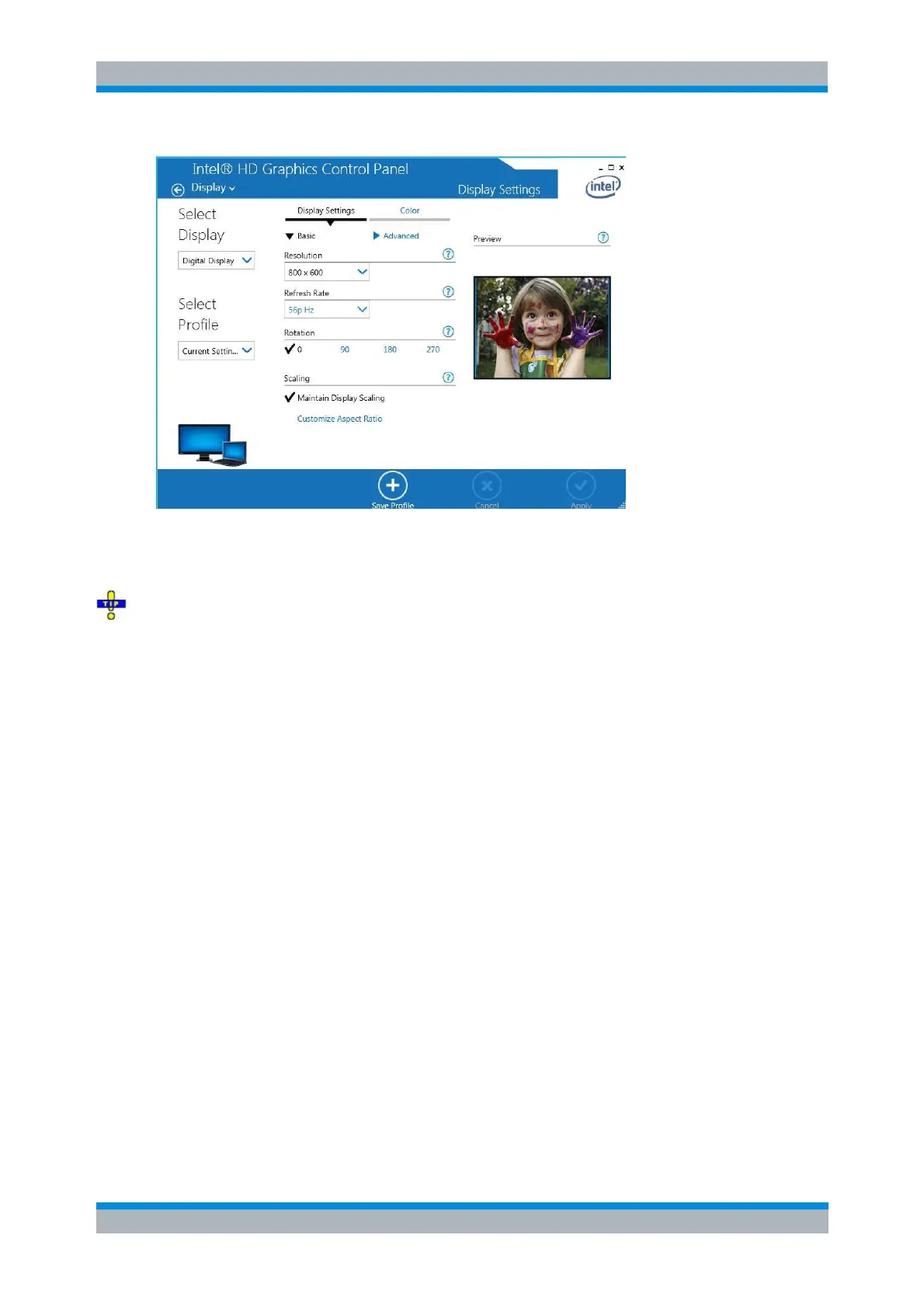
4. Under Select Profile select Clone and press Apply.
The external monitor should now display the instrument screen with the internal resolution of 800 by 600
pixels.
After connecting the external monitor, select Display – Display Config – Hardkey Bar at the NWA GUI
to display the analyzer's hardkeys together with the menus, softkeys and the diagram areas. This allows
you to control the instrument very comfortably with the mouse. You do not have to change between
hardkeys and mouse.
Changing the Resolution (Windows XP)
After the external monitor is active, the Graphics Controller displays a list of possible resolutions.
1. Press CTRL + ALT + F12 again. Now the Screen Area contains all possible resolutions of the
external monitor. Select a valid combination of resolution and refresh rate for your monitor.



 To Next Page