R&S
®
ZVA / R&S
®
ZVB / R&S
®
ZVT Remote Control
Remote Control: Introduction
Operating Manual 1145.1084.12 – 30 579
program script is to be executed repeatedly. See also Viewing calibration sweeps in remote state.
The display update is also enabled while a remote control command is executed. Use this feature e.g.
in order to view the calibration sweeps in remote state.
The analyzer provides a third display option where the measurement screen is only updated when this is
triggered by a remote control command; see SYSTem:DISPlay:UPDate ONCE. Since firmware version
3.70 it is also possible to freeze the display; see SYSTem:DISPlay:UPDate FREeze.
The instrument remains in the remote state until it is reset to the manual state via the GUI or via remote
control (see section Return to Manual Operation).
You can create you own keys to replace the two default softkeys Go to Local and Display On/Off. See
Combining Manual and Remote Control.
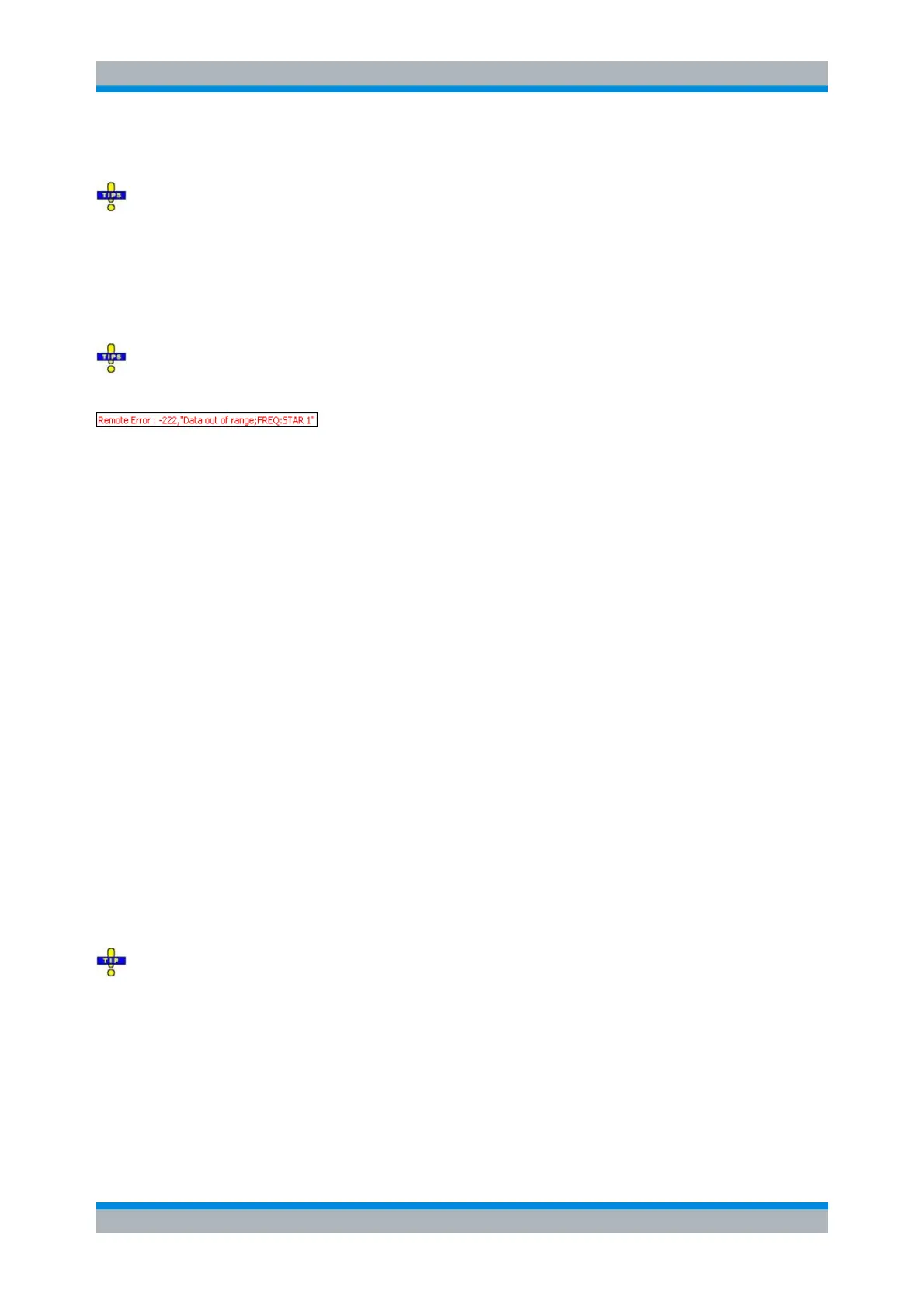
A tooltip across the bottom of the remote screen indicates a remote command error, e.g.
. You can switch off this tooltip using Clear Remote Message or
SYSTem:ERRor:DISPlay OFF.
@REM
SYSTem:DISPlay:UPDate
SYSTem:USER:DISPlay:TITLe (define a title for the remote display)
SYSTem:ERRor:DISPlay (Clear Remote Message)
Setting the Device Address
The GPIB address (primary address) of the instrument is factory-set to 20. It can be changed manually in
the System menu or via remote control. For remote control, addresses 0 through 30 are permissible. The
GPIB address is maintained after a reset of the instrument settings.
SYSTem:COMMunicate:GPIB[:SELF]:ADDRess
Return to Manual Operation
Return to manual operation can be initiated via the front panel or via remote control.
Manually: Click the Local softkey in the remote screen.
Via GPIB bus: CALL IBLOC(device%)
Via RSIB or VXI-11 protocol: @LOC and @REM can be used to switch from remote to manual
control and back.
Local lockout
Before returning to manual control, command processing must be completed. If this is not the case, the
analyzer switches back to remote control immediately.
Returning to manual control by pressing the Local softkey can be disabled by the GPIB Local Lockout
Message (LLO; see GPIB Bus Interface, Universal Commands) which is also included in the NI
commands SetRWLS (Set Remote With Lockout State) or SendLLO. This prevents unintentional switch-
over, i.e. return to manual control is possible via the GPIB bus only.
Returning to manual control via the front panel keys can be enabled again by deactivating the REN control
line of the GPIB bus.



 To Next Page