R&S
®
ZVA / R&S
®
ZVB / R&S
®
ZVT GUI Reference
System Menu
Operating Manual 1145.1084.12 – 30 517
double-click the file or drag and drop the file into the NWA application.
DISPlay:CMAP<Element>:RGB <red>, <green>, <blue> [,<trace_style>,
<trace_width>]
DISPlay:CMAP<Element>:MARKer[:STATe] ON | OFF
DISPlay:CMAP<Element>:TRACe:COLor[:STATe] ON | OFF
MMEMory:LOAD:CMAP
MMEMory:STORe:CMAP
Frequency Info
Shows or hides all frequency stimulus values in the diagrams. This comprises:
The frequency stimulus ranges below the diagram area, if a frequency sweep is active.
The CW frequency in the center below the diagram area, if a power, time or CW mode sweep is
active.
The frequency stimulus values in the marker info field, at the marker position and in the marker
table.
The Frequency Info setting is valid for frequency and segmented frequency sweeps only.
DISPlay:ANNotation:FREQuency[:STATe] ON | OFF
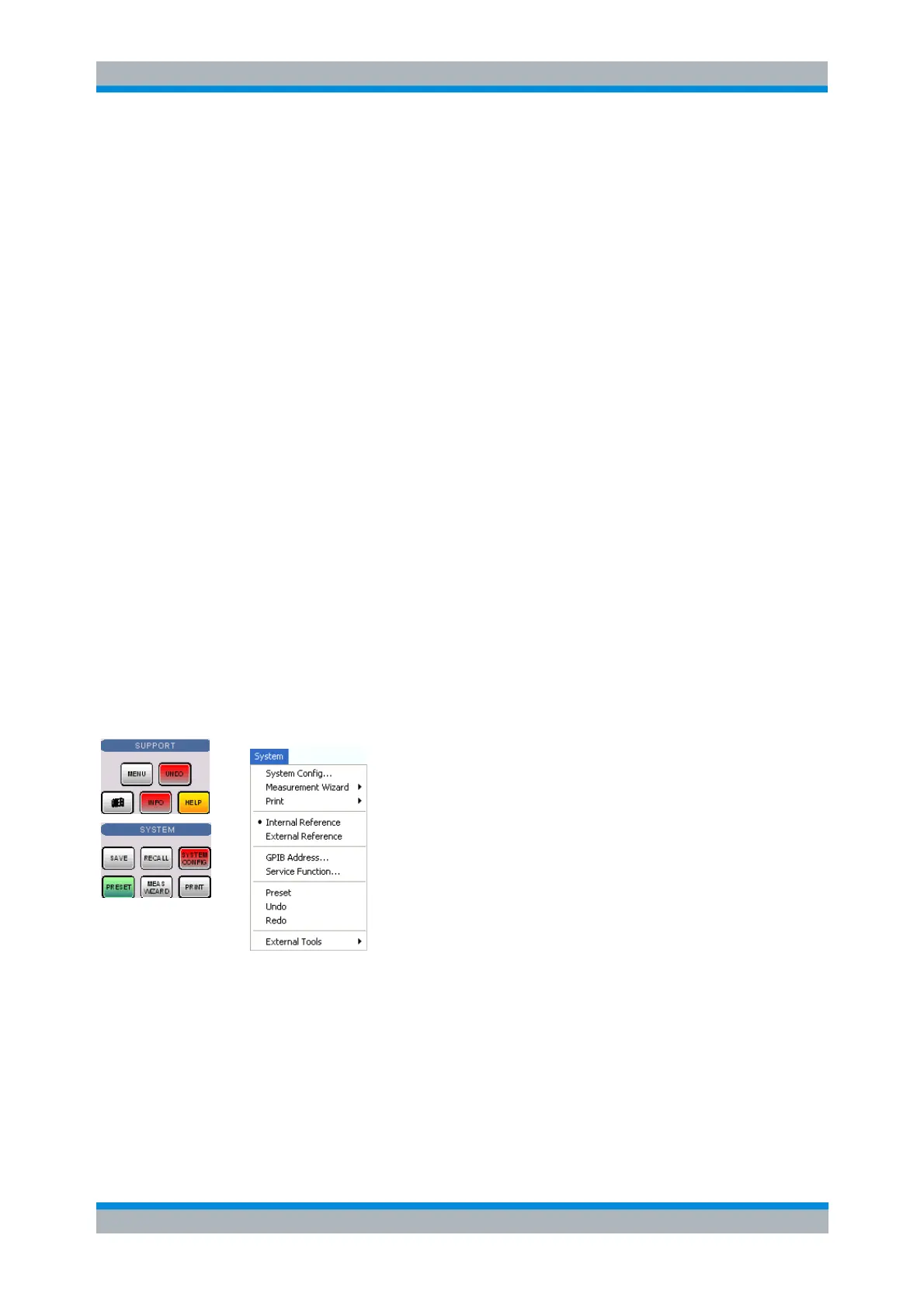
System Menu
The System menu provides functions to return to a defined instrument state, reverse operations, access
service functions and define various system-related settings.
The System menu contains the following functions:
System Config opens a dialog to define various system-related settings.
Measurement Wizard calls up a series of dialogs providing a guided standard measurement.
Print opens a submenu to generate a copy of the current screen.
Int. Reference selects the internal reference clock for synchronization.
Ext. Reference selects an external clock signal for synchronization.



 To Next Page