R&S
®
ZVA / R&S
®
ZVB / R&S
®
ZVT GUI Reference
File Menu
Operating Manual 1145.1084.12 – 30 99
Preferences opens a dialog to select the layout and paper format and specify further printer
options.
Find Printer opens a dialog to select and install a printer that is not yet installed on the instrument.
Page Range specifies the pages to be printed. The analyzer prints the entire setup.
Number of Copies specifies the number of copies to be printed for the above page range.
To select further printer options, open the Print Setup dialog.
HCOPy:DESTination
HCOPY[:IMMediate]
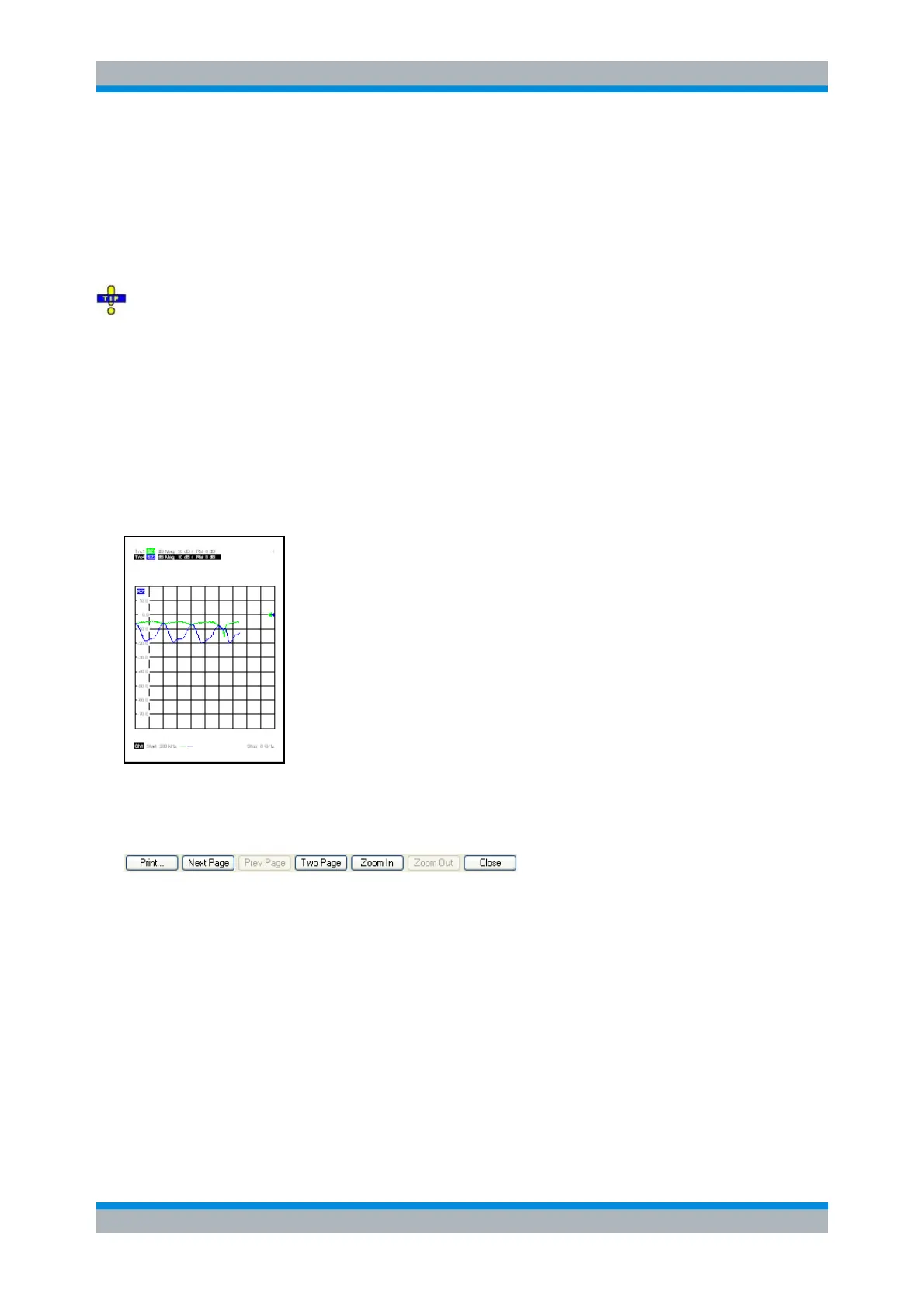
Print Preview
Displays the active setup as it would appear when printed. The analyzer generates one printed page for
each diagram area in the setup. The main window is replaced with a print preview window in which one or
two pages/diagram areas are displayed in their printed format.
Across the top of the screen the print preview toolbar offers options to view either one or two
pages/diagram areas at a time; move back and forth through the setup; zoom in and out of pages/diagram
areas (2 steps possible); initiate a print job or close the preview without printing:
No commands for check on screen.
HCOPY[:IMMediate] initiates the print.
Page Setup
Selects a printer and a printer connection. This command presents a Page Setup dialog box to specify the
printer and its connection.



 To Next Page