R&S
®
ZVA / R&S
®
ZVB / R&S
®
ZVT GUI Reference
File Menu
Operating Manual 1145.1084.12 – 30 100
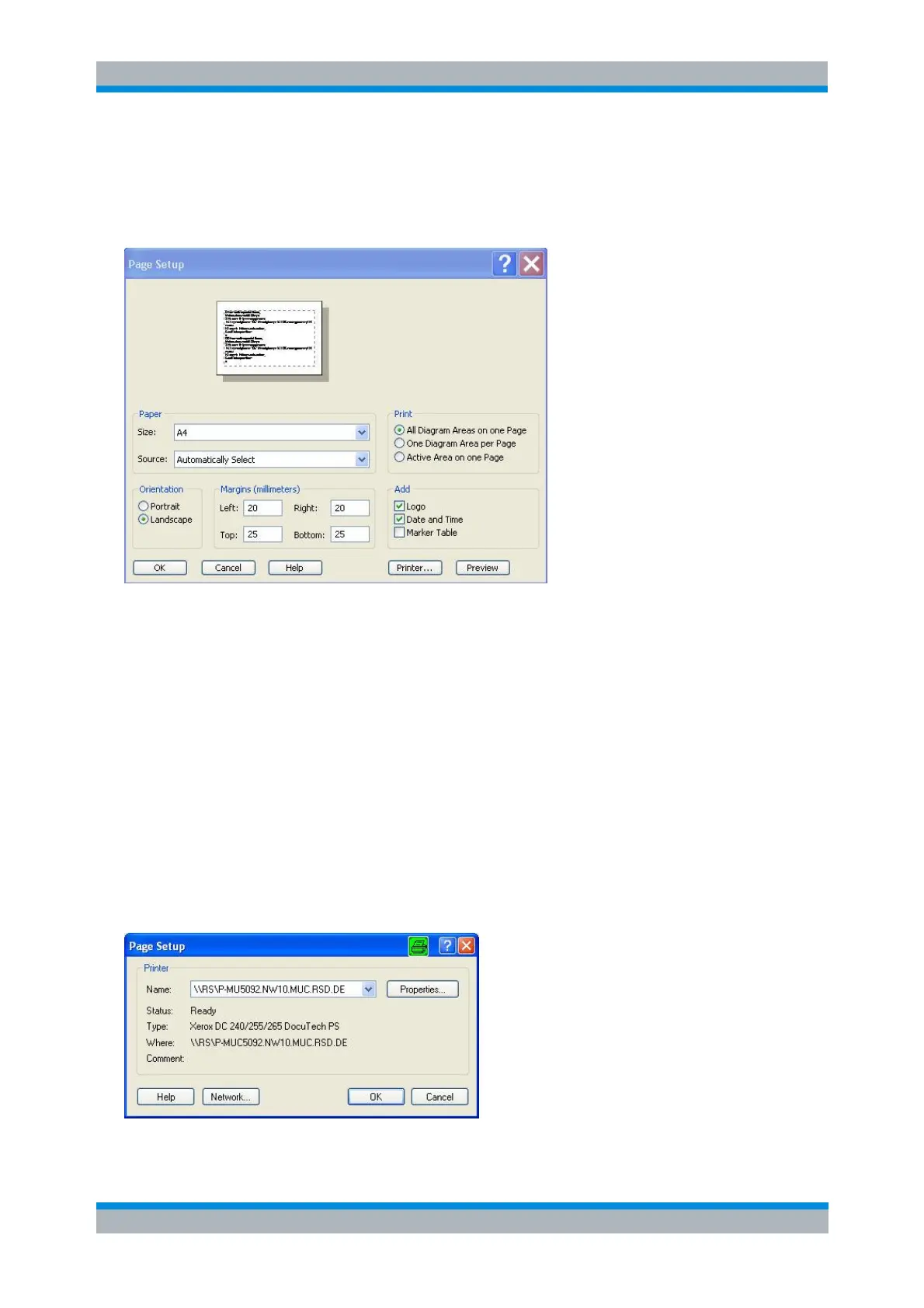
Page Setup Dialog
Provides options to specify how the document should be printed. Page Setup is opened by means of the
File – Page Setup... command.
Paper – Size specifies the size of paper that the document is to be printed on.
Paper – Source specifies the paper source, because some printers offer multiple trays for different
paper sources.
The radio buttons in the Print panel specify whether or not different diagram areas are printed on
different pages.
The radio buttons in the Orientation panel specify whether the pages are printed in Portrait or
Landscape format.
The Margins panel contains input fields to define a margin on each of the four edges of the pages.
The check boxes in the Add panel select additional information to be included in the printed
document.
Printer... opens the Page Setup dialog to select the printer and printer connection. The printers
can be selected from the Name drop-down list. Network... opens a dialog to configure the printer
connections. Properties opens a dialog to select the layout and paper format and specify further
printer options.



 To Next Page