R&S
®
ZVA / R&S
®
ZVB / R&S
®
ZVT GUI Reference
File Menu
Operating Manual 1145.1084.12 – 30 97
Setups
A setup comprises a set of diagram areas with all displayed information that can be stored to a NWA
setup file (*.zvx). Each setup is displayed in an independent window.
The Window menu commands arrange different windows on the screen.
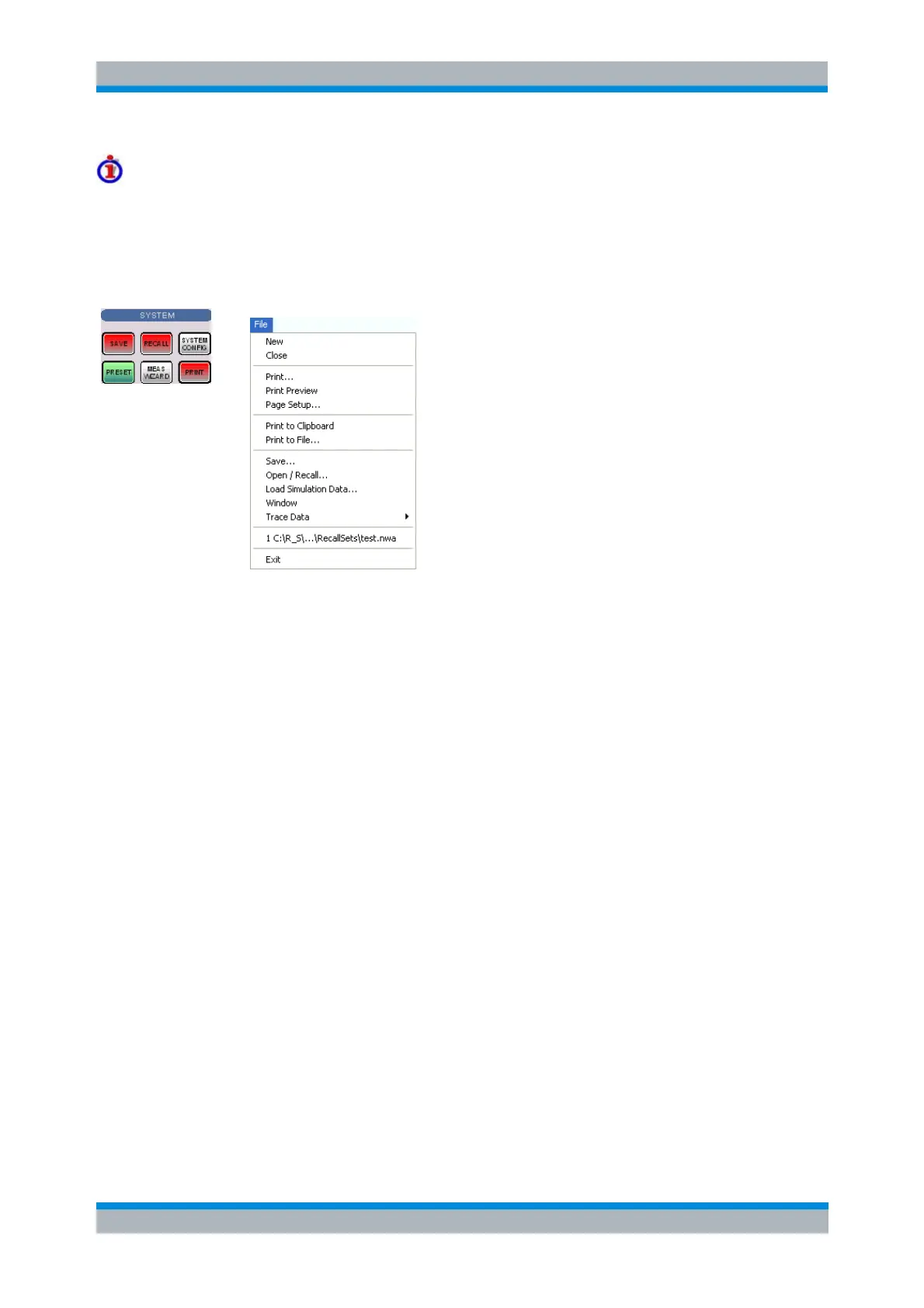
The File menu is used to organize setups.
The File menu contains the following functions:
New creates a new setup and opens a new setup window.
Close closes an opened setup window.
Print prints a setup.
Print Preview displays the setup on the screen as it would appear printed.
Page Setup... selects a printer and printer connection.
Print to Clipboard copies the screen contents to the clipboard in order to be pasted into another
application.
Print to File... opens a dialog to select a file and file format to store the screen contents.
Save saves an opened setup to a specific file.
Open/Recall recalls an existing setup from a file.
Window displays the softkeys of the Window menu.
Trace Data opens a submenu to store one or several data or memory traces to a file or loads a
memory trace from a file. The submenu is also part of the Trace menu (Trace – Trace Funct –
Import/Export Data).
1 Set<n>.zvx etc. is a list of the last 4 setups stored in the current or in previous sessions.
Exit closes the application.
New
Creates a new setup and opens a new setup window. The new setup is named Setup<n> where <n> is
the current number for all created setups.



 To Next Page