R&S
®
ZVA / R&S
®
ZVB / R&S
®
ZVT Annexes
Increasing the Monitor Resolution
Operating Manual 1145.1084.12 – 30 1128
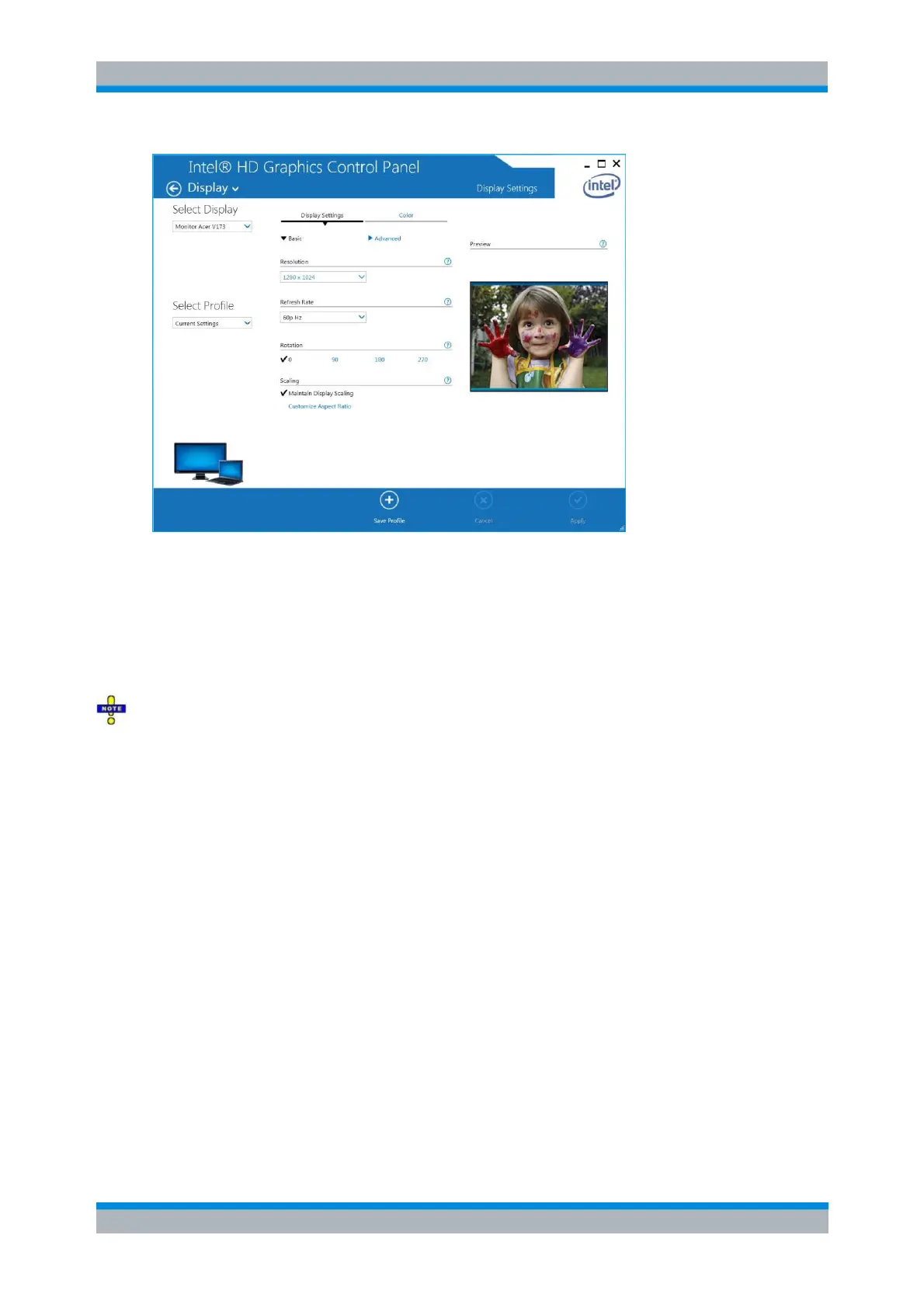
The Select Display combo-box lists the following devices:
1. <Your External Monitor> (if connected)
2. Digital display
3. Built-in display
The second one is the internal display. The last one is an internal connector on the FMR11 CPU board
that can neither be used nor deactivated.
Do not select the internal connector.
Switching back to the Analyzer's Display
If the analyzer is running Windows 7, the internal display is automatically (re-)activated when the external
monitor is disconnected. If the analyzer is running Windows XP, proceed as follows:
1. Press CTRL + ALT + F12 and select Digital Display.



 To Next Page