R&S
®
ZVA / R&S
®
ZVB / R&S
®
ZVT GUI Reference
Display Menu
Operating Manual 1145.1084.12 – 30 513
diagram areas and traces:
DISPlay:WINDow<Wnd>:NAME '<Name>'
DISPlay:WINDow<Wnd>:CATalog?
DISPlay:WINDow<Wnd>:TRACe<WndTr>:CATalog?
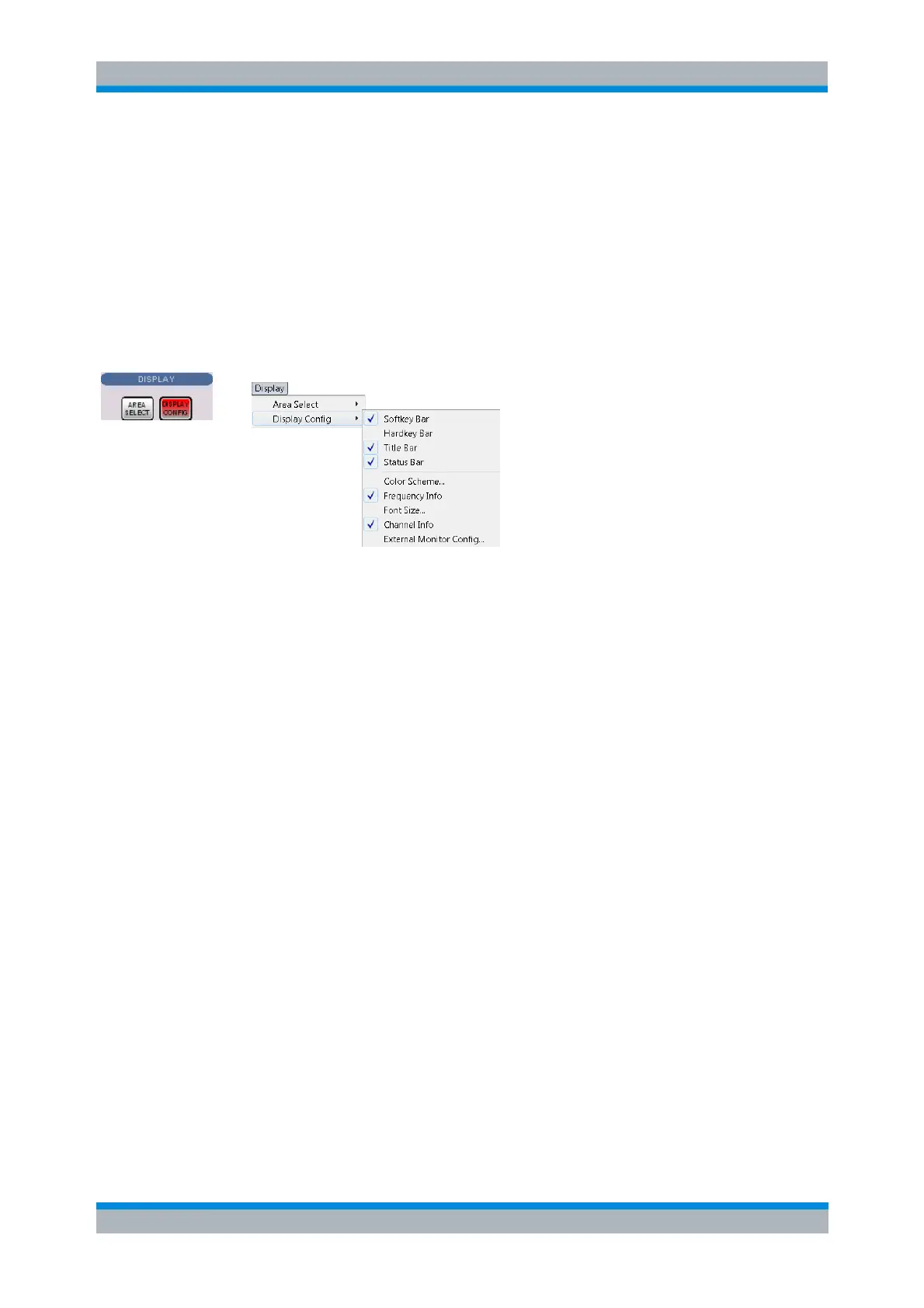
Display Config
The Display Config submenu configures the screen by showing or hiding controls and information
elements and controls the appearance of the individual diagrams.
The Display Config menu contains the following functions:
Softkey Bar shows or hides the softkey bar at the right edge of the screen.
Hardkey Bar shows or hides the hardkey bar at the left edge of the screen.
Title Bar shows or hides the title bar of the NWA application.
Status Bar shows or hides the status bar across the bottom of the screen.
Color Scheme controls the colors in all diagram areas.
Frequency Info shows or hides the frequency values in the diagram areas.
Font Size changes the size of the fonts in the diagram on a relative scale between 80% and
170%. 100% corresponds to normal font size.
Channel Info shows or hides the channel list below the diagram.
On instruments running Windows 7, External Monitor Config opens a small dialog that briefly
describes how to use the Graphics Control Panel in order to set up an external monitor and
provides direct access to it.
Hiding the controls and information elements leaves more space for the diagram areas. All elements may
be shown or hidden simultaneously. A checkmark next to the menu item indicates that the view element is
displayed.
Remote control
Font Size:
Channel Info:
DISPlay:RFSize
DISPlay:ANNotation:CHANnel[:STATe] ON | OFF
Softkey Bar
Shows or hides the softkey bar at the right edge of the screen.



 To Next Page