R&S
®
ZVA / R&S
®
ZVB / R&S
®
ZVT GUI Reference
Display Menu
Operating Manual 1145.1084.12 – 30 514
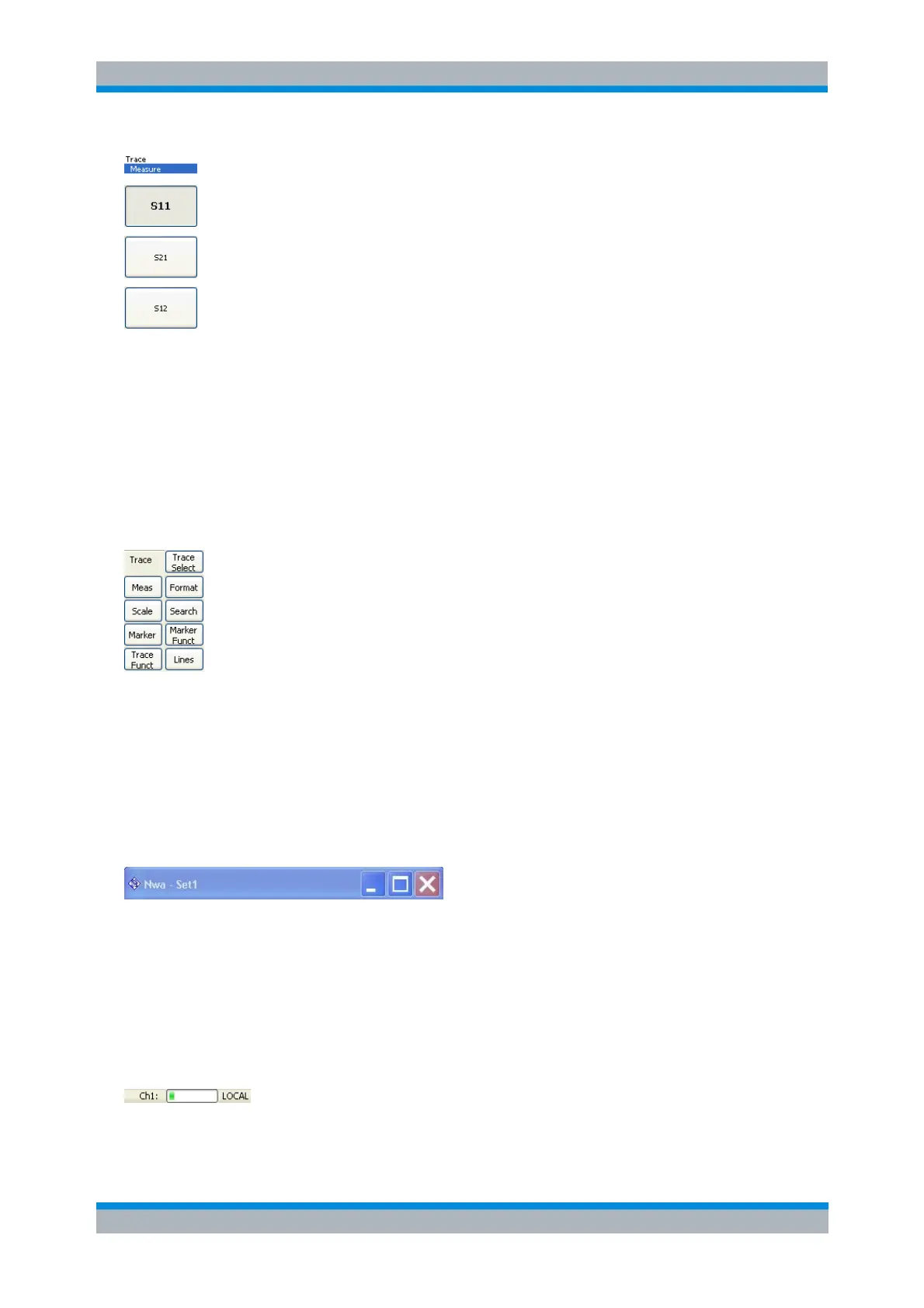
The softkey bar shows up to 8 commands of the active menu indicated above softkey no. 1. The figure
above shows the upper part of the softkey bar corresponding to the Trace – Measure submenu. Pressing
the key to the right of a softkey directly activates a submenu, calls up the numeric entry bar or a dialog or
initiates an action. See Softkey Bar in the introductory chapter for more information.
Hardkey Bar
Shows or hides the hardkey bar (front panel key bar) at the right edge of the screen (to the left of the
softkey bar).
The hardkey bar represents the most commonly used front panel keys of the analyzer. Clicking a key
symbol executes the action of the corresponding key.
See Hardkey Bar in the introductory chapter for more information.
Title Bar
Shows or hides the title bar of the NWA application.
The title bar provides the Control menu and the buttons to minimize, maximize and close the main
application window. In normal operation using the analyzer's display these functions are not needed, so
the title bar is hidden by default.
Status Bar
Shows or hides the status bar across the bottom of the screen.
The status bar describes the current channel (if the setup contains only one channel), the progress of the



 To Next Page