R&S
®
ZVA / R&S
®
ZVB / R&S
®
ZVT GUI Reference
Channel Menu
Operating Manual 1145.1084.12 – 30 238
Use the analyzer's drag-and-drop functionality to move the horizontal line symbol to the desired
position.
CALCulate<Chn>:DLINe:STATe ON | OFF
CALCulate<Chn>:DLINe
Channel Menu
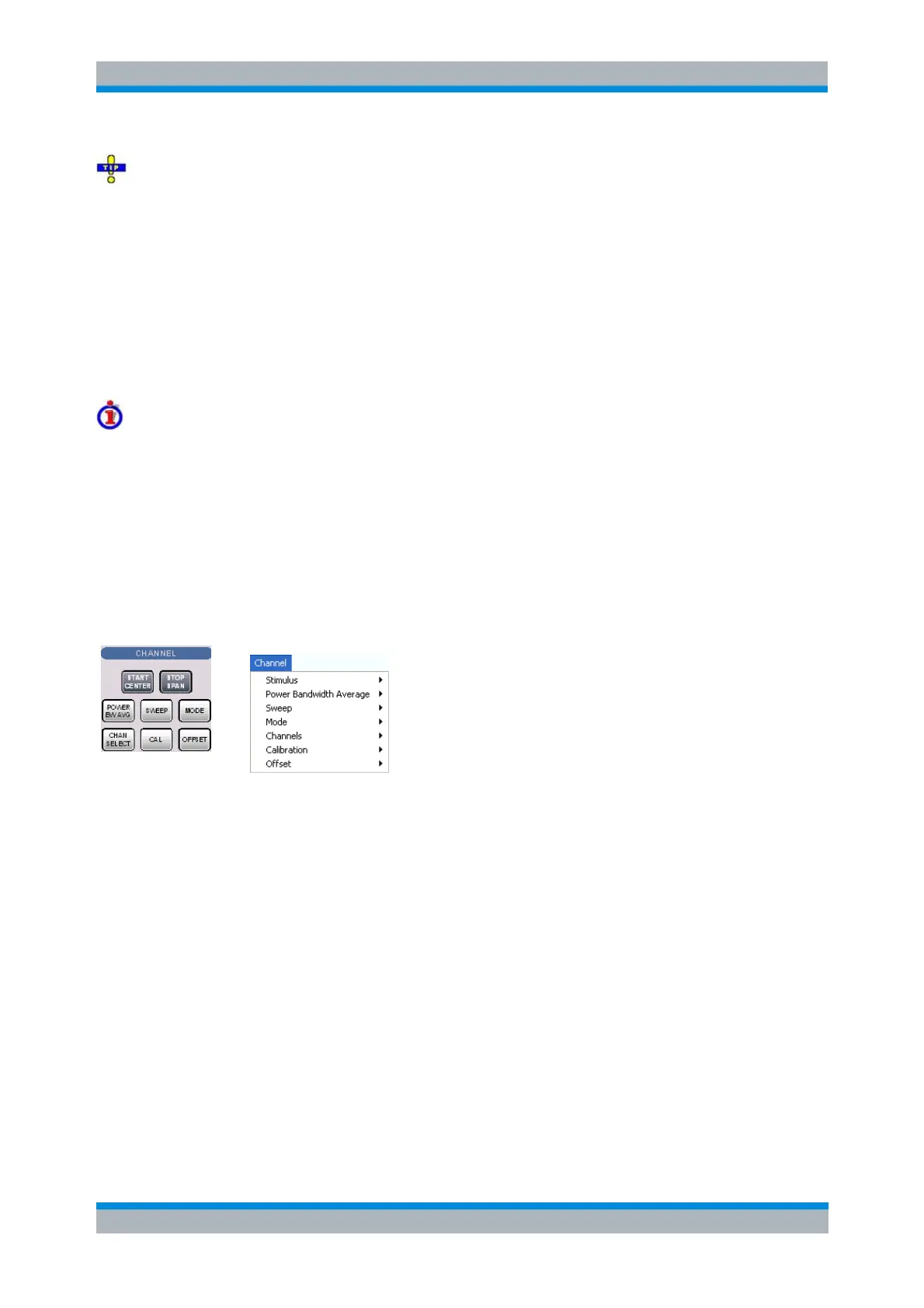
The Channel menu provides all channel settings and the functions to activate, modify and store different
channels.
Channels
A channel contains hardware-related settings to specify how the network analyzer collects data. The
channel settings can be divided into three main groups:
Control of the measurement process (Sweep, Trigger, Average)
Description of the test setup (internal source power, IF filters and step attenuators)
Correction data (Calibration, Offset)
The channel settings complement the definitions of the Trace menu. Each trace is assigned to a channel,
see Traces, Channels and Diagram Areas. The channel settings apply to all traces assigned to the
channel.
The Channel menu contains the following functions and submenus:
Stimulus defines the sweep range, depending on the sweep type.
Power Bandwidth Average defines the power of the internal signal source, sets the step
attenuators and the IF bandwidths, and configures the sweep average.
Sweep defines the scope of measurement, including the sweep type, the trigger conditions and
the periodicity of the measurement.
Mode opens the Port Configuration dialog to define the properties of the physical and logical
(balanced) test ports.
Channel Select provides functions to handle and activate channels.
Calibration provides all functions that are necessary to perform a system error correction
(calibration).
Offset provides a selection of length offset parameters to shift the measurement plane.



 To Next Page