R&S
®
ZVA / R&S
®
ZVB / R&S
®
ZVT GUI Reference
File Menu
Operating Manual 1145.1084.12 – 30 104
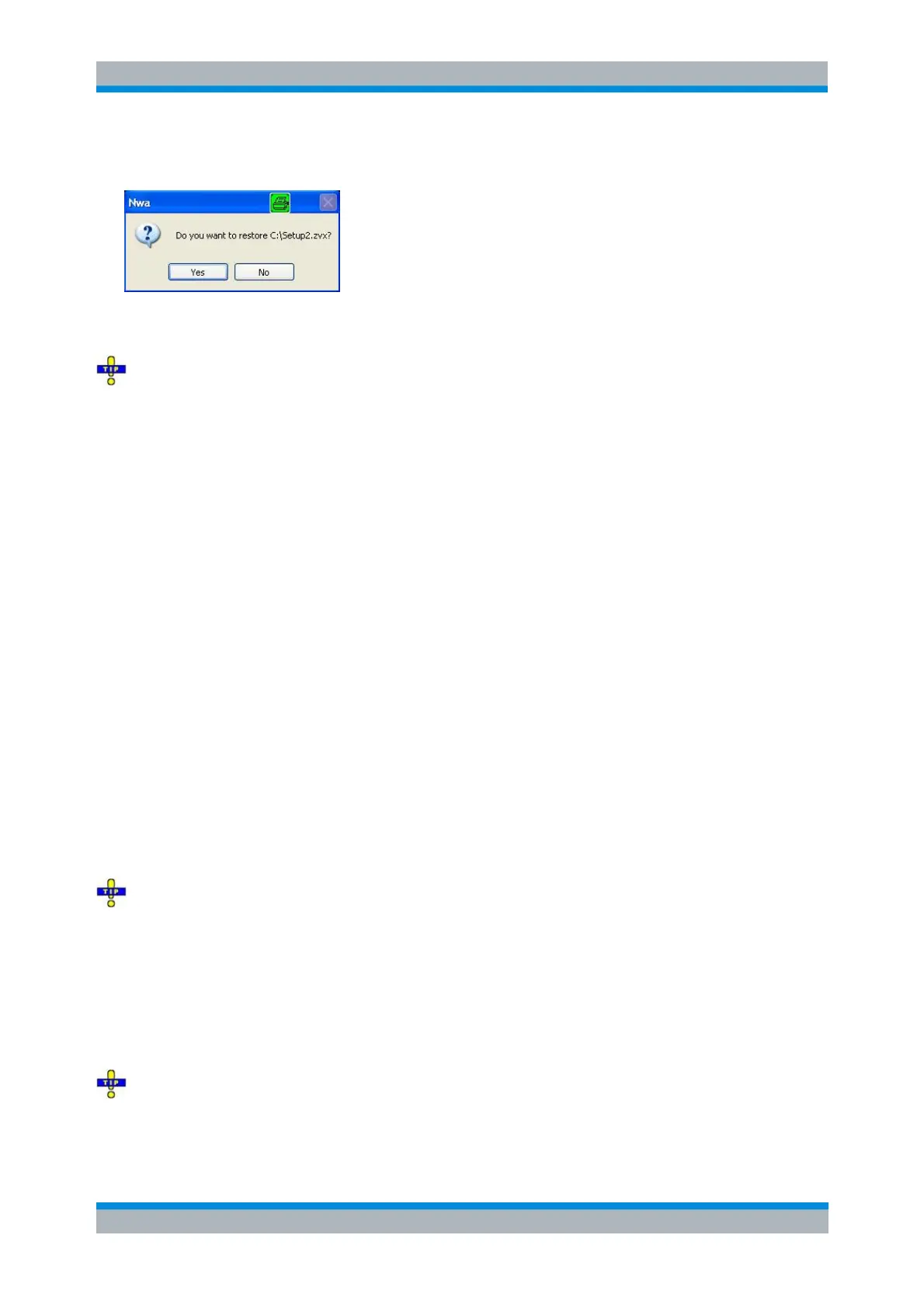
attempt is made to open the same setup again the analyzer displays a warning:
Yes overwrites the changes in the opened setup, No closes the message box, leaving the opened setup
unchanged.
It is possible to create and open several setup files with the same contents but different names or
locations. To open/recall a setup file (*.zvx) you can also use the Windows Explorer and simply double-
click the file or drag and drop the file into the NWA application. The imported setup becomes the active
setup.
MMEMory:LOAD:STATe 1,"<file_name>"
Open File Dialog
Specifies the name and location of a particular file (e.g. a NWA setup file) to open:
Look in specifies the drive and directory in which the file to open is stored. The icons to the right of
the pull-down list are provided for easy navigation in the file system (place the cursor on the icons
to obtain What's this? help).
File Name specifies a file name (e.g. a setup file, *.zvx) to open. The file can be selected by
clicking on the directory overview above.
Open opens selected file and closes the dialog.
Cancel closes the dialog without opening a setup file.
Recent File
Is a placeholder which is replaced by a list of the last 4 setups stored in the current or in previous
sessions. Clicking an item in the list opens the corresponding setup.
Use the setup list in the Window menu to switch between different open setups.
MEMory:CAT? (returns a list of the loaded files).
Exit
Ends the analyzer session. The analyzer prompts you to save setups with unsaved changes.
This command is equivalent to the Close command on the application Control menu.



 To Next Page