R&S
®
ZVA / R&S
®
ZVB / R&S
®
ZVT GUI Reference
Channel Menu
Operating Manual 1145.1084.12 – 30 241
Time
The Stop value represents the total sweep time. Start and the other parameters are
not active as the sweep time is relative to the beginning of the sweep which starts
immediately after the entry of the Stop value.
The sweep time is entered in seconds and must be positive; see also Time sweep.
CW Mode
The Stop value represents the number of trigger events during the measurement.
Each trigger event triggers one measurement point. Start and the other softkeys are
not active as the first trigger event is the one immediately after the beginning of the
sweep which starts after the entry of the Stop value.
The behavior is analogous to the Time sweep type.
Pulse Profile
Start and Stop define the start and stop time in the diagram area relative to the
trigger time. The stop time must be larger than the start time. Center and Span are
not active.
The selected sweep range applies to all source and receive ports of the analyzer. The sweep range
frequency is also used as the channel base frequency for frequency-converting measurements; see Port
Configuration.
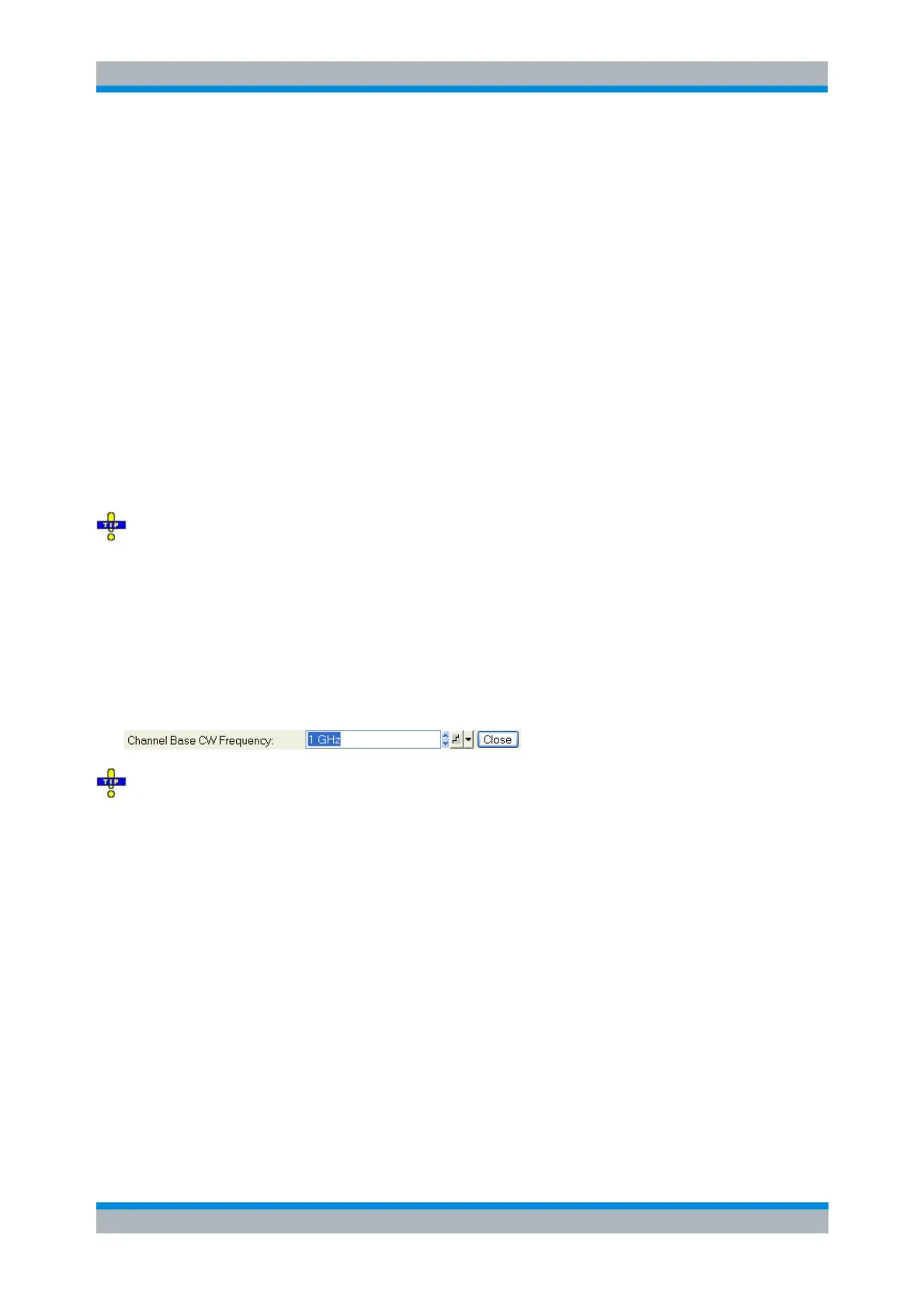
CW Frequency
Opens the numeric entry bar to vary the fixed frequency for the sweep types Power, Time, CW Mode, and
Pulse Profile (channel base frequency). The CW frequency is also used as the channel base frequency for
frequency-converting measurements; see Port Configuration.
A frequency variation affects all source ports used in the active channel. Use the Port Configuration
dialog to modify the output frequency ranges for the individual analyzer ports. If a specific port frequency
is selected as a stimulus axis in the Channel – Mode – Port Configuration – Stimulus dialog, the actual
port frequency (including possible frequency offsets) is displayed, however, a frequency variation still
changes the channel base frequency.
SOURce<Ch>:POWer[:LEVel][:IMMediate][:AMPlitude]
SOURce<Ch>:FREQuency<Pt>:CW|FIXed
[SENSe<Ch>:]FREQuency:CW|FIXed
Power Bandwidth Average
The Power Bandwidth Average menu defines the power of the internal signal source, sets the step
attenuators and the IF bandwidths, and configures the sweep average.



 To Next Page