R&S
®
ZVA / R&S
®
ZVB / R&S
®
ZVT GUI Reference
Channel Menu
Operating Manual 1145.1084.12 – 30 240
[SENSe<Ch>:]FREQuency:STOP
[SENSe<Ch>:]FREQuency:CENTer
[SENSe<Ch>:]FREQuency:SPAN
SYSTem:FREQuency? (query frequency range of the network analyzer)
Stimulus and Sweep Types
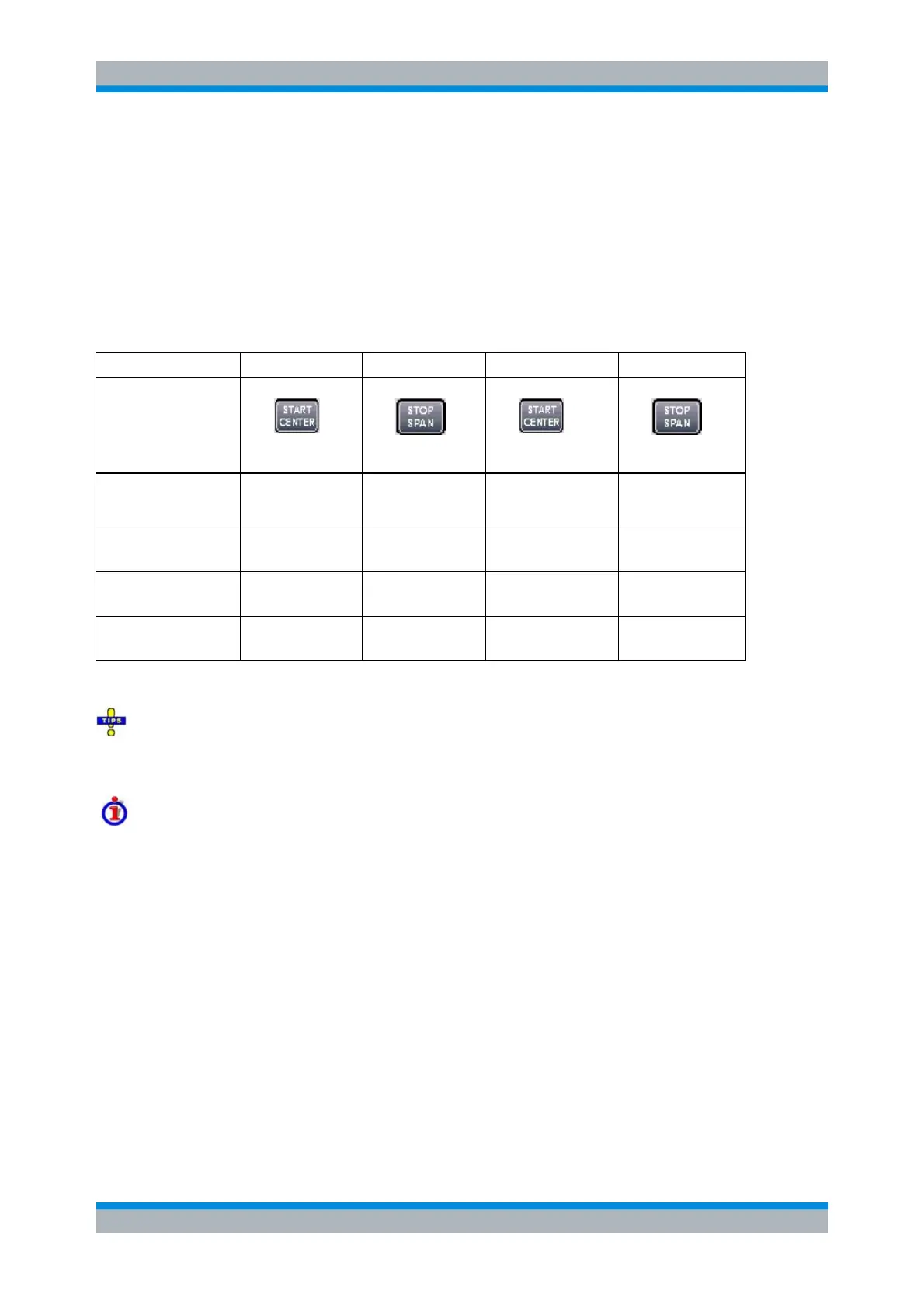
The function of the Start, Stop, Center and Span softkeys depends on the sweep type:
Lin. Frequency
Log. Frequency
Segmented Frequency
The ranges of numerical values must be compatible with the instrument model.
If a frequency sweep is selected, then the START CENTER and STOP SPAN are both toggle keys. In
Time or CW Mode sweep mode the Start, Center and Stop softkeys are inactive, still you can use the
START CENTER hardkey to select the fixed CW frequency.
The conditions for the stimulus range depend on the sweep type:
Lin. Frequency/Log. Frequency/Segmented Frequency
The frequency range depends on the instrument type; see SCPI command
reference. The Stop frequency must be greater than the Start frequency; the Span
must be 1 Hz. If a Stop frequency smaller than the current Start frequency is set,
then the Start frequency is adjusted and vice versa.
A sweep must contain at least two different sweep points.
Power
Start and Stop power are entered in absolute units (dBm) and over a wide range.
The Center and Span softkeys are not active.
Start and Stop power must be different, the Stop power must be larger than the Start
power. If a Stop power smaller than the Start power is set, then the Start power is
adjusted automatically and vice versa.
The power corresponds to the actual output power at the test port that supplies the
stimulus for the active channel or at the calibrated reference plane.



 To Next Page