R&S
®
ZVA / R&S
®
ZVB / R&S
®
ZVT GUI Reference
Window Menu
Operating Manual 1145.1084.12 – 30 572
provided. The deleted error log shows the message No errors found.
Save System Report... opens a dialog that allows to initiate a selftest and to write the current
setup, log files, hardware configuration, a screenshot and the selftest result to a zipped report file.
Window Menu
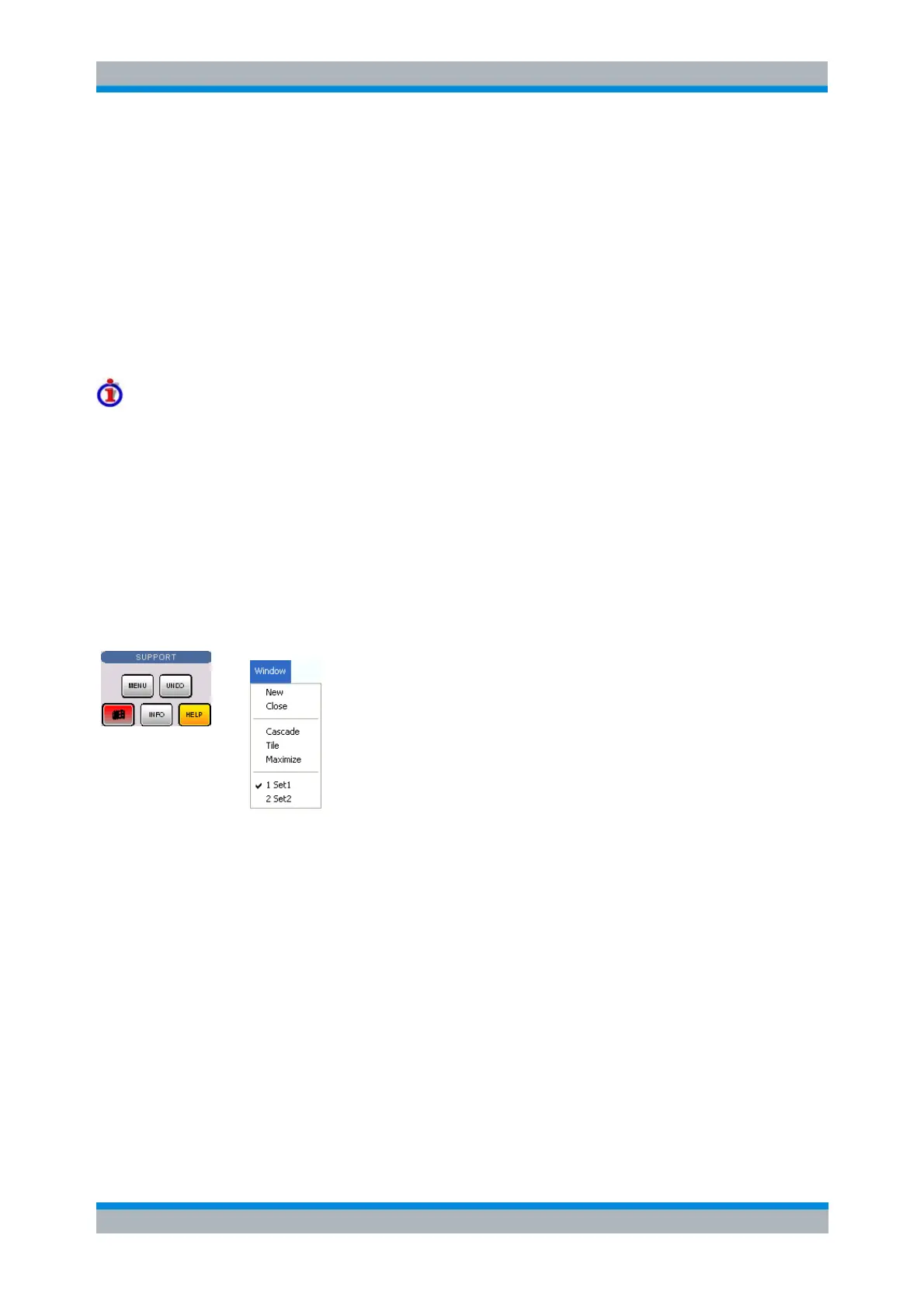
The Window menu provides standard Windows™ functions to arrange different windows on the screen.
Windows
A window is a rectangular portion of the screen showing all diagram areas of a particular setup. Windows
are limited by a blue frame with several icons. The analyzer uses standard windows provided by the
operating system.
A window can show a practically unlimited number of diagram areas.
The icons on the frame of the window are used to minimize, maximize or close windows.
The functions of the Windows menu are used to arrange windows automatically and select a
particular window.
New windows with new setups are created using the New command.
The contents of the windows are explained in section Display Menu.
The Window menu contains the following functions:
New creates a new setup and opens a new setup window.
Close closes an opened setup window.
Cascade arranges all opened windows in an overlapped fashion.
Tile arranges all opened windows in non-overlapped tiles.
Maximize maximizes the active window to occupy the whole screen.
1 Set<n>.zvx... activates a specific window with a specific setup
New
Creates a new setup and opens a new setup window. The new setup is named Setup<n> where <n> is
the current number for all created setups.



 To Next Page