R&S
®
ZVA / R&S
®
ZVB / R&S
®
ZVT GUI Reference
Info Menu
Operating Manual 1145.1084.12 – 30 571
Undo
Reverses the last action, if possible. Otherwise, Undo is disabled (grayed).
You can use Undo even after a Preset, in order to restore your own instrument settings.
Redo
Reverses the action of the Undo command. If Undo was not used before, Redo is disabled (grayed).
External Tools
Opens a submenu with various demo setups and editing tools:
Mouse Keyboard.lnk: Opens the Windows On-Screen Keyboard.
Demo*.vbs: Shows how to perform the settings for typical measurement tasks.
After running a *vbs file you can modify the demo setup according to your own needs and store it to a
*.zvx file for later reuse.
Info Menu
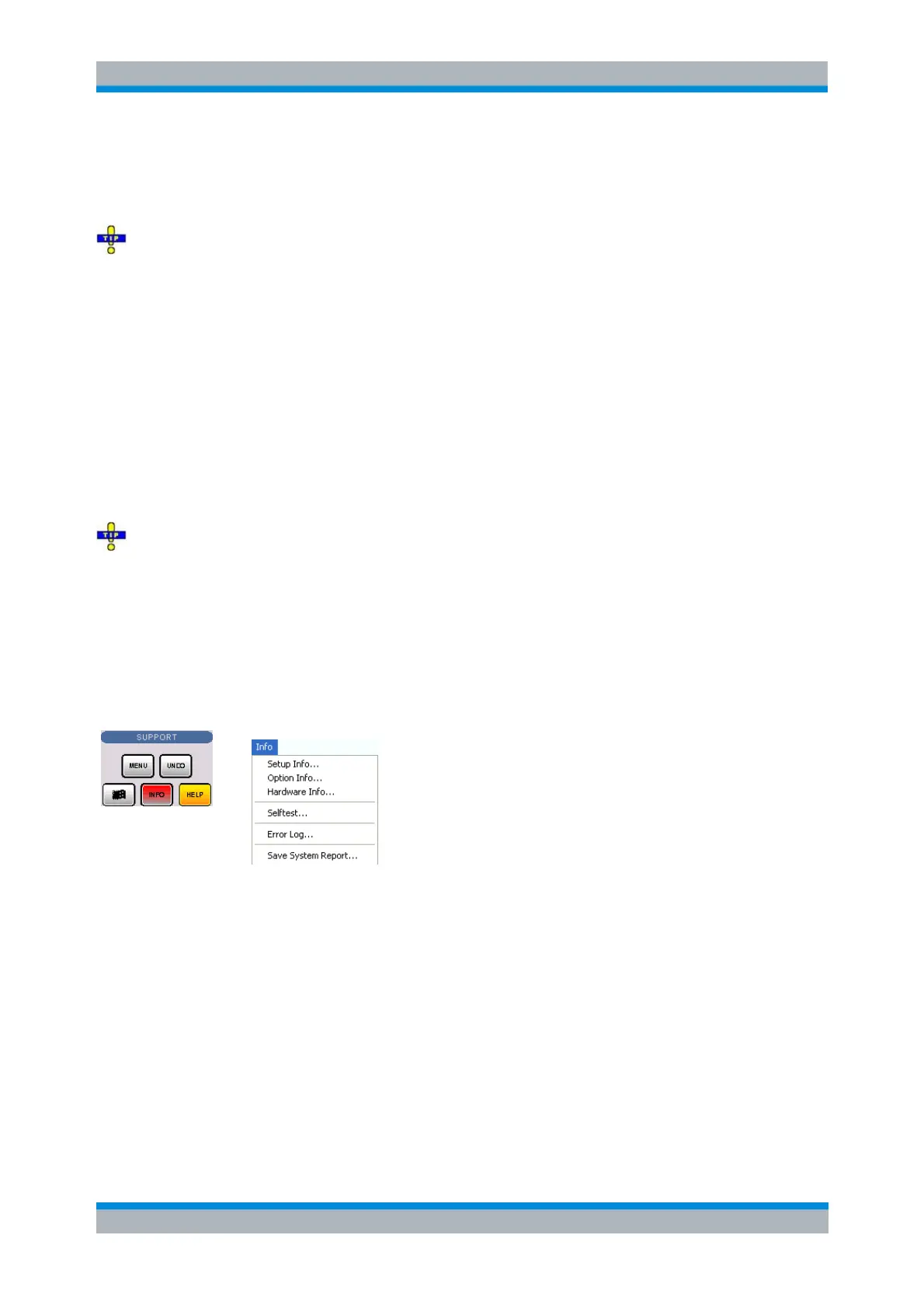
The Info menu gives access to information about the instrument and its operation. All functions are
primarily intended for error diagnostic and service purposes; see Obtaining Support. Many Info dialogs
also display softkeys to Print the contents, save them to a file (Print to File) or Close the dialog.
The Info menu contains the following functions:
Setup Info displays the channel and trace settings of the active setup and the main characteristics
of the instrument including its IP address.
Option Info shows the installed software options with their type and name, the option key and key
type, the duration of activation, and the expiry date (if applicable).
Hardware Info gives an overview of the analyzer's hardware configuration, basic hardware-related
instrument settings, and the version of the "Specifications" which correspond to the current
firmware version.
Selftest... displays a list of the automatic selftests of the analyzer together with the current results.
Error Log... opens a chronological record of errors that occurred in the current and in previous
sessions. While the error log is open, additional softkeys to print, close or clear (delete) the log are



 To Next Page