R&S
®
ZVA / R&S
®
ZVB / R&S
®
ZVT Annexes
Increasing the Monitor Resolution
Operating Manual 1145.1084.12 – 30 1126
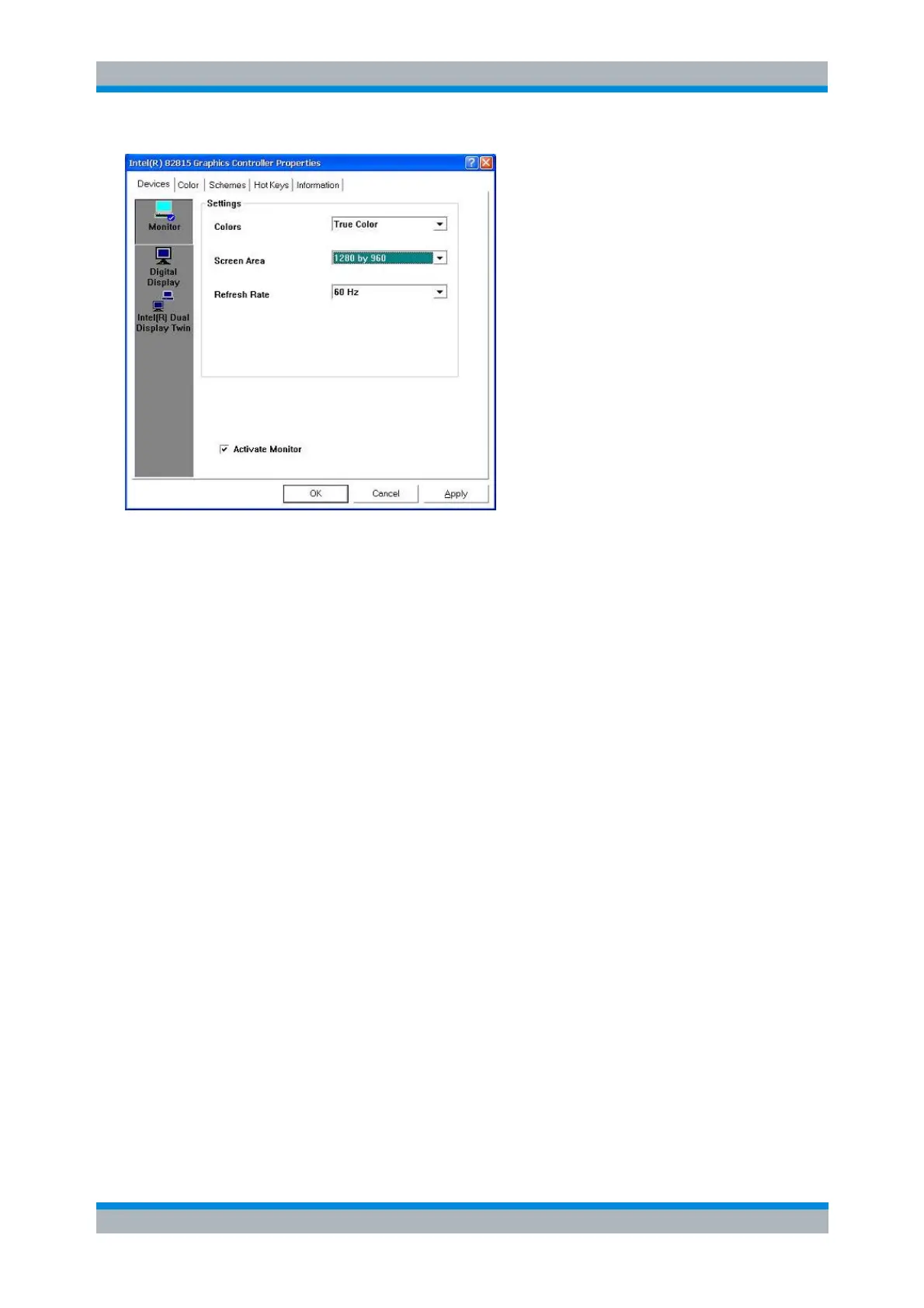
2. Press OK and confirm the changes in the next dialog box opened. Press OK to close the
Controller Properties dialog.
The network analyzer application is now displayed with the selected resolution.
Changing the Resolution (Windows 7)
Before setting the external monitor to a resolution different to that of the internal display (800x600), the
desktop must either be extended to or displayed exclusively on the external monitor. The following
procedure addresses the second possibility: the desktop is shown on the external monitor, the internal
display is switched off.
1. Press CTRL + ALT+ F12 on your external keyboard to start the Intel Graphics Control Panel and
select the Display button.
If the keyboard shortcut does not work, click Graphics Properties in the context menu of the
Windows desktop.



 To Next Page