R&S
®
ZVA / R&S
®
ZVB / R&S
®
ZVT Measurement Examples
Port Conversion
Operating Manual 1145.1084.12 – 30 88
appropriate Serial 2-Port.. transformation network, import the 2-port files, and adjust the remaining R, C,
and L parameters.
8. Click Deembed DUT and Close the dialog.
The traces of the active channel show the characteristics of the DUT without the effects of the removed
physical transformation network.
Using True Differential Mode
In True Differential Mode, the analyzer can generate balanced waves at arbitrary reference planes in the
test setup and determine balanced results. The true differential mode also provides two additional sweep
types.
Measuring balanced wave quantities and ratios...
The following example shows how to activate the true differential mode in order to perform balanced
measurements on a 2-port DUT with balanced input and balanced output using a 4-port network analyzer.
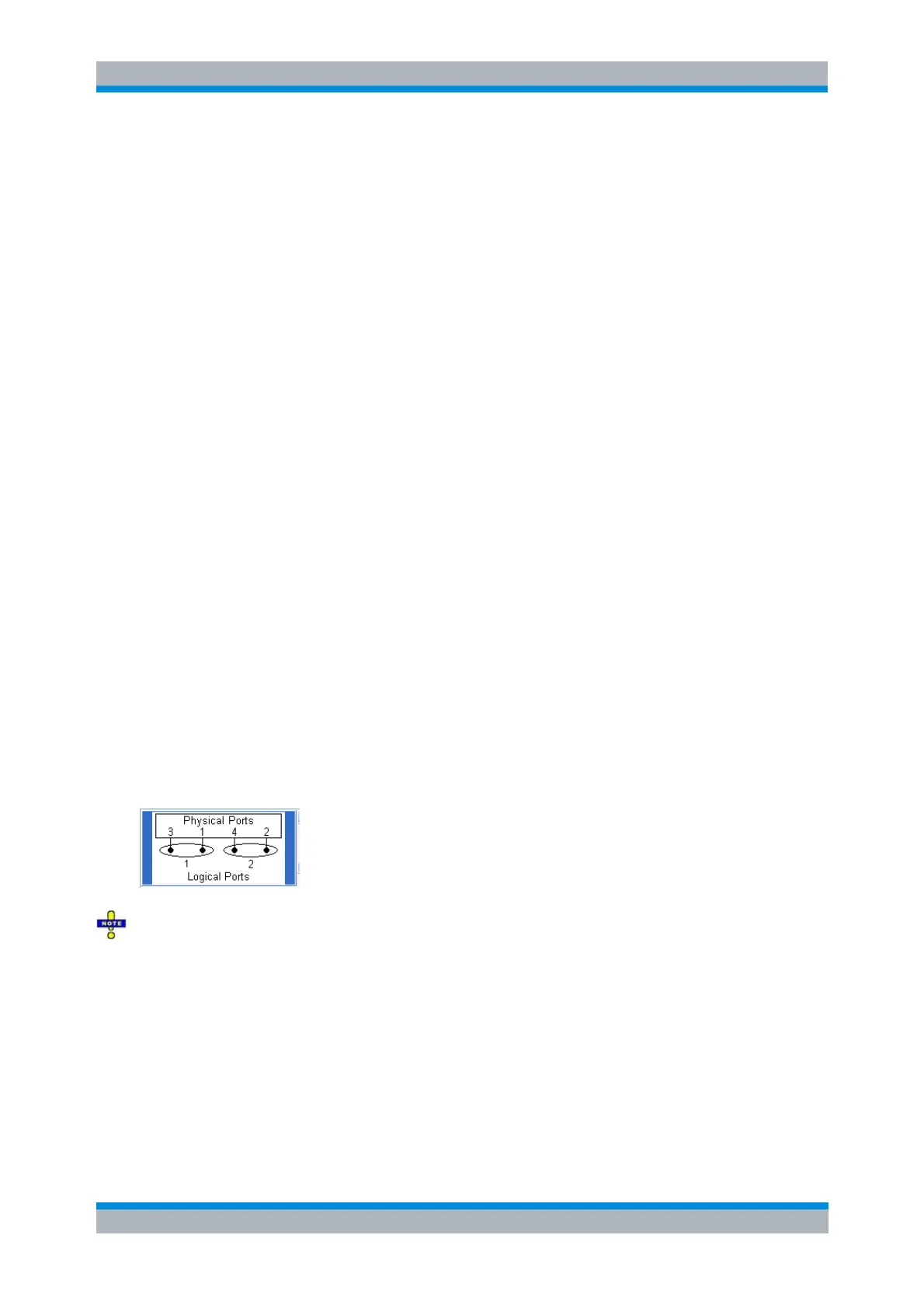
You can use a predefined port configuration with fixed port assignments.
To prepare the measurement,
1. Perform a full calibration of all four (single-ended) analyzer ports, preferably using a calibration
unit for automatic (TOSM) calibration. You can also use the calibration wizard, e.g. if you want to
use one of the 7-term calibration types (TNA, TRL, ...); see Calibrating a Measurement Channel.
2. Preferably, perform a source power calibration at the input of your DUT.
To obtain balanced ratios,
1. Click Trace – Measure – Ratios – More Ratios...
2. In the Port Configuration panel of the More Ratios dialog opened, click Balanced Ports and Port
Groups.
3. In the Predefined Configs tab of the Balanced Ports and Port Groups dialog opened, select the
port configuration that is suitable for your DUT.
The true differential mode requires logical port combinations with independent power sources. Do not
use ports 1/2 or ports 3/4 to create a logical port.
Exception: On R&S ZVA67 and on R&S ZVA24/40 network analyzers with four ports and four generators,
all ports have independent internal sources. You can use true differential mode with an arbitrary
combination of two source ports.
4. Still in the Predefined Configs tab, enable True Differential Mode.
5. Open the Def Balanced Port tab and assign the appropriate differential and common mode
reference impedances to both logical ports.
6. Click OK to close the Balanced Ports and Port Groups dialog.



 To Next Page