R&S
®
ZVA / R&S
®
ZVB / R&S
®
ZVT GUI Reference
Trace Menu
Operating Manual 1145.1084.12 – 30 207
Search
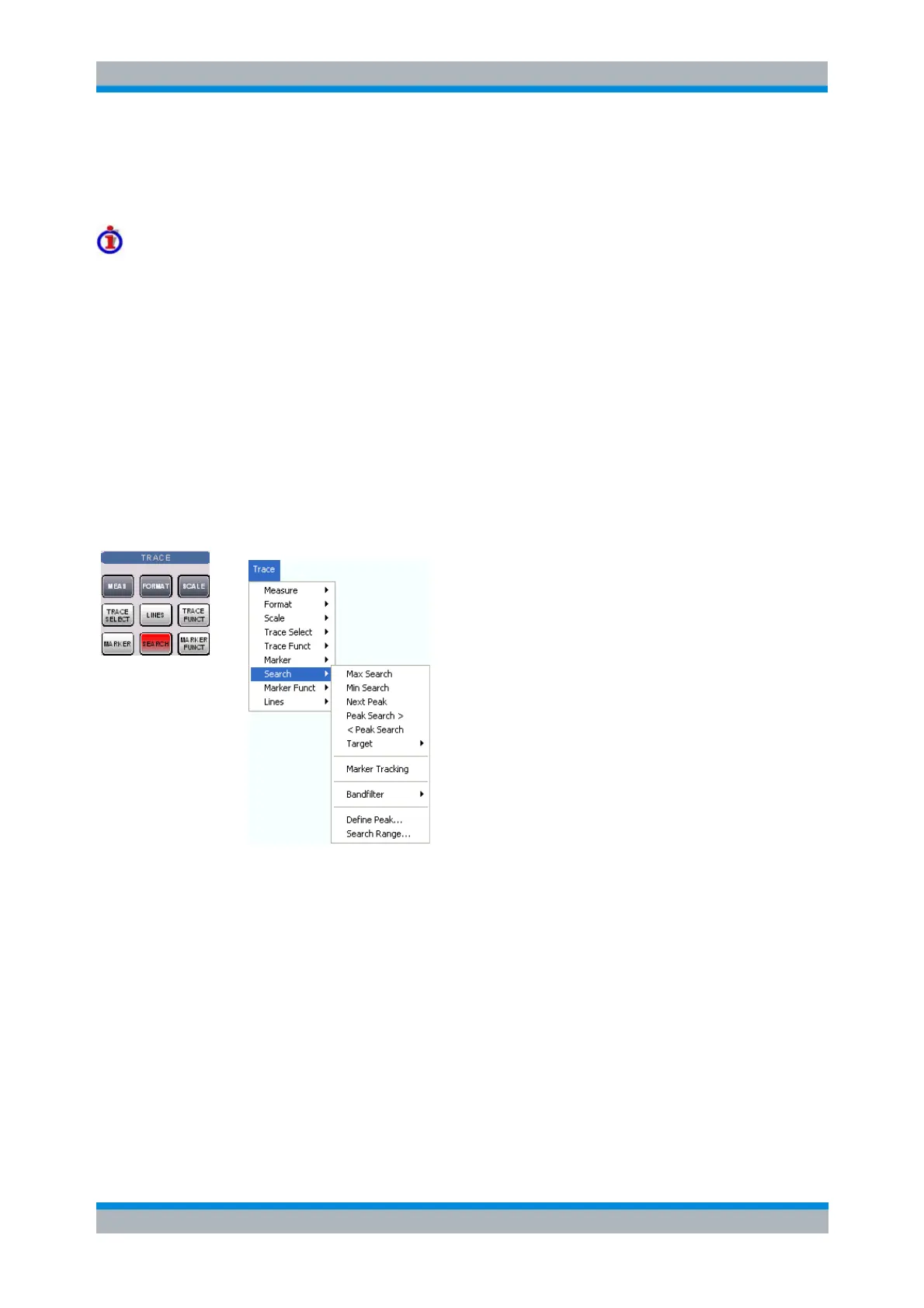
The Search menu uses markers to locate specific points on the trace.
Search functions
The search functions are tools for searching measurement data according to specific criteria. A search
consists of analyzing the measurement points of the current trace (or of a user-defined subrange termed
the Search Range) in order to find one of the following:
Absolute or relative (local) maxima and minima (minimum/maximum search).
Trace points with a specific response value (target search).
Trace segments with a shape that is characteristic for bandpass or bandstop filters (bandfilter
search).
When the search is activated, the active marker is moved to the (next) point that meets the search criteria.
If the trace contains no markers, a M 1 is created and used for the search. The search result is displayed
in the marker info field. If no search result can be found, the marker remains at its original position.
Some search functions can be activated repeatedly in order to find all possible search results. Moreover
the analyzer provides a Tracking mode where the search is repeated after each sweep.
Max Search sets the active marker to the absolute maximum in the search range.
Min Search sets the active marker to the absolute minimum in the search range.
Next Peak sets the active marker to the next maximum or minimum in the search range,
depending on the current search criterion.
Peak Search > sets the active marker to the next peak with higher stimulus value.
< Peak Search sets the active marker to the next peak with lower stimulus value.
Target opens a submenu to search for a specific value on the trace.
Marker Tracking causes the search to be repeated after each sweep.
Bandfilter opens a submenu to search for trace segments with characteristic bandfilter shape and
calculate the filter parameters.
Define Peak defines the criteria for the peak search.



 To Next Page