R&S
®
ZVA / R&S
®
ZVB / R&S
®
ZVT GUI Reference
Trace Menu
Operating Manual 1145.1084.12 – 30 220
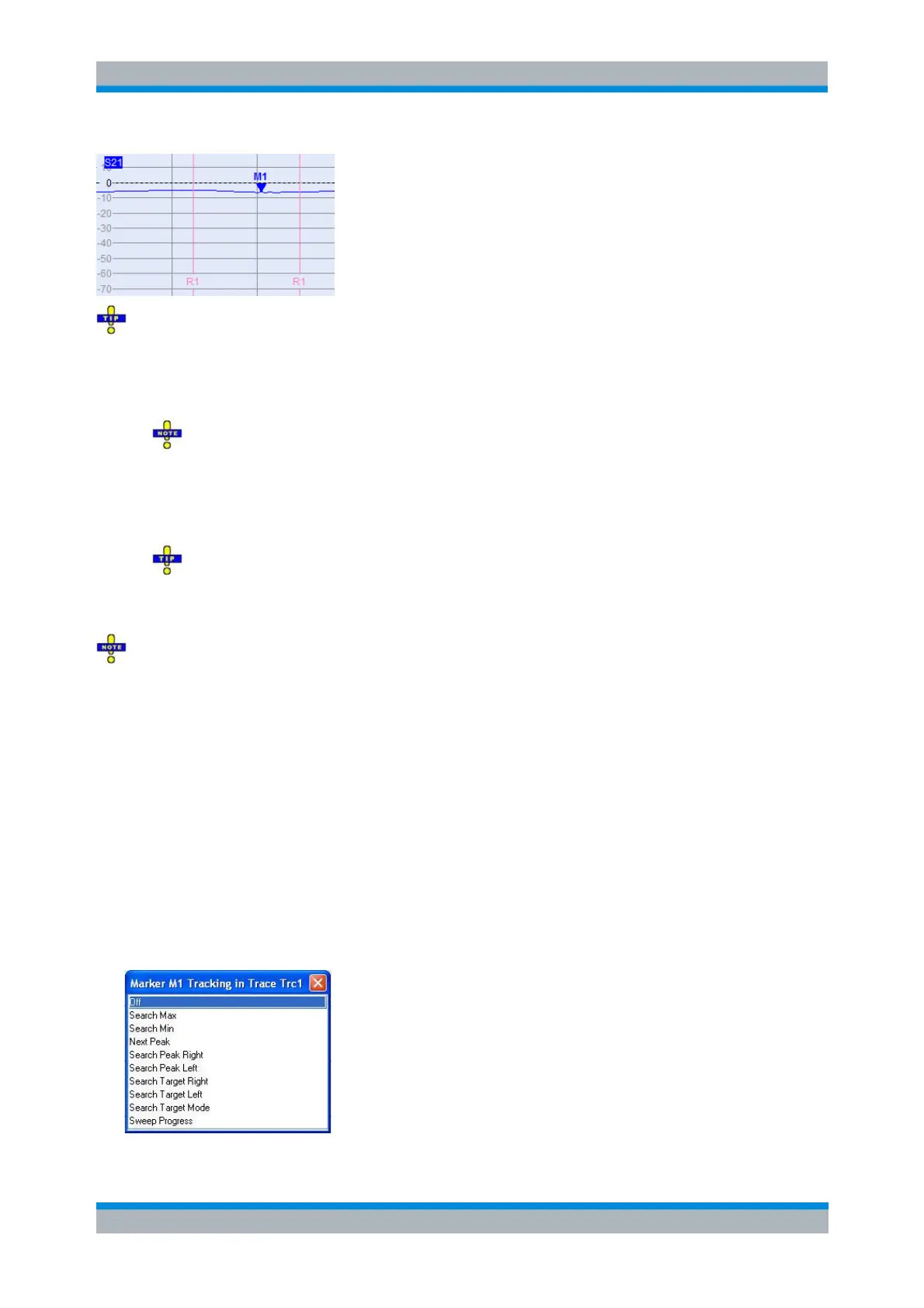
Range Limit Lines On is a channel setting, i.e. it not is limited to a particular trace, diagram, marker
or range.
Marker/On Marker selects one of the ten markers that can be assigned to a trace. If the selected
marker does not yet exist, it is created as soon as On is ticked. A newly created marker is
displayed in the center of the search range.
The search range of the last selected marker becomes the related channel's active range.
Search Range Selects the range confining the search range of the selected Marker and makes it
the active range of the related channel.
Note that the combo-box is only enabled, if the state of the related marker is On.
Start/Stop defines the lower/upper limit of the selected range.
Use the paste marker list for convenient entry of Start and Stop values.
Range Limit Lines On If enabled, the Start and Stop of the channel's active display range are
displayed as vertical lines whenever this channel becomes the active one.
The Start and Stop settings affect all search ranges and evaluation ranges that are defined using
this range.
CALCulate<Chn>:MARKer<Mk>:FUNCtion:DOMain:USER
CALCulate<Chn>:MARKer<Mk>:FUNCtion:DOMain:USER:STARt
CALCulate<Chn>:MARKer<Mk>:FUNCtion:DOMain:USER:STOP
CALCulate<Chn>:MARKer<Mk>:FUNCtion:DOMain:USER:SHOW
Marker Tracking
Causes the active minimum/maximum or target search of the active marker to be repeated after each
sweep: When tracking mode is active the marker typically changes its horizontal and its vertical position
as the measurement goes on.
Tracking for the different search modes is enabled or disabled in a selection box. Selecting a search mode
for tracking also activates this mode.



 To Next Page