R&S
®
ZVA / R&S
®
ZVB / R&S
®
ZVT GUI Reference
Trace Menu
Operating Manual 1145.1084.12 – 30 219
Search Range Dialog
Allows to create or delete markers for the active trace and to define a search range for each marker.
To create a marker, select it from the Marker combo-box and tick the On checkbox. Then, in the Modify
Search Range section, select a range for the marker search and use the input fields to modify the selected
range.
User-defined Ranges and Active Display Range
In addition to Full Span, representing the entire sweep range, there are 10 user-defined ranges per
channel, which can be assigned
to markers as search ranges and
to traces as evaluation ranges for trace statistics
The resulting search or evaluation range is the intersection of the assigned range with the current sweep
range.
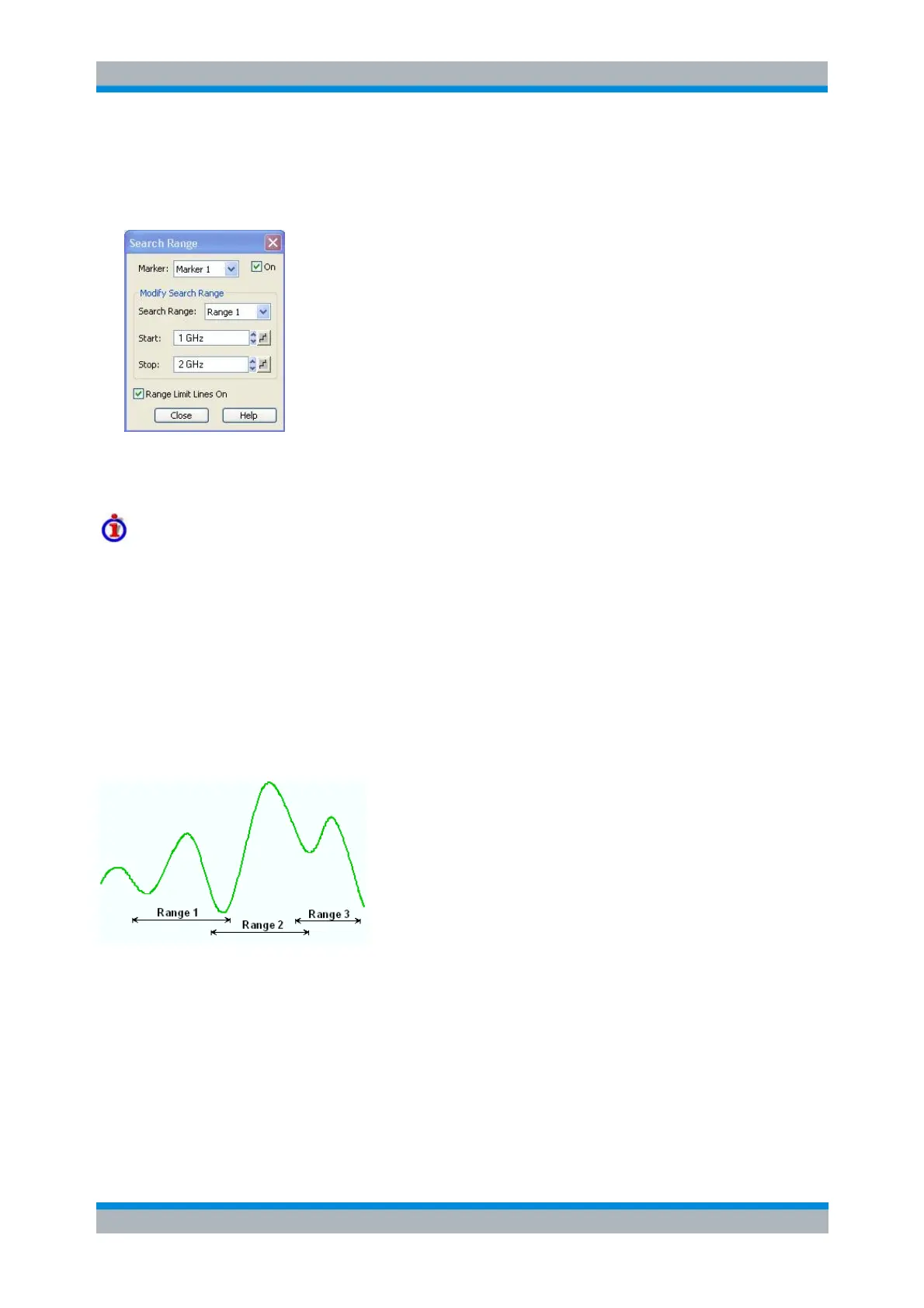
The analyzer provides the greatest flexibility in defining ranges. In particular, ranges may overlap or even
be identical. The following example shows how different search ranges can be used to search a trace for
several local maxima.
Whenever a range is assigned as search or evaluation range, it becomes the active display range of the
related channel.
A channel's Range Limit Lines On property defines whether or not the limits of the channel's active display
range are displayed as vertical lines, whenever this channel becomes the active one. If set to true, vertical
lines are displayed in the active diagram, provided that
the active display range is different from Full Span
the limits are inside the sweep range



 To Next Page