R&S
®
ZVA / R&S
®
ZVB / R&S
®
ZVT GUI Reference
Trace Menu
Operating Manual 1145.1084.12 – 30 209
Peak Search >
Sets the active marker to the next peak with higher stimulus value. If the active trace contains no markers,
a marker M 1 created to indicate the search result. The peak criteria are defined via Define Peak.
CALCulate<Chn>:MARKer<Mk>:FUNCtion:EXECute RPEak
CALCulate<Chn>:MARKer<Mk>:FUNCtion:RESult?
< Peak Search
Sets the active marker to the next peak with lower stimulus value. If the active trace contains no markers,
a marker M 1 created to indicate the search result. The peak criteria are defined via Define Peak.
CALCulate<Chn>:MARKer<Mk>:FUNCtion:EXECute LPEak
CALCulate<Chn>:MARKer<Mk>:FUNCtion:RESult?
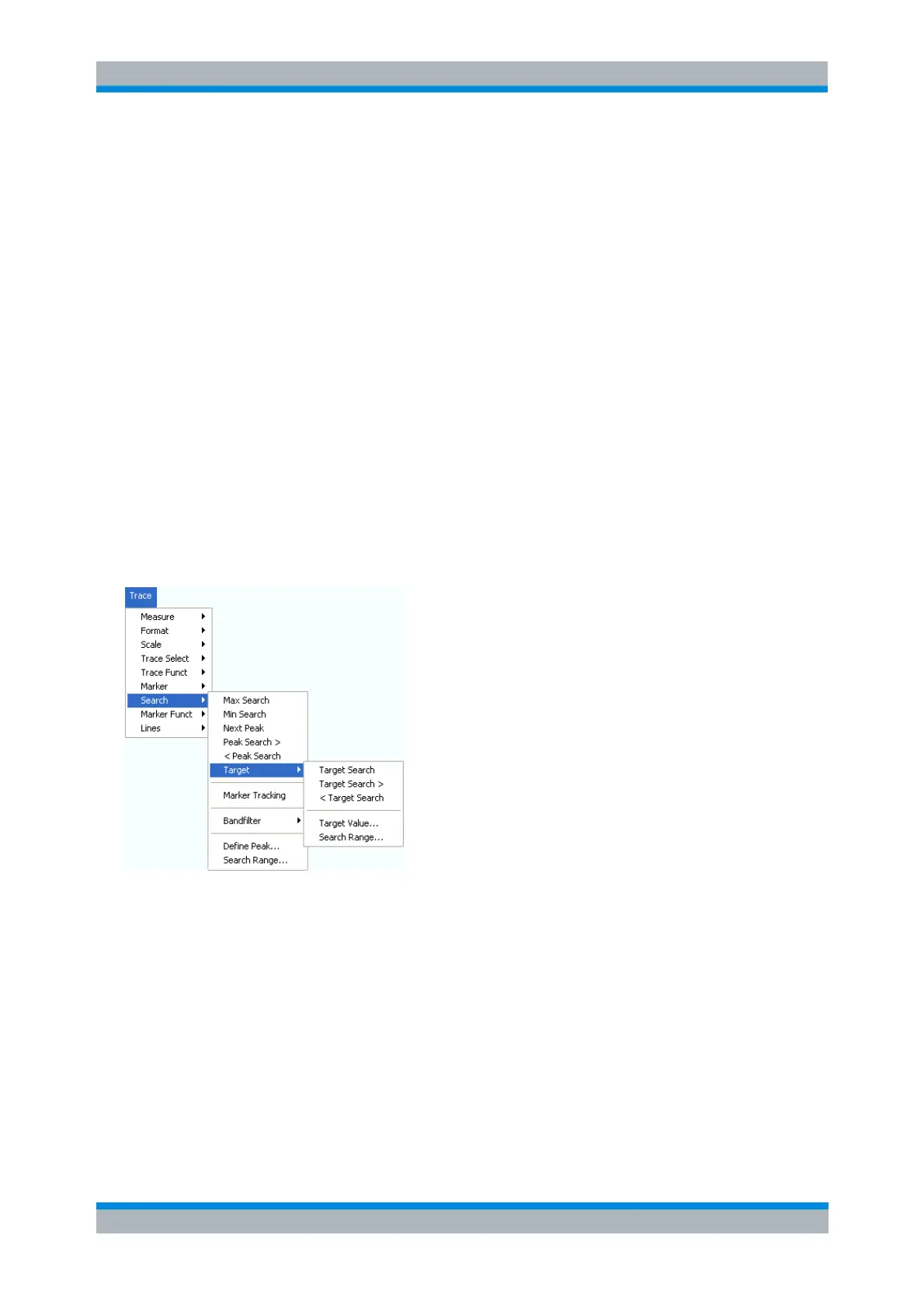
Target
Opens a submenu to search for a specific value on the trace.
Target Search activates the search for the target value.
Target Search > activates the search for the target value to the right of the active marker.
< Target Search activates the search for the target value to the left of the active marker.
Target Value specifies the target value.
Search Range confines the search to a subrange of the sweep.
Target Search
Activates the search and sets the active marker to the defined target value. If the active trace contains no
markers, a marker M 1 is created to indicate the search result.



 To Next Page