R&S
®
ZVA / R&S
®
ZVB / R&S
®
ZVT GUI Reference
Channel Menu
Operating Manual 1145.1084.12 – 30 242
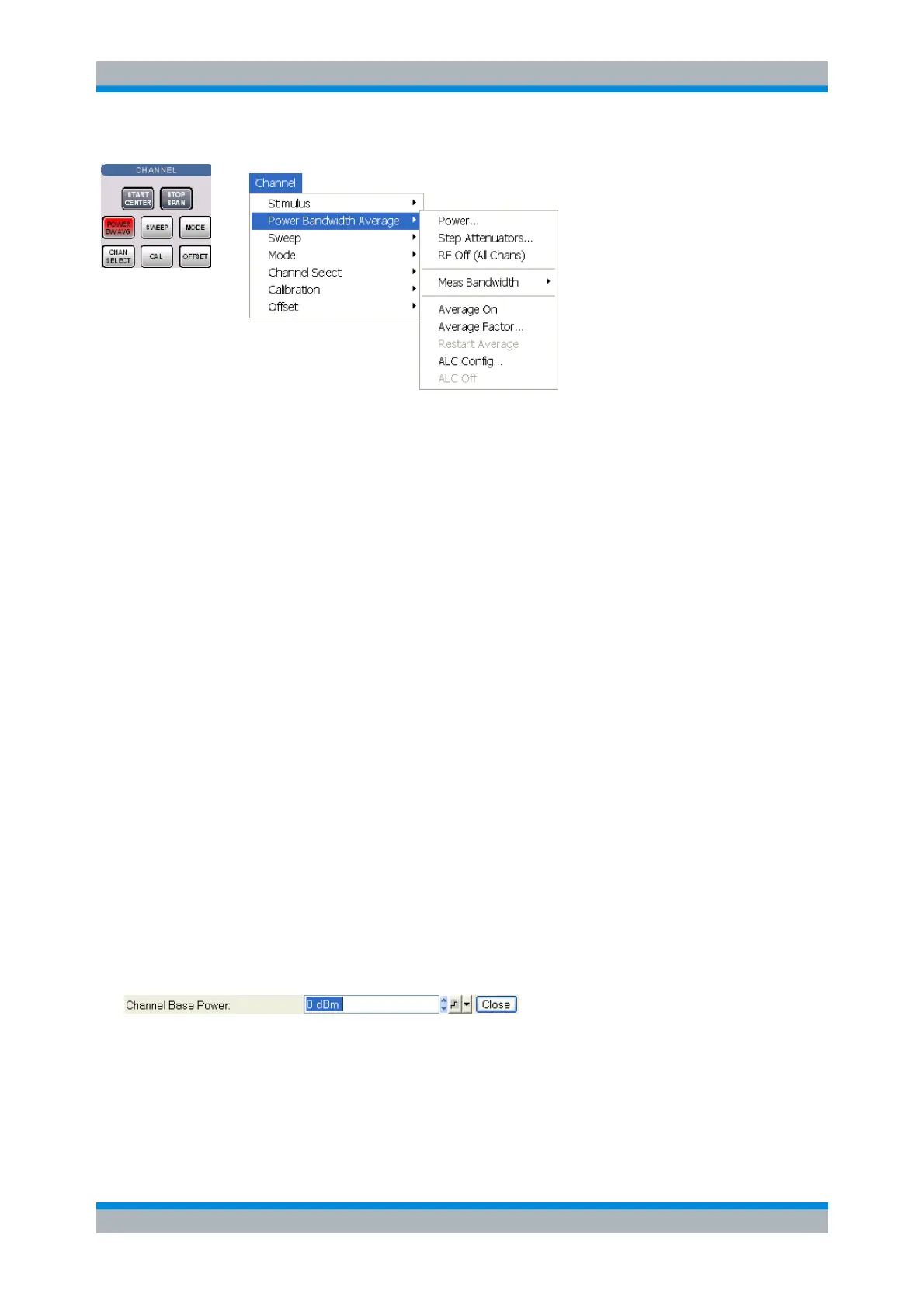
Power defines the power of the internal signal source.
Step Attenuators sets the attenuation for all received and generated waves.
Step Atten. b2 sets the attenuation for the received wave b2.
RF Off (All Chans) switches the internal and external power sources off (if checked) or on.
Meas Bandwidth selects the bandwidth of the IF measurement filter.
Average On activates or de-activates the sweep average. With average on the measurement
results are averaged over a selected number of consecutive sweeps (Average Factor).
Average Factor defines the number of consecutive sweeps to be averaged.
Restart Average starts a new average cycle, clearing all previous results and thus eliminating their
effect on the new cycle. The new cycle is started as fast as possible; an ongoing sweep is
terminated immediately.
ALC Config opens a dialog that allows to configure the Automatic Level Control (ALC) for the
current channel.
ALC Off disables/enables ALC for the current channel
Remote control
(for RF Off, averaging and ALC Off):
DIAGnostic:SERVice:RFPower
[SENSe<Ch>:]AVERage[:STATe] ON | OFF
[SENSe<Ch>:]AVERage:COUNt
[SENSe<Ch>:]AVERage:CLEar
SOURce:POWer:ALC:CSTate ON | OFF
Power
Opens the numeric entry bar to vary the power of the internal signal source (channel base power).
The Power setting determines the output power at the test ports if a Frequency Sweep, Time Sweep or
CW Mode Sweep is active; see background information below. It is unavailable if one of the following
sweep types is active:
A Power Sweep, where the source power is varied over a continuous range.
A Segmented Frequency sweep with segment-specific power settings.



 To Next Page