R&S
®
ZVA / R&S
®
ZVB / R&S
®
ZVT GUI Reference
Channel Menu
Operating Manual 1145.1084.12 – 30 246
INPut<Pt>:ATTenuation
[SENSe<Ch>:]POWer:ATTenuation ARECeiver | BRECeiver | CRECeiver |
DRECeiver, <attenuation>
OUTPut<Pt>:ATTenuation
SOURce<Ch>:POWer<Pt>:ATTenuation
SOURce<Ch>:POWer<Pt>:ATTenuation:AUTO ON | OFF
SOURce<Ch>:POWer<Pt>:ATTenuation:MODE AUTO | LNOise | MANual
SOURce<Ch>:POWer<Pt>:ATTenuation:AUTO:VALue?
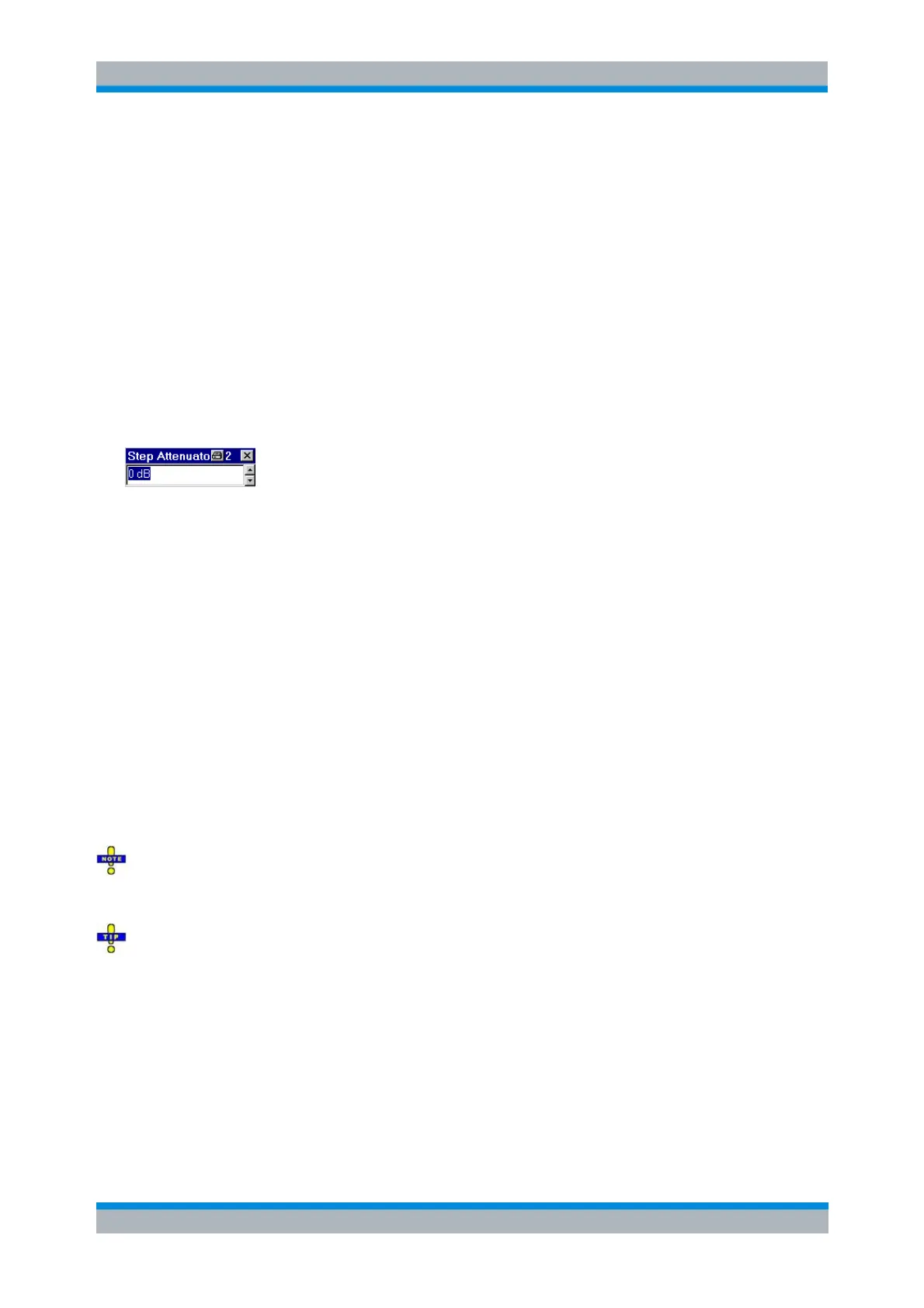
Step Atten. b2 (R&S ZVA Analyzers)
Opens the numeric entry bar to set the attenuation for the received wave b2. This function is available
only if a receiver step attenuator is installed at port 2.
The attenuation is used to adjust the received signal level at port 2 to the input level range of the analyzer
in order to avoid damage to the instrument, e.g. if the DUT is a power amplifier. The range of values
depends on the analyzer model.
Using a single step attenuation b2 corresponds to a standard test setup with 0 dB generator attenuation
and attenuation of the (amplified) wave received at test port 2. The attenuation factors for all received and
generated waves can be set via Step Attenuators.
INPut<Pt>:ATTenuation
[SENSe<Ch>:]POWer:ATTenuation ARECeiver | BRECeiver | CRECeiver |
DRECeiver, <attenuation>
RF Off
RF Off switches the internal and external power sources immediately off (if checked) or on. Switching off
the RF power helps to prevent overheating of a connected DUT while no measurement results are taken.
The exact behavior of RF Off is part of the system configuration; refer to the description of the Power tab.
After the RF power is switched on, the start of the measurement is delayed by approx. 1 s while the
amplifier stages of the analyzer are allowed to settle. To avoid this delay, reduce the base channel power
setting or turn off the drive ports in the Port Configuration dialog instead of using RF Off.
Switching off the internal RF generator while an external generator is used can improve the
measurement accuracy. RF Off also deactivates external generators, so you have to use the settings in
the Source section of the Port Configuration dialog (with option R&S ZVA-K4).
The RF sources must be switched on to perform a system error correction or a power calibration. In both
cases, the analyzer checks whether any of the required source ports is switched off and displays a
warning, if required.



 To Next Page