R&S
®
ZVA / R&S
®
ZVB / R&S
®
ZVT GUI Reference
File Menu
Operating Manual 1145.1084.12 – 30 102
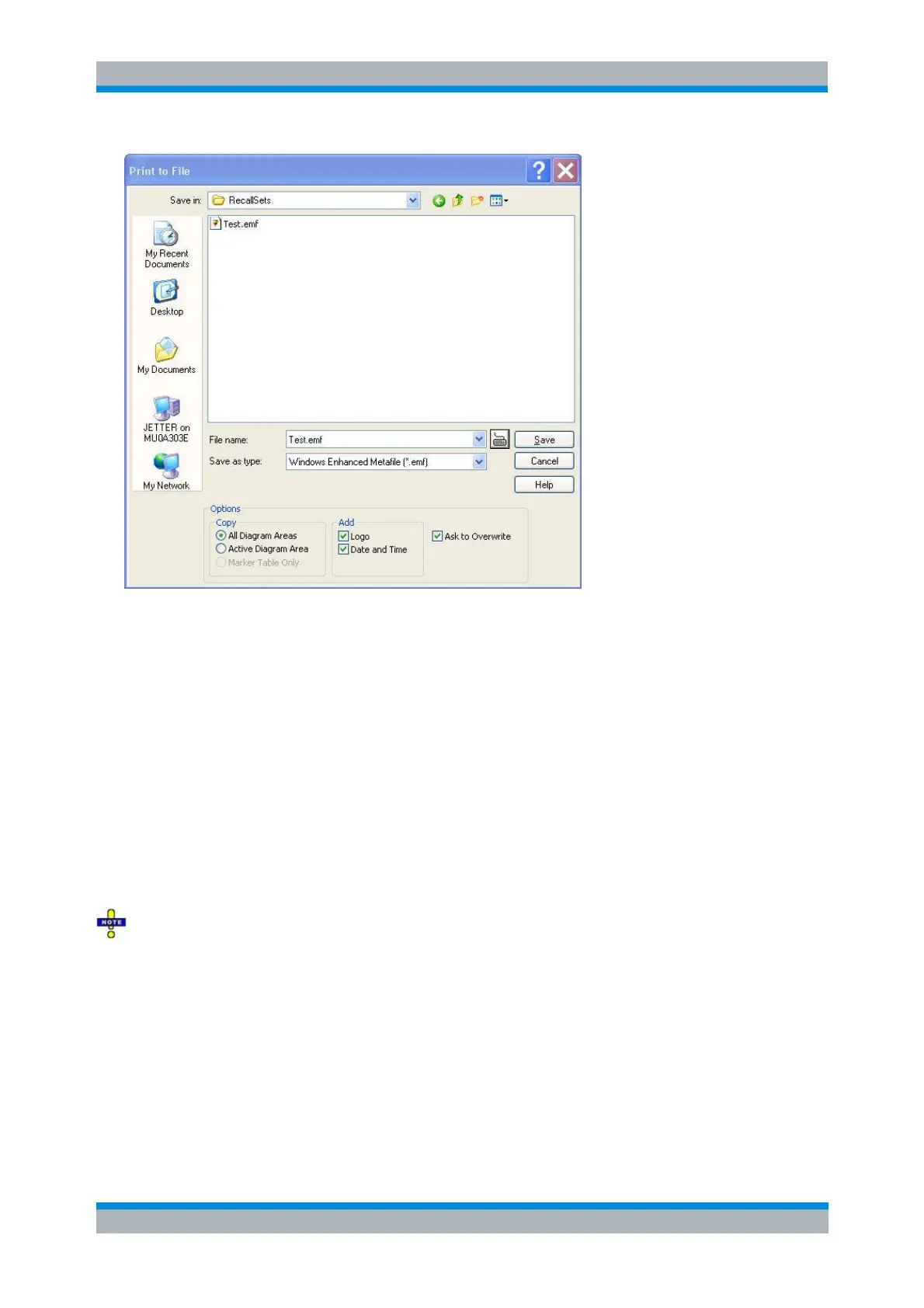
Save in specifies the drive and directory in which the screen contents are stored. The icons to the
right of the pull-down list are provided for easy navigation in the file system (place the cursor on
the icons to obtain What's this? help).
File Name specifies a file name to save the screen contents. The analyzer adds the extension
(e.g. *.emf) selected in the Save As Type box.
Save saves the screen contents in the selected file and directory and closes the dialog. The print
options are maintained and can be reused when Print to File is used for the next time.
Cancel closes the dialog without saving the screen contents.
The Options... panel provides options to specify whether the entire screen (All Diag. Areas) or a
portion of it (Active Diag. Area, Marker Table Only) is copied, whether or not the logo The default
R&S logo (file Logo.gif) is stored in the Resources\Images subdirectory of the NWA program
directory and can be replaced by another logo., date and time is placed above the selected
output, and whether the analyzer displays a message to be confirmed before overwriting an
existing file. The options are remembered when the dialog is closed.
After a file has been saved, the selected copy Options are also used if the screen is copied to the
clipboard.
HCOPy:DESTination 'MMEM'
HCOPy:DEVice:LANGuage
HCOPy:MITEM...
HCOPy:MPAGe:WINDow
HCOPY[:IMMediate].



 To Next Page