R&S
®
ZVA / R&S
®
ZVB / R&S
®
ZVT GUI Reference
System Menu
Operating Manual 1145.1084.12 – 30 526
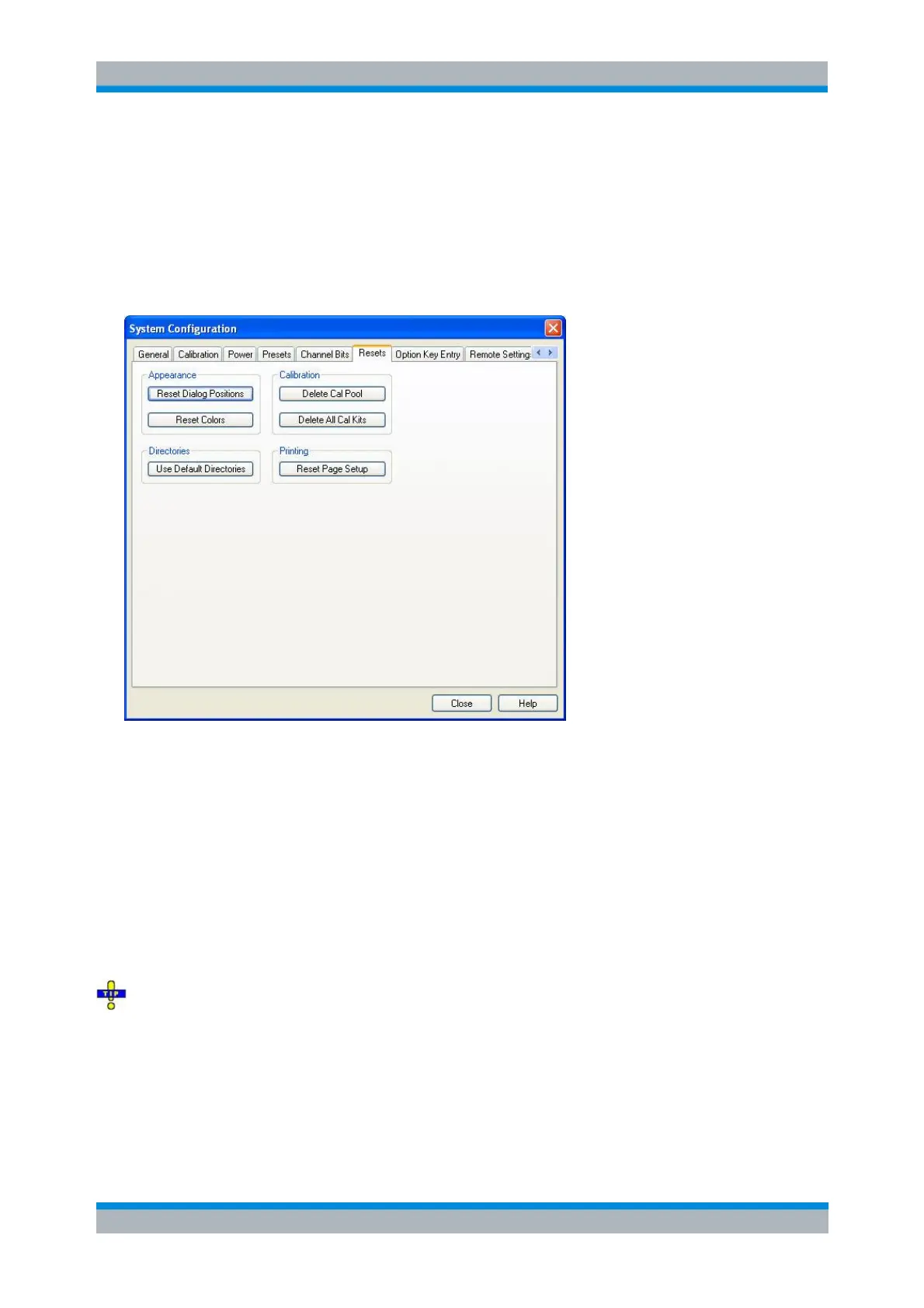
Resets
Provides several buttons to reset global instrument settings and properties. Global settings (e.g. the data
related to global resources) are not affected by an instrument Preset.
Option Key Entry
Provides an input field for the option key code supplied with each option. A new software option for the
network analyzer is enabled by entering the option key and pressing Install as described in the dialog.
Alternatively, it is possible to load the option key from the option key (*.xml) file. Use one of the following
methods:
Copy the *.xml file to the root directory of a memory stick accessible from your analyzer and press
Install.
Copy the *.xml file to the directory C:\Rohde&Schwarz\Nwa of the analyzer's hard disk and press
Install.
You can use several *.xml files in order to enable several options simultaneously. *.xml files on the
storage medium that are no option key files are ignored.



 To Next Page