R&S
®
ZVA / R&S
®
ZVB / R&S
®
ZVT GUI Reference
Trace Menu
Operating Manual 1145.1084.12 – 30 149
The Scale settings depend on the diagram type (Trace – Format) because not all diagrams can be scaled
in the same way:
In Cartesian diagrams, all scale settings are available.
In circular diagrams, no Scale/Div., no Ref. Position, and no Max and Min values can be defined.
The default scale is activated automatically when a display format (diagram type) is selected. Scale
settings that are not compatible with the current display format are disabled (grayed).
Relations between the scaling parameters
The scaling parameters Scale / Div, Ref Value, Ref Position, Max, Min are coupled together in the
following manner:
Max – Min = Scale / Div * <Number of graticule divisions>
Max = Ref Value when Ref Position is 10
Min = Ref Value when Ref Position is 0
The Marker Functions provide a convenient alternative to manual diagram scaling.
Autoscale
Adjusts the Scale Divisions and the Ref. Value in order to display the entire active trace in the diagram
area, leaving an appropriate display margin.
In Cartesian diagrams, the analyzer re-calculates the values of the vertical divisions so that the
trace fits onto 80% of the vertical grid. The reference value is chosen to center the trace in the
diagram.
In circular diagrams (Polar, Smith, Inverted Smith), the analyzer re-calculates the values of the
radial divisions so that the diagram is confined to approx. 80% of the outer circumference. The
reference value is set to the value of the outer circumference.
Autoscale does not affect the stimulus values and the horizontal axis.
DISPlay[:WINDow<Wnd>]:TRACe<WndTr>:Y[:SCALe]:AUTO ONCE
Autoscale All
Adjusts the Scale Divisions and the Ref. Value in order to display all traces in the diagram area, leaving an
appropriate display margin. This scale settings are analogous to the Autoscale function. The traces in the
active diagram area are taken into account irrespective of their channel assignment.
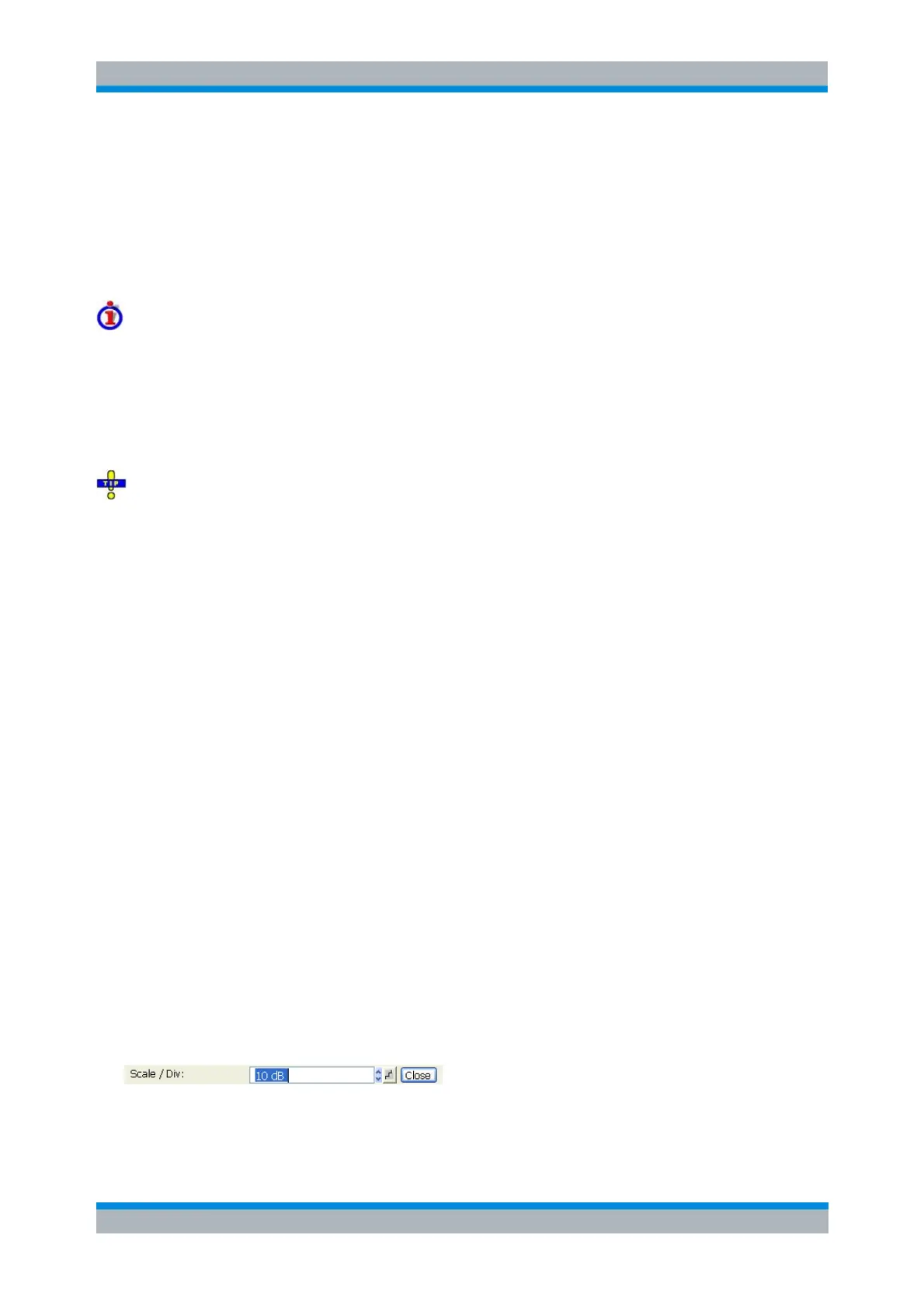
Scale Div.
Sets the value of the vertical diagram divisions in Cartesian diagrams.
Scale /Div corresponds to the increment between two consecutive grid lines. The unit depends on the
display format: dB for display format dB Mag, degrees for Phase and Unwrapped Phase, ns for Delay, U



 To Next Page