*RST; :SWE:POIN 10
Reset the instrument and reduce the number of sweep points to 10.
SOUR:POW:CORR:DEF ON
Enable a dummy source power calibration.
SOUR:POW:CORR:ACQ PORT,1
Perform a dummy source power calibration using port 1 as a source port.
SOUR:POW:CORR:DATA? 'A1'
Query the correction values. The analyzer returns 10 comma-separated real
numbers.
MMEM:STOR:CORR 1,'Calgroup_Ch1.cal'
Store the default source power calibration data to the calibration pool in the default
directory C:\Program Files\Rohde&Schwarz\Network Analyzer\Calibration\Data.
<Replace the generated file Calgroup_Ch1.cal with your external power
calibration data.>
MMEM:LOAD:CORR 1,'Calgroup_Ch1.cal'
Load the external data and apply them to channel 1 and port 1.
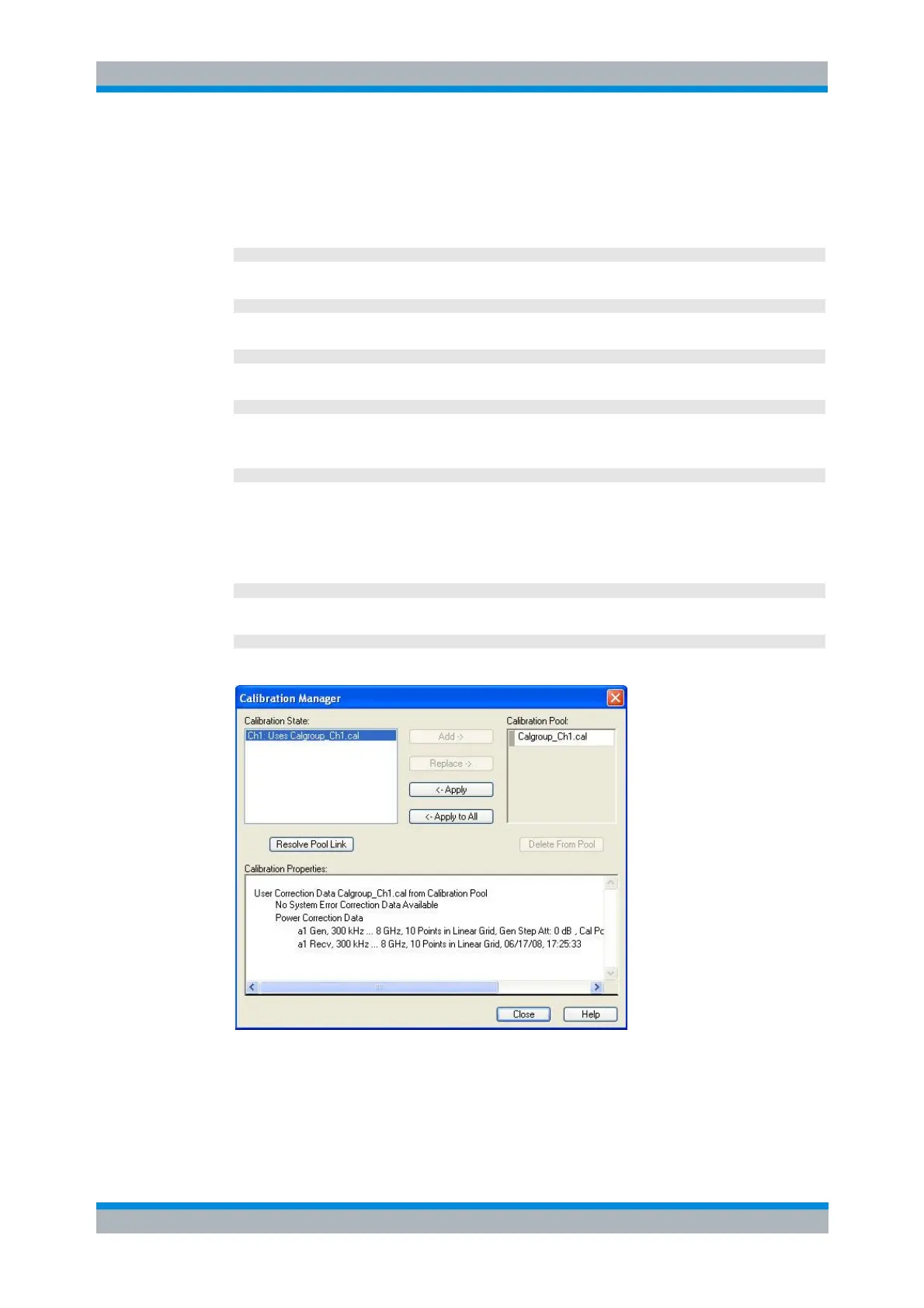
DISP:MENU:KEY:EXEC 'Cal Manager'
Open the Calibration Manager dialog to check the result of the previous actions.



 To Next Page