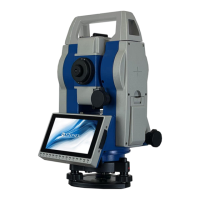
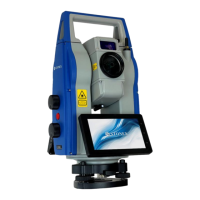
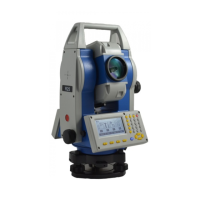
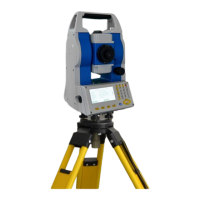
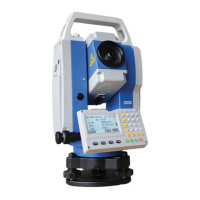
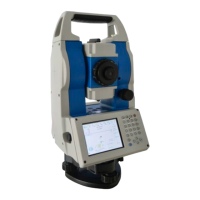
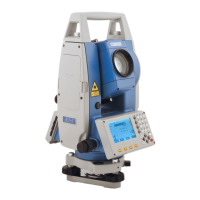
STONEX R2
tracking measurement mode is
selected, the factor offset of between
prism point and stake-out point can be
displayed at real time, which is of great
convenience.
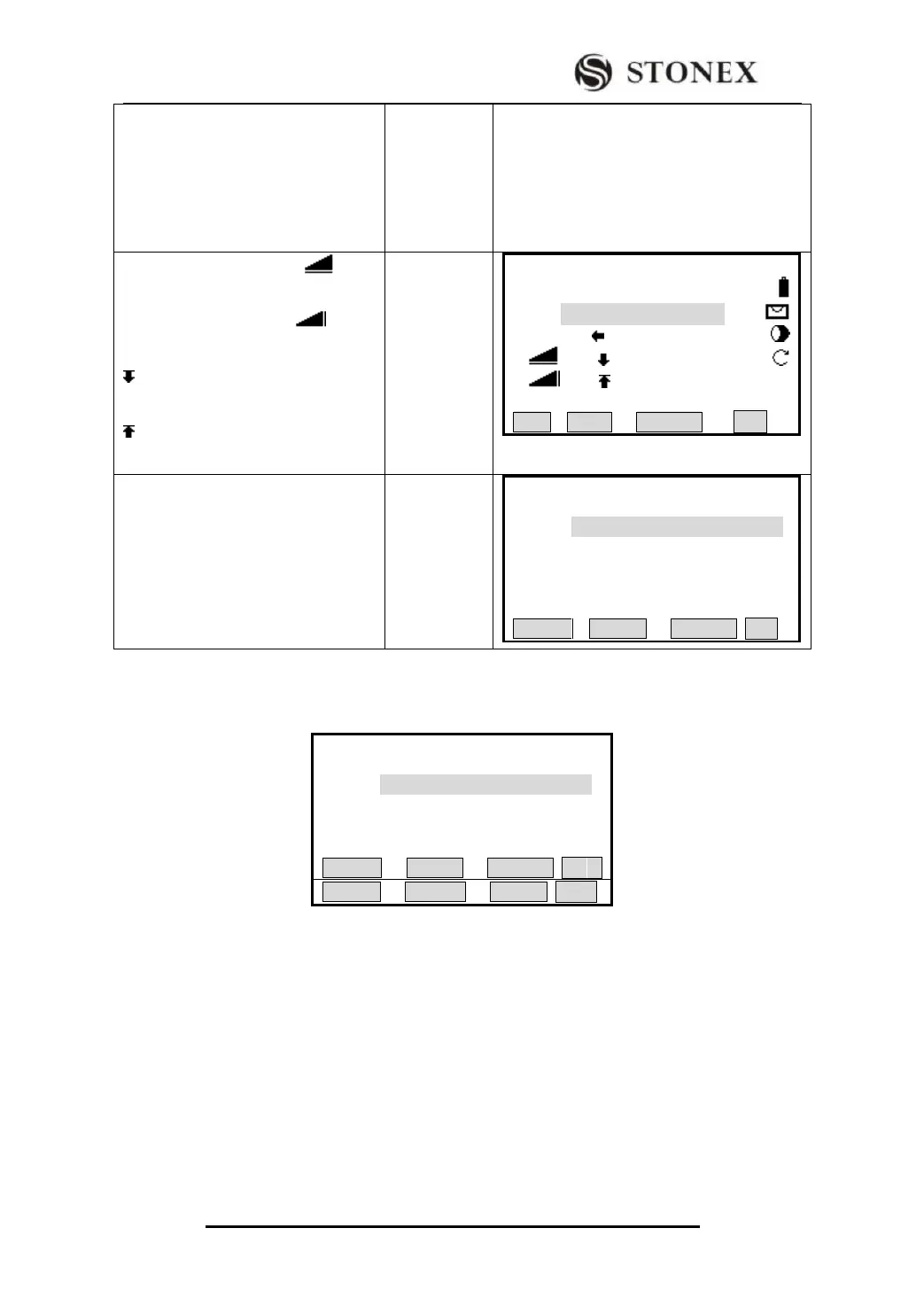
(11) As both △Hz and △ reads
0, it means that the current prism point
is the stake-out point.△ shows
the data of fill/cut.
:Means it needs to dig. The value is
the depth to dig.
:Means it needs to fill. The value is
height to fill.
【Alignment S-O】1/3 ▼
PtID: C100+0.0
R.HT: 2.000 m
△Hz : 00°00′00″
△ : 0.000 m
△ : 2.364 m Ⅰ
All DIST RECORD ↓
(12) After one point is staked out, press
[F4] to display Page 2 of soft keys.
Press [F3] (NextPt) to enter the
inputting screen of next chainage data;
Repeat StepS ⑥~(11) , to stake out
each featured point.
【Alignment S-O】
Chain.: 100.000 m
Offset: 0.000 m
HtDiff: 0.000 m
R.HT: 1.598 m
STAKE L_OFFS R_OFFS ↓
Explanation for the Alignment Stake-Out screen:
L_OFFS: This key is used to stake out left chainage. Press it to display the offset and
the height difference of the left chainage.
R_OFFS: This key is used to stake out right chainage. Press it to display the offset and
the height difference of the right chainage.
+CHAIN: The key is used to increase the chainage.
-CHAIN: The key is used to decrease the chainage.
SLOPE: The key is used to stake out slope.
Screen of Stake Out Function
【Alignment S-O】
Chain.: 100.000 m
Offset : 0.000 m
HtDiff: 0.000 m
R.HT: 1.598 m
STAKE L_OFFS R_OFFS ↓


 To Next Page