3
Evolution 200 Series Spectrophotometers
Spectrophotometer Basics
Thermo Scientific Evolution 200 Series User Guide 107
The z-height (distance from the bottom of the cell to the center of the light beam) for the
spectrophotometer is 8.5 mm.
Related Topics
Opening and Closing the Sample and Reference Compartment Doors
Local Control or Computer Control
INSIGHT Software
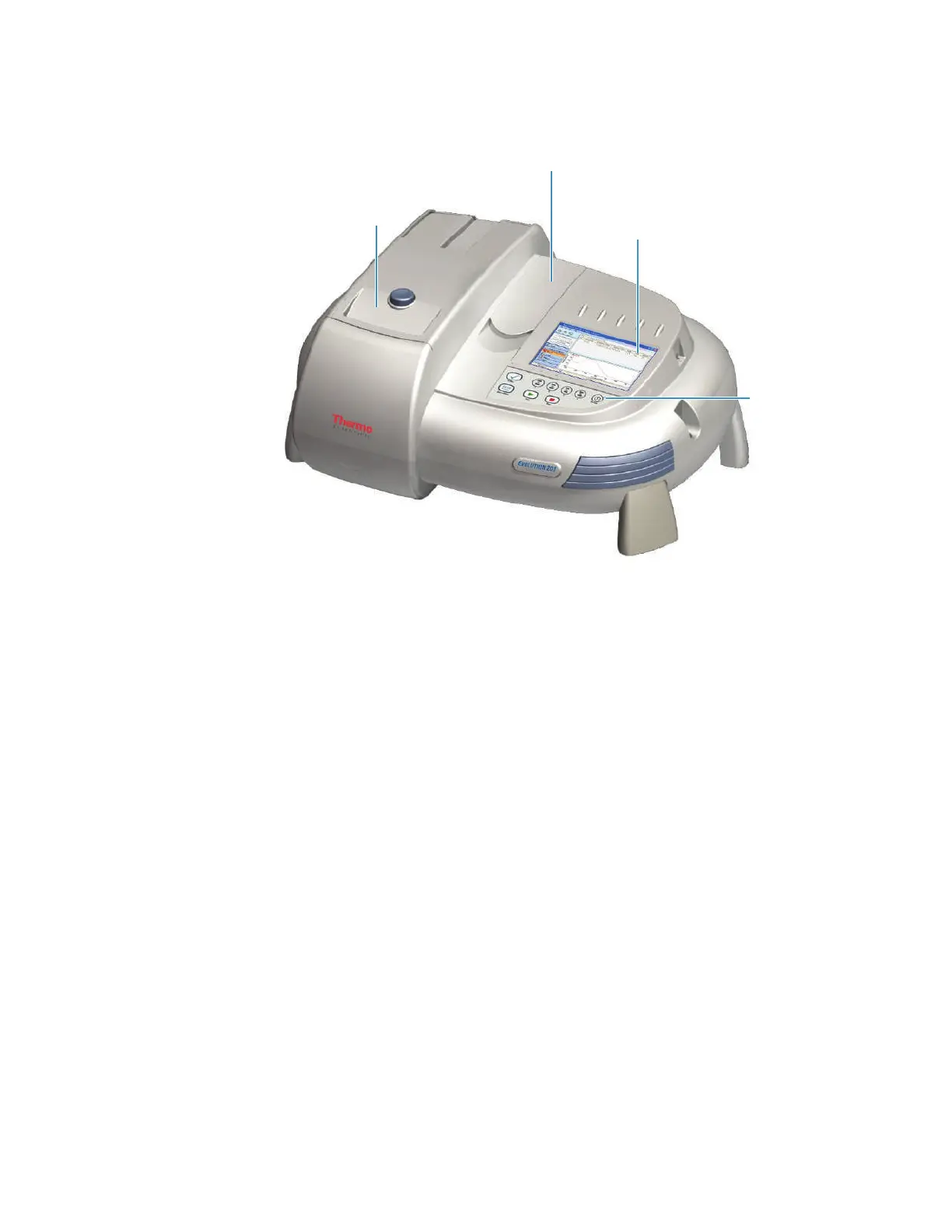
Keypad
To uc h sc r ee n
Opening and Closing the Sample and Reference Compartment Doors
To open the sample compartment, press the button on its door. To close the compartment,
slide the door forward until it latches.
To access the reference compartment, lift or lower the door.
Related Topics
Sample Compartment Front Panel
Tubing Access Panel
Optional touchscreen
Sample compartment
Keypad
Reference compartment









 To Next Page