4
Life Science Applications
Protein Biuret
Thermo Scientific Evolution 200 Series User Guide 223
To measure a sample again, right-click its row in the results table and choose Remeasure.
After the remeasurement, the previous information for the sample is crossed out (but not
removed from the table).
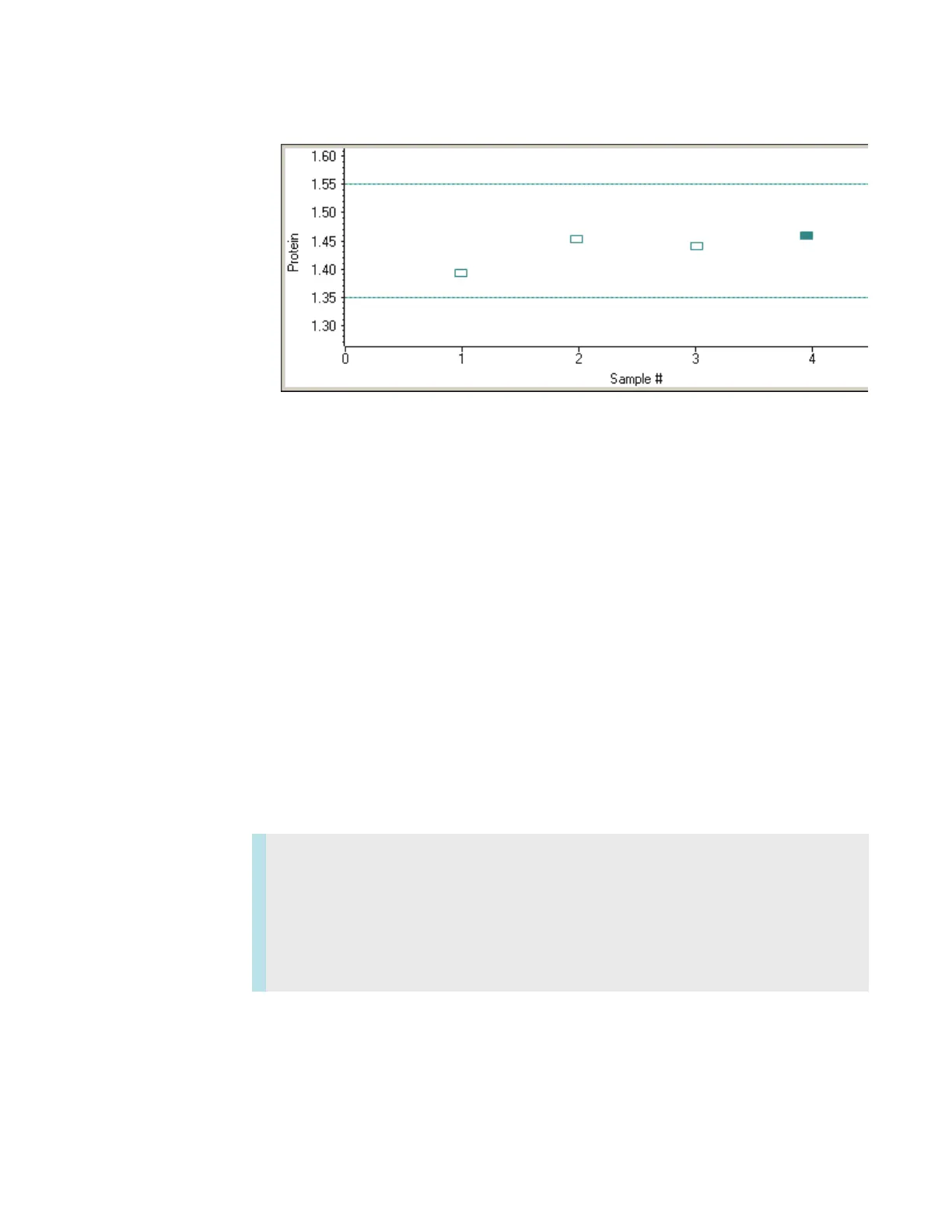
To copy the data on the Standard Curve(s) tab or Run Chart tab, right-click the plot and
choose Copy to Clipboard.
Related Topics
Overview
Application Settings
Pierce 660 nm Assay Workbooks
Standard Curves
Data Display
Protein Biuret
Contents
• Overview
• Application Settings
• Standard Curves
• Making Protein Biuret Assay Measurements









 To Next Page