2
INSIGHT Software
The INSIGHT Window
12 Evolution 200 Series User Guide Thermo Scientific
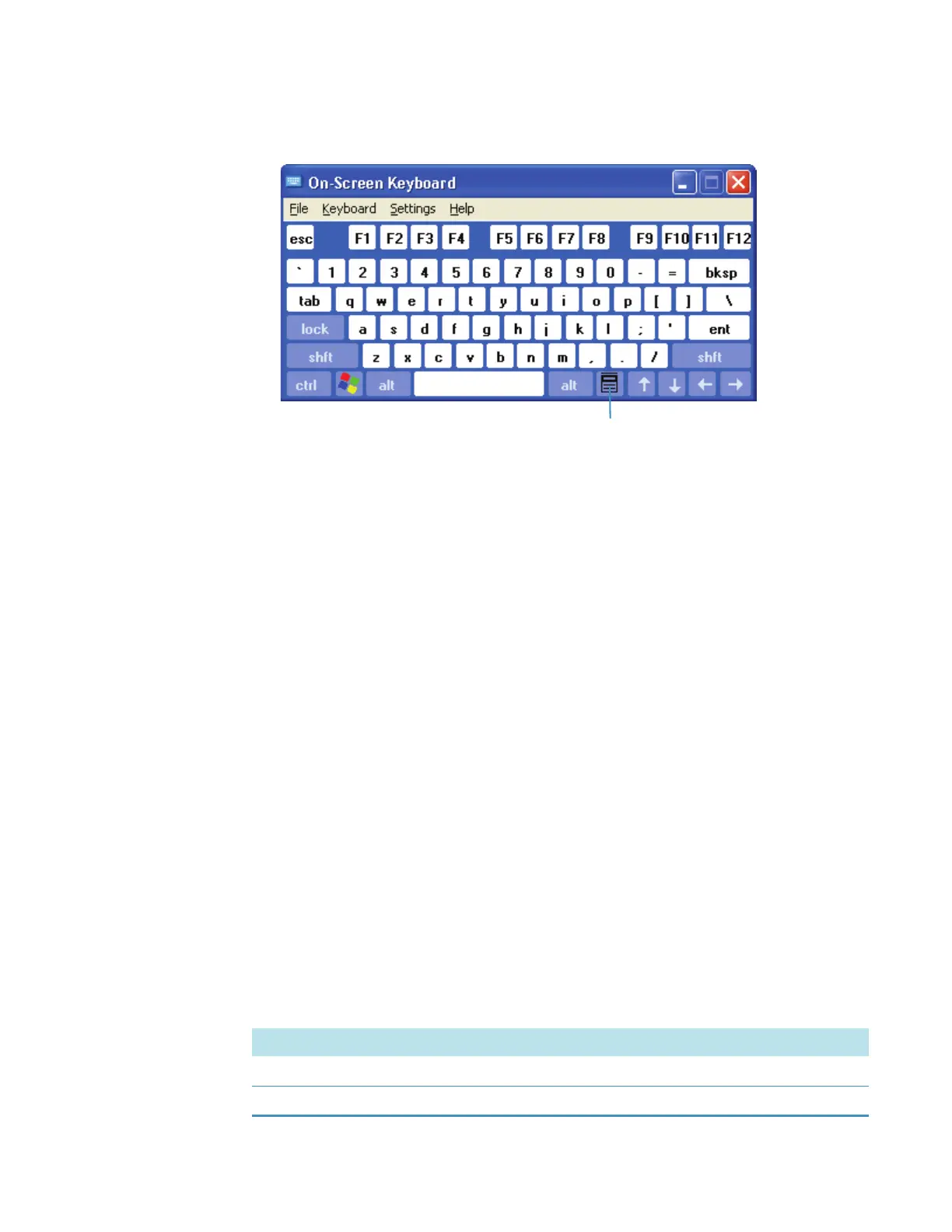
3. Click the key indicated below.
Related Topics
Navigation Pane
Right Pane
Menus
Instrument Status Monitors
Navigation Pane
The navigation pane at the left side of the window contains features for the current
application:
Task Buttons
Action Buttons
Other Navigation Pane Features
Related Topics
Right Pane
Menus
Task Buttons
The main task buttons (present when the software starts) provide access to basic operations:
Button Description
Home Gives access to user groups and their applications. (The default is Classic.)
My Data Provides tools for storing and retrieving data and other information.









 To Next Page