12
Calibrated Validation Carousel (CVC)
Thermo Scientific Evolution 200 Series User Guide 257
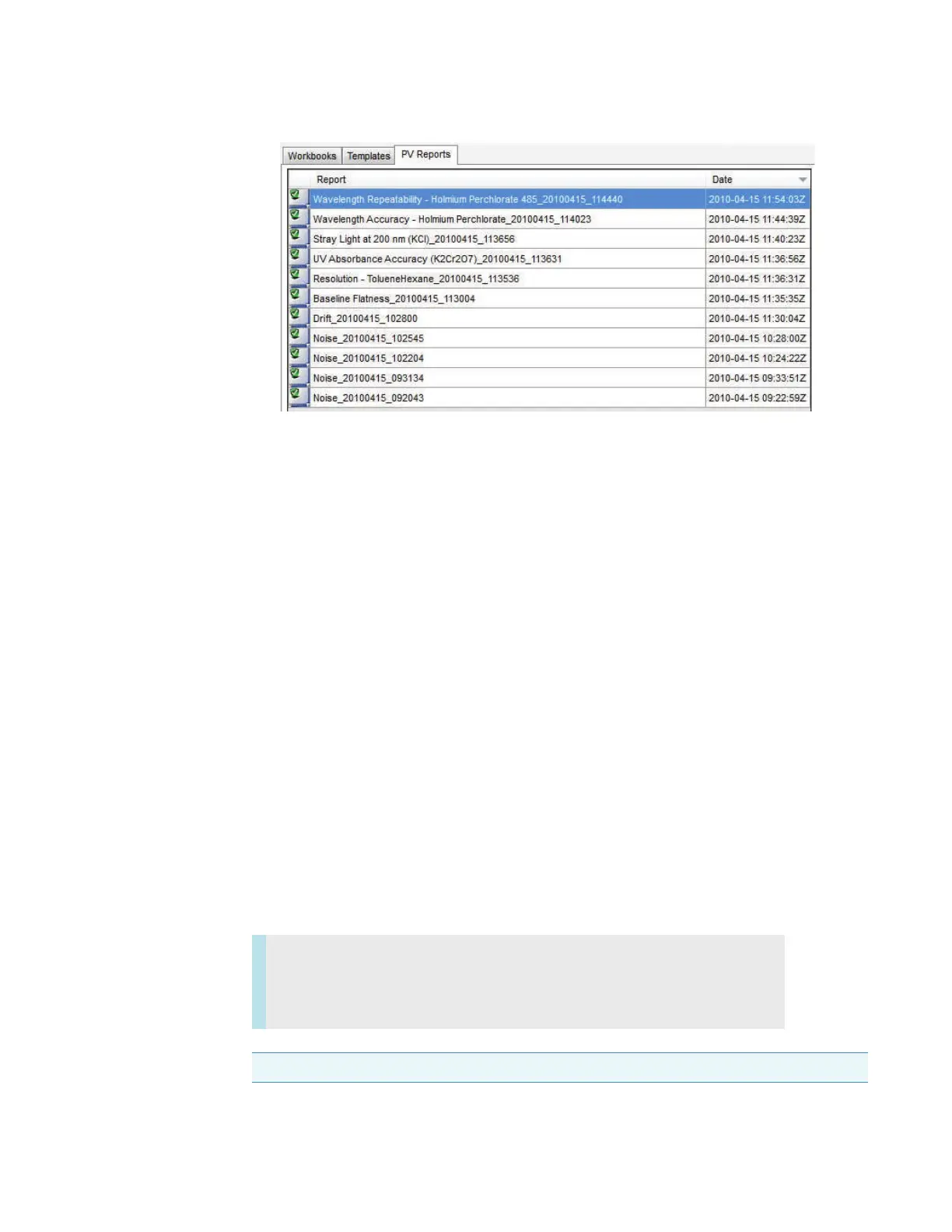
• To sort by Report or Date, click the column heading.
• To open a report, double-click the row.
• To combine reports, hold down Shift or Ctrl to select multiple rows, and then
double-click a selected row.
See My Data and Performance Verification for more information.
Related Topics
Installing the Carousel on the Smart Base Unit
Installing Complete CVC in the Instrument
Loading CVC Calibration Data
CVC Test Limits
Running Performance Verification Tests
CVC Test Results
Maintenance
Maintenance
Contents
• Routine Maintenance
• Recertification
NOTICE Do not touch the exposed surface of the standards in the CVC.









 To Next Page