15
Integrated Fiber Optic Module
Thermo Scientific Evolution 200 Series User Guide 267
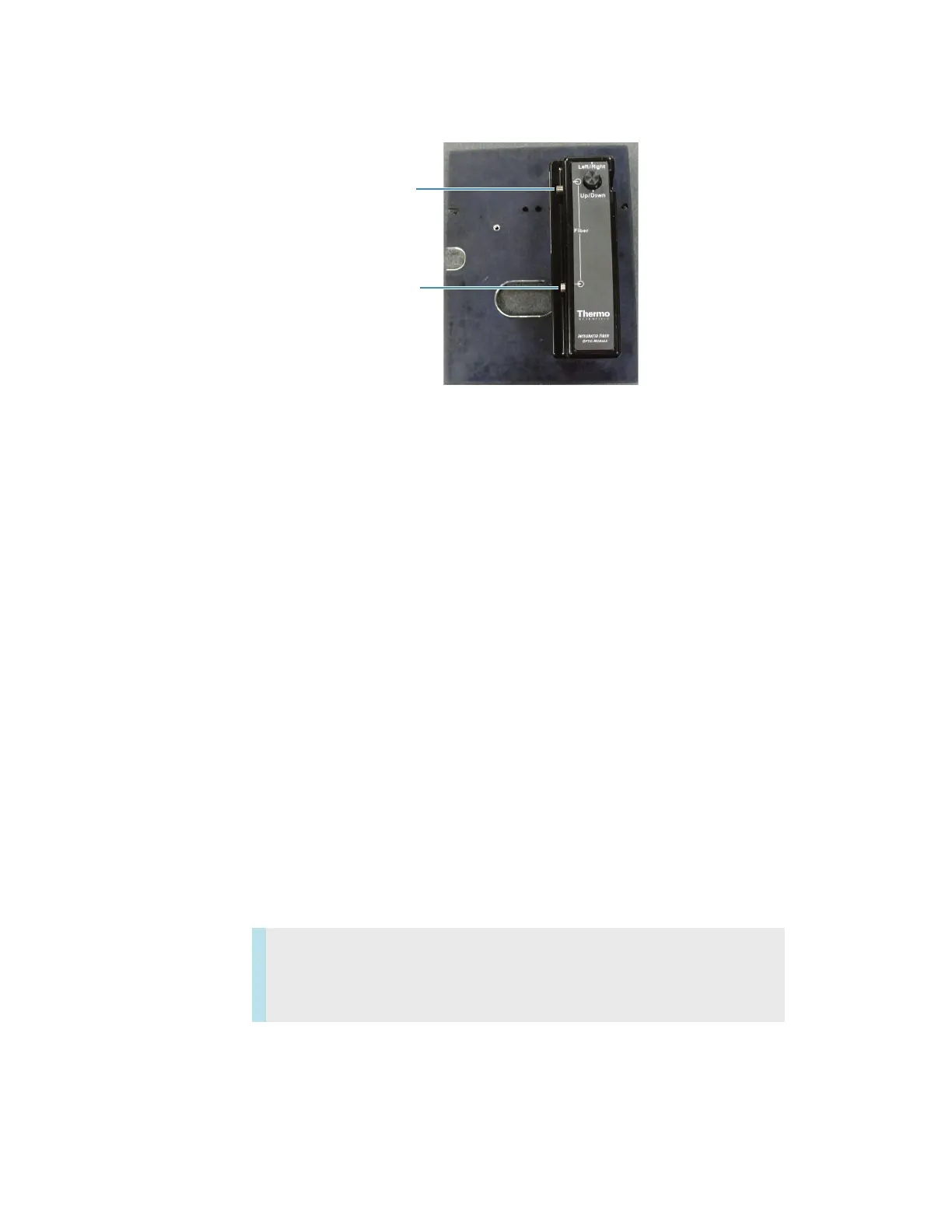
4. Attach the probe’s Light Output cable to the Light Input port on the accessory.
Related Topics
Installation
Aligning the Accessory
Operation
Follow the probe manufacturer’s recommendations for compatible samples and operating
procedures.
If the instrument has the AFBG option, in each application click Settings > Instrument and
set Bandwidth to Fiber.
Related Topics
Installation
Attaching Cables and Probes
Aligning the Accessory
Maintenance
Light Output port
Light Input port
Contents
• Routine Maintenance
• Aligning the Accessory









 To Next Page