3
Evolution 200 Series Spectrophotometers
Spectrophotometer Basics
112 Evolution 200 Series User Guide Thermo Scientific
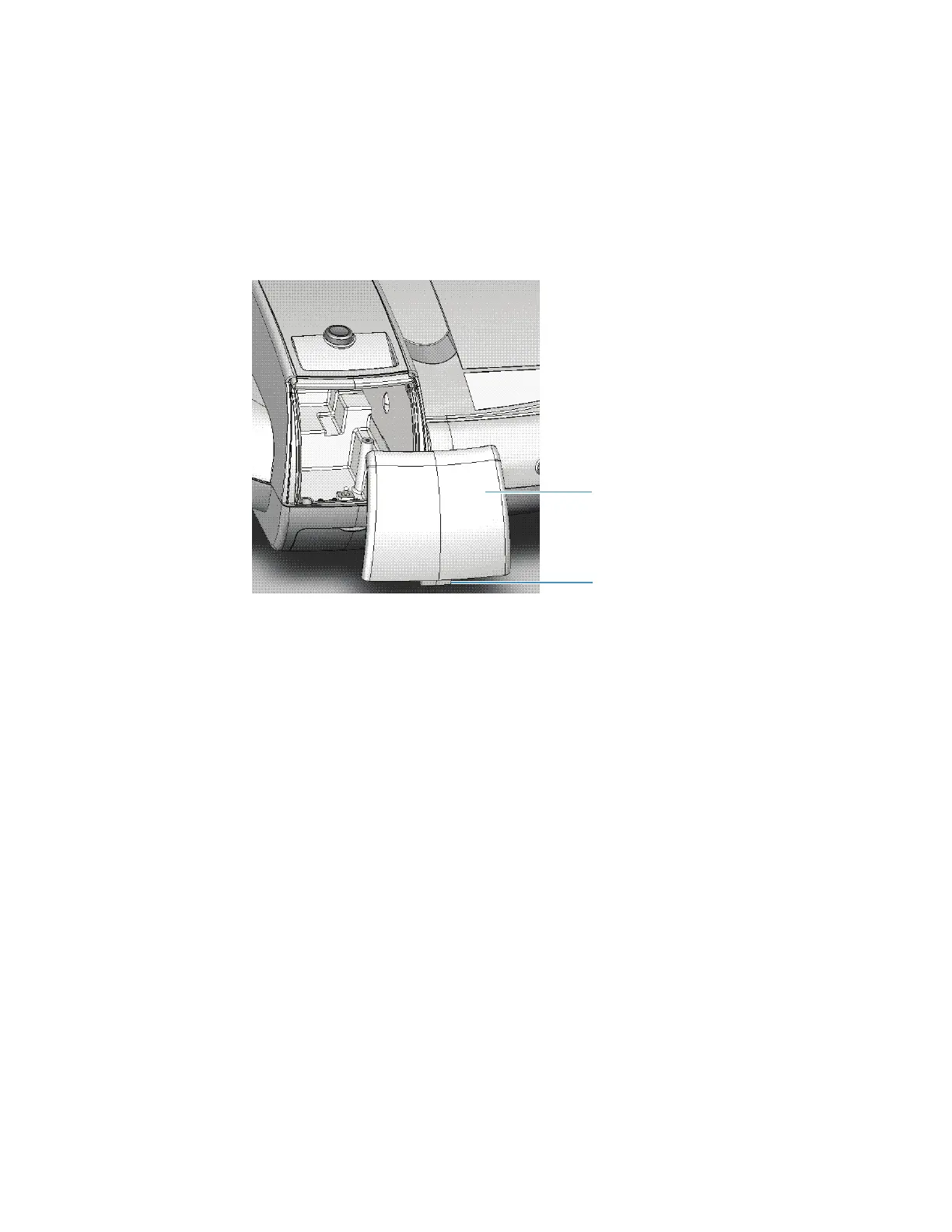
Sample Compartment Front Panel
To remove the front panel, open the sample compartment door and then pull the panel
forward and up to free it.
To replace the panel, align the tab on the bottom edge with the slot in the instrument cover
and press the panel in place.
Related Topics
Installing a Manual Accessory
Installing a Liquid Thermostatted Accessory
Installing a Smart Accessory
Tubing Access Panel
To access external ports for routing fluid from a recirculator to the instrument, remove the
panel below the sample compartment.









 To Next Page