3
Evolution 200 Series Spectrophotometers
Spectrophotometer Basics
116 Evolution 200 Series User Guide Thermo Scientific
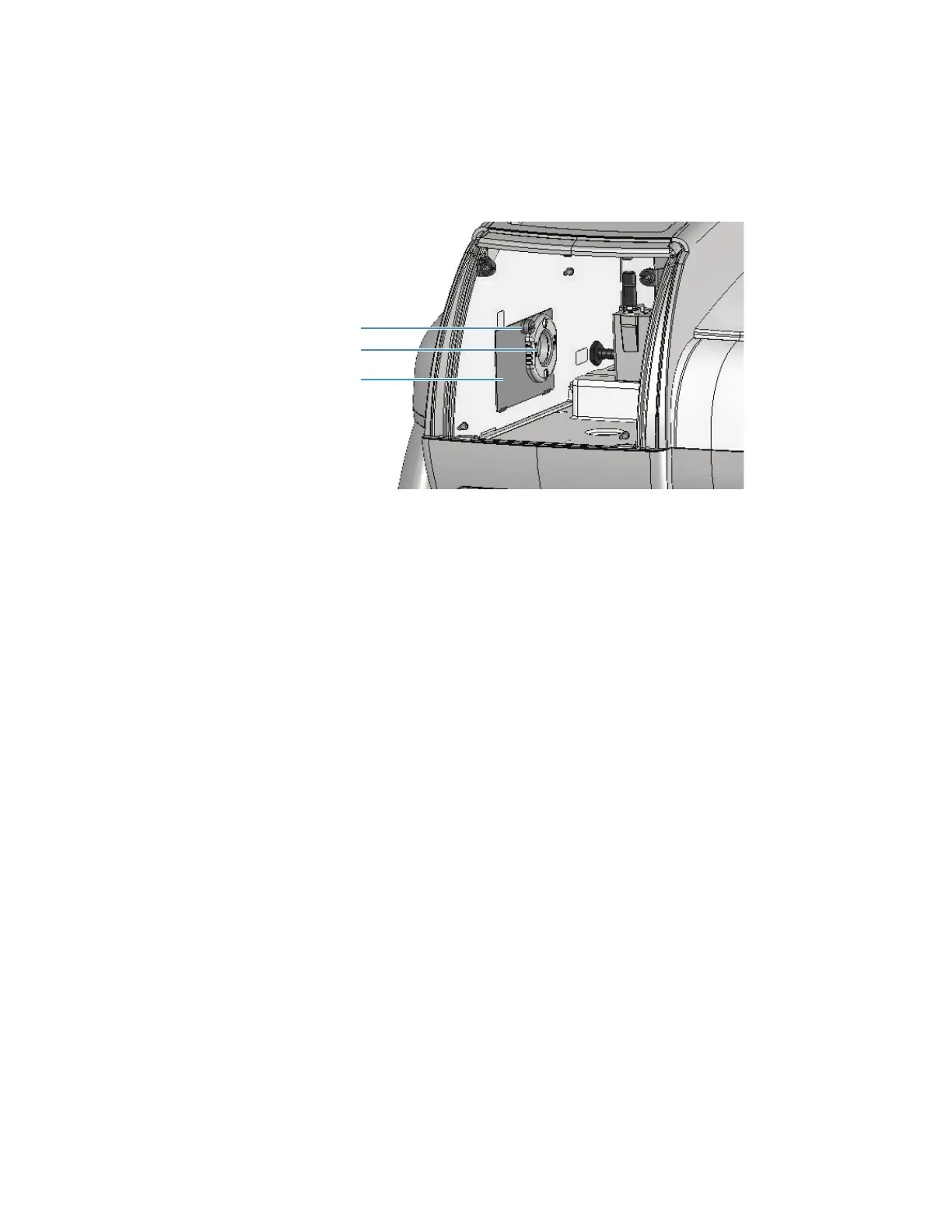
Detector Access Panel
To remove the panel between the detector and sample compartment, remove the sample
compartment window and then loosen the thumbscrew.
To replace the panel, hook the tabs on the bottom edge over the slots in the sample
compartment side wall and tighten the thumbscrew.
Related Topics
Removing and Installing the Detector Module
Detector Access Cover
Installing Sample Compartment Windows
Corrosion Protection
The spectrophotometer contains precise optical components that may be damaged by a
corrosive environment. Before using the instrument to analyze volatile, corrosive or caustic
samples, install the optional sample compartment windows and, if necessary, purge the sample
compartment.
Related Topics
Installing Sample Compartment Windows
Purging the Sample Compartment
Installing Sample Compartment Windows
The optional windows attach to the sample compartment side walls using magnets.
Removable panel
Thumbscrew
Window (optional)
Thumbscrew









 To Next Page