21
Probe Handling and Maintenance
Thermo Scientific Evolution 200 Series User Guide 333
To install a probe, follow instructions for your instrument. See Attaching Cables and Probes.
If the probe has a remote start cable, plug the connector into the Trigger port on the
spectrophotometer. See Connectors.
Related Topics
Safety Considerations
Operating Precautions
Operation
Maintenance
Operation
Follow the probe manufacturer’s recommendations for compatible samples and operating
procedures.
Related Topics
Safety Considerations
Operating Precautions
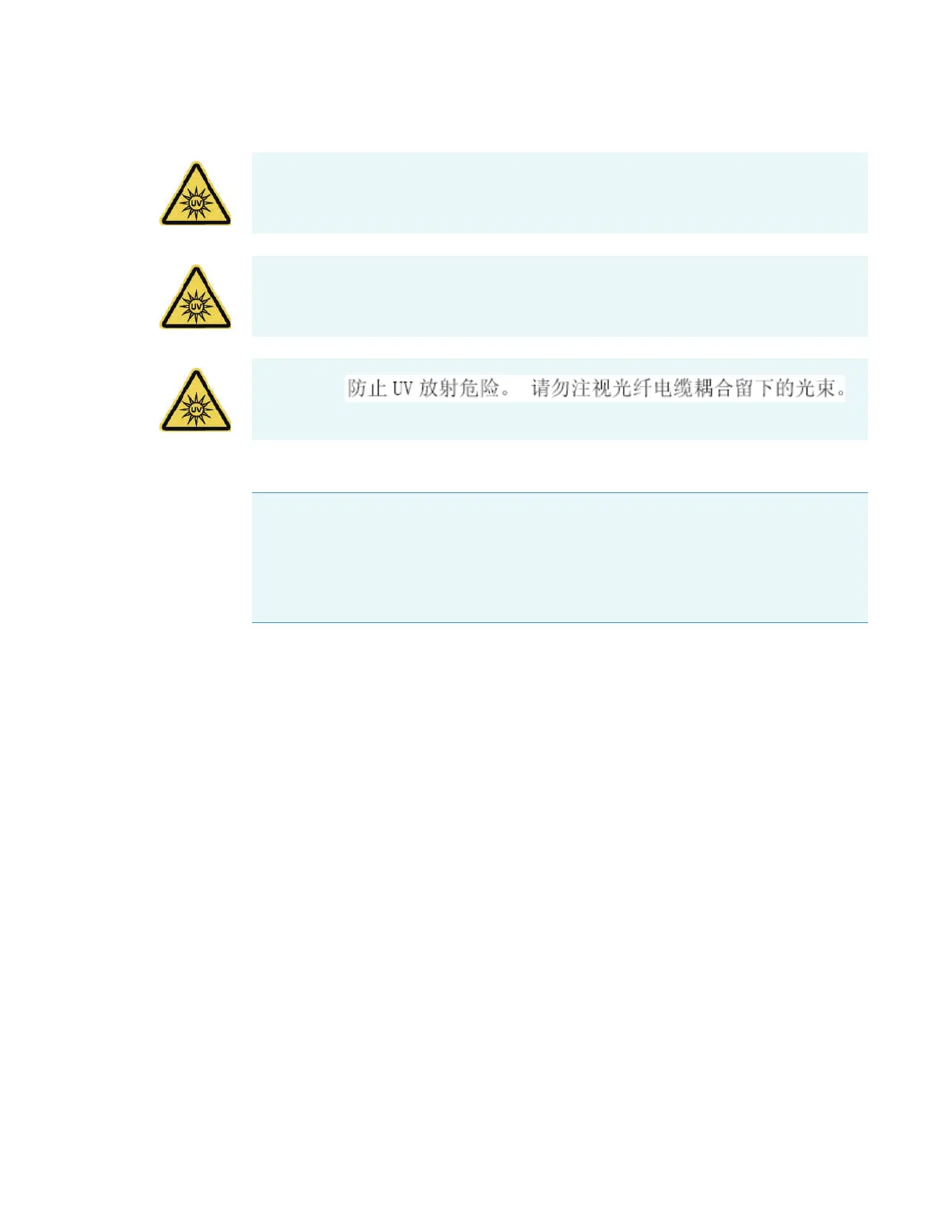
AVVERTENZA Evitare il rischio di radiazioni UV.Non fissare il raggio di luce che esce dal
cavo a fibre ottiche accoppiato.
ADVERTENCIA Evite el riesgo de radiación ultravioleta.No mire al rayo luminoso que sale
de un cable de fibra óptica acoplado.
WARNING
NOTICE When attaching fiber optic cables to the accessory ports, avoid:
• Twisting or bending the cable.
• Touching the tips with your fingers.
• Overtightening or using tools to tighten the connectors.









 To Next Page