19
TPS-1500W Sealed Peltier Recirculator
Thermo Scientific Evolution 200 Series User Guide 301
Wait one minute for the recirculator to warm up. A water level alarm typically occurs
because the tubing and reservoir in the thermostatted accessory have increased the
capacity.
8. If a water level alarm occurs, turn off the recirculator, disconnect the inlet (or outlet) tube
and fill the reservoir. See Filling the Reservoir.
9. Reconnect the tube and turn on the recirculator.
10. If a water level alarm occurs again, repeat steps 8 and 9.
The recirculator may be operated manually (see Operation) or remotely through an RS-232
or USB connection.
Related Topics
General Safety Information
Product Description
Preinstallation
Operation
Maintenance
Troubleshooting
Operation
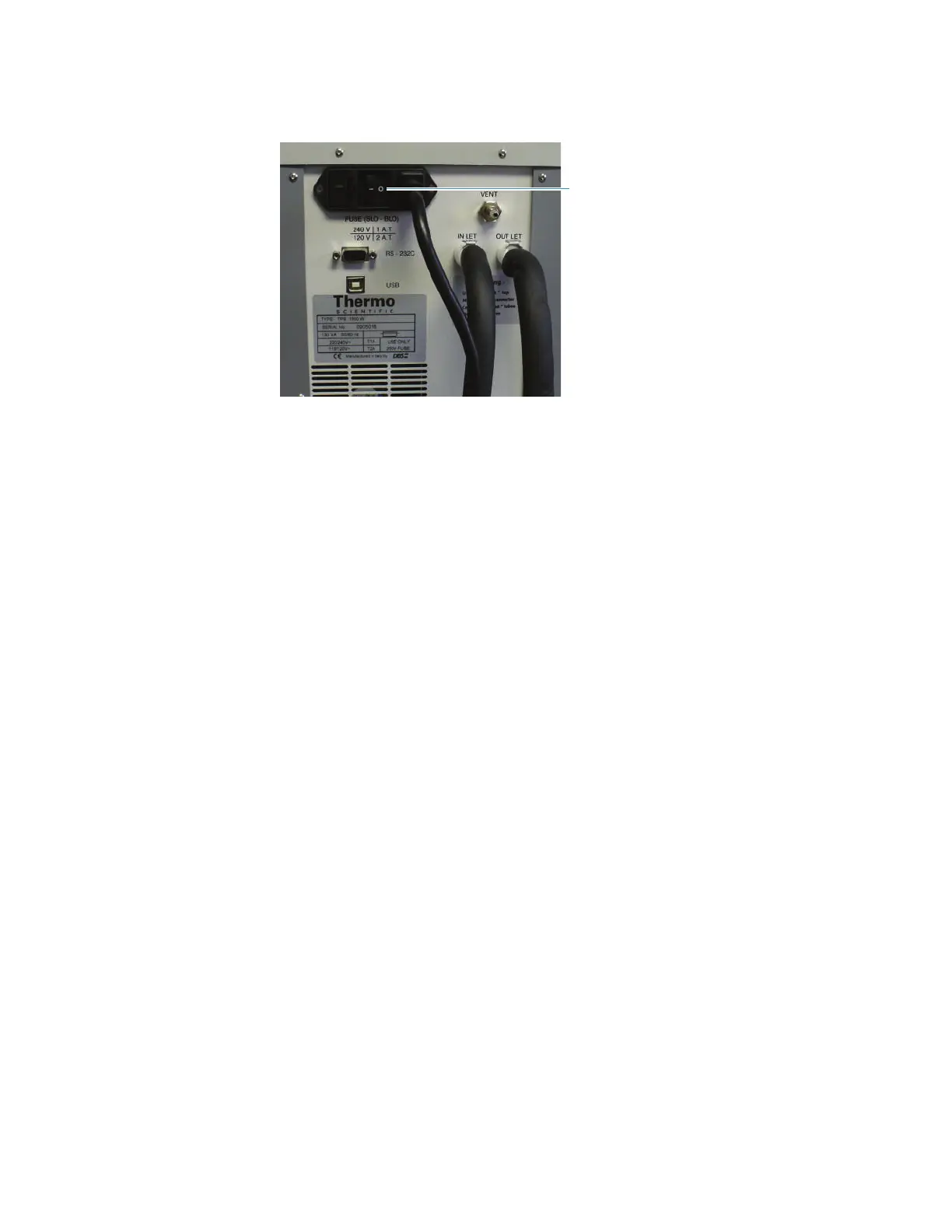
To start the recirculator, turn on the power switch on the back panel. The display appears in
one of three modes:
• Stand-By mode
• Normal mode









 To Next Page