12
Calibrated Validation Carousel (CVC)
Thermo Scientific Evolution 200 Series User Guide 255
3. Click Run.
The status window shows the data and progress.
To end the tests before they are finished, click Stop.
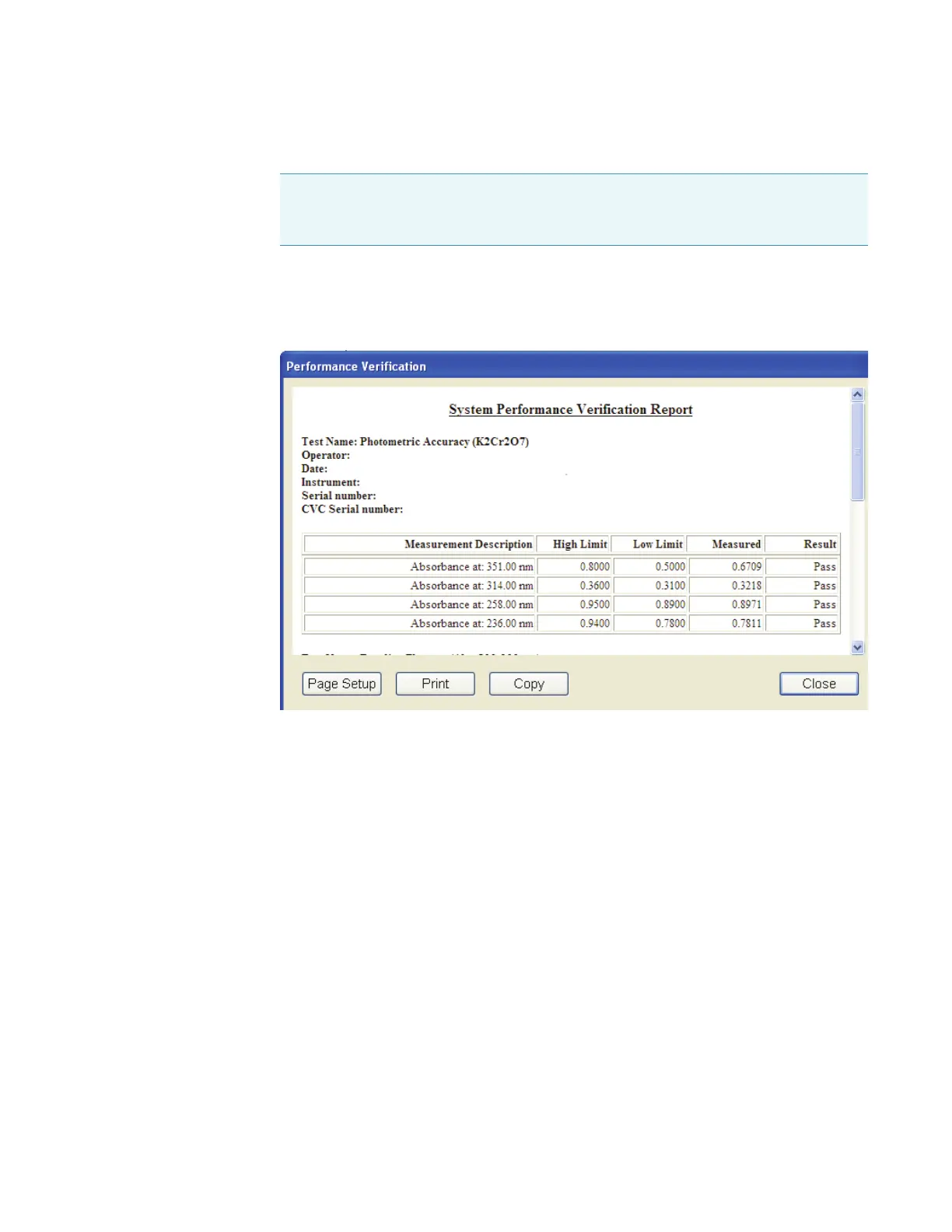
When all the tests are completed, a dialog box shows the report.
The report can be printed or copied. A signature block appears at the end.
The report is saved automatically and appears on the PV Reports tab in My Data. See
Viewing CVC Test Reports for details.
4. Click Close.
Related Topics
Installing the Carousel on the Smart Base Unit
Installing Complete CVC in the Instrument
Loading CVC Calibration Data
CVC Test Limits
CVC Test Results
Viewing CVC Test Reports
Note If the serial number of the CVC carousel does not match the serial number
stored with the current calibration data for the CVC type, an error message appears.
See Loading CVC Calibration Data.









 To Next Page