3
Evolution 200 Series Spectrophotometers
Using the Spectrophotometer
130 Evolution 200 Series User Guide Thermo Scientific
Turning off a Local Control Instrument
Y To turn off the instrument
1. Close INSIGHT software.
2. Press the Power button on the keypad.
3. Respond to the prompt to shut down Windows software.
4. If necessary, turn off the spectrophotometer main power switch (on the back panel).
Related Topics
Setting up a Local Control instrument for touchscreen operation
Setting up a Local Control instrument for remote operation
Computer Control Instruments
Keypad Operation
Use the keypad to perform the following operations.
Tip For routine use, leave the power switch on the instrument back panel in the On
position and use the Power button on the keypad to turn the instrument off.
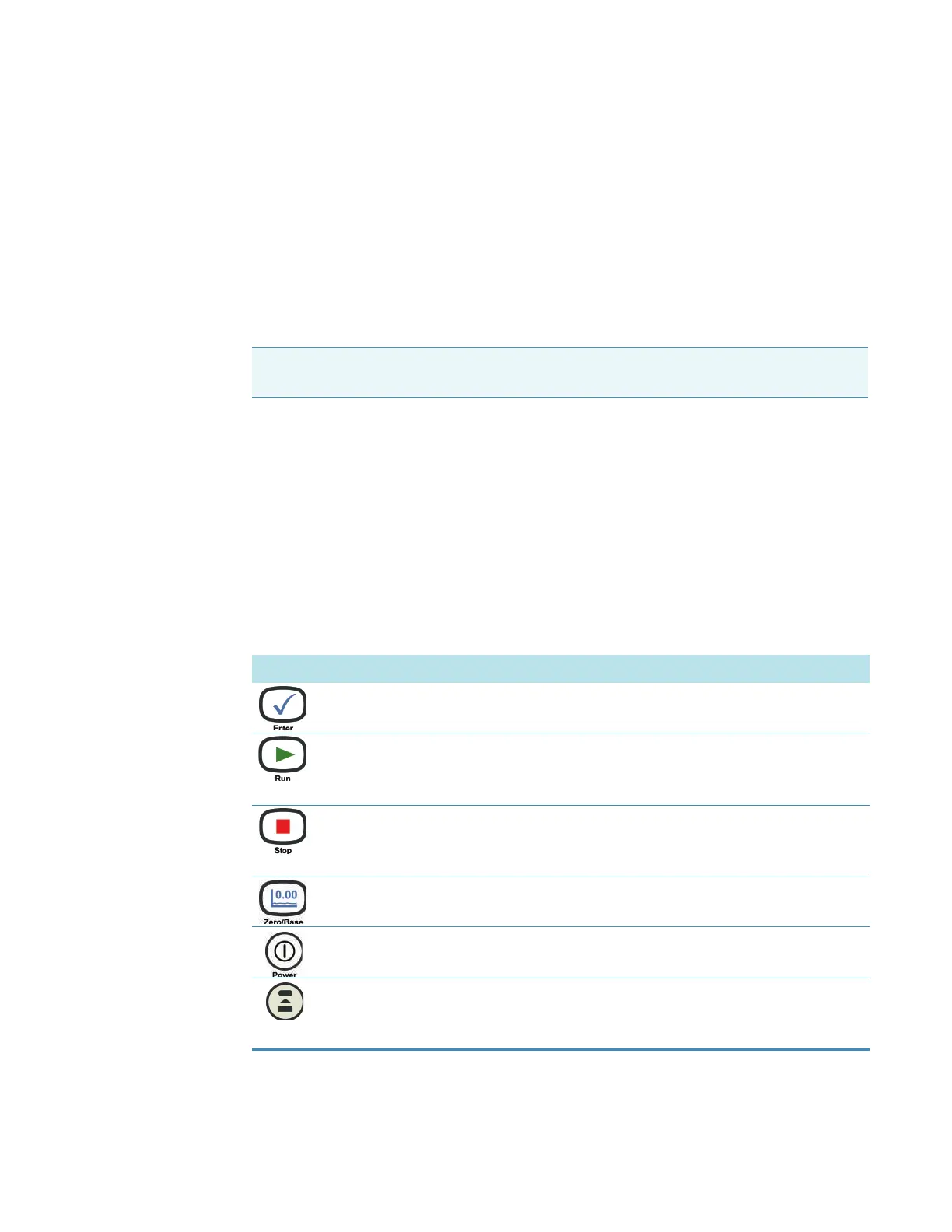
Button Label Function
Enter Confirm highlighted choices in menus and text entry boxes.
Run Perform the measurements specified using the current settings.
When the Loading Guide is displayed, pressing Run is equivalent
to clicking the OK button in the software.
Stop Stop the current operation.
When the Loading Guide is displayed, pressing Stop is equivalent
to clicking the Cancel button in the software.
Zero/Base Perform a zero measurement or baseline scan.
Power Turn the instrument on or off (press and hold 4 seconds to power
off).
Function Start an assigned program or CUE script. See Assigning CUE
Scripts to Function Keys. Use the CUE application to edit scripts.
See the CUE on-line help for details.









 To Next Page