31
VERSA Probe
446 Evolution 200 Series User Guide Thermo Scientific
Installation
Installing Tips
Tips must be installed to take measurements.
Y To install a tip
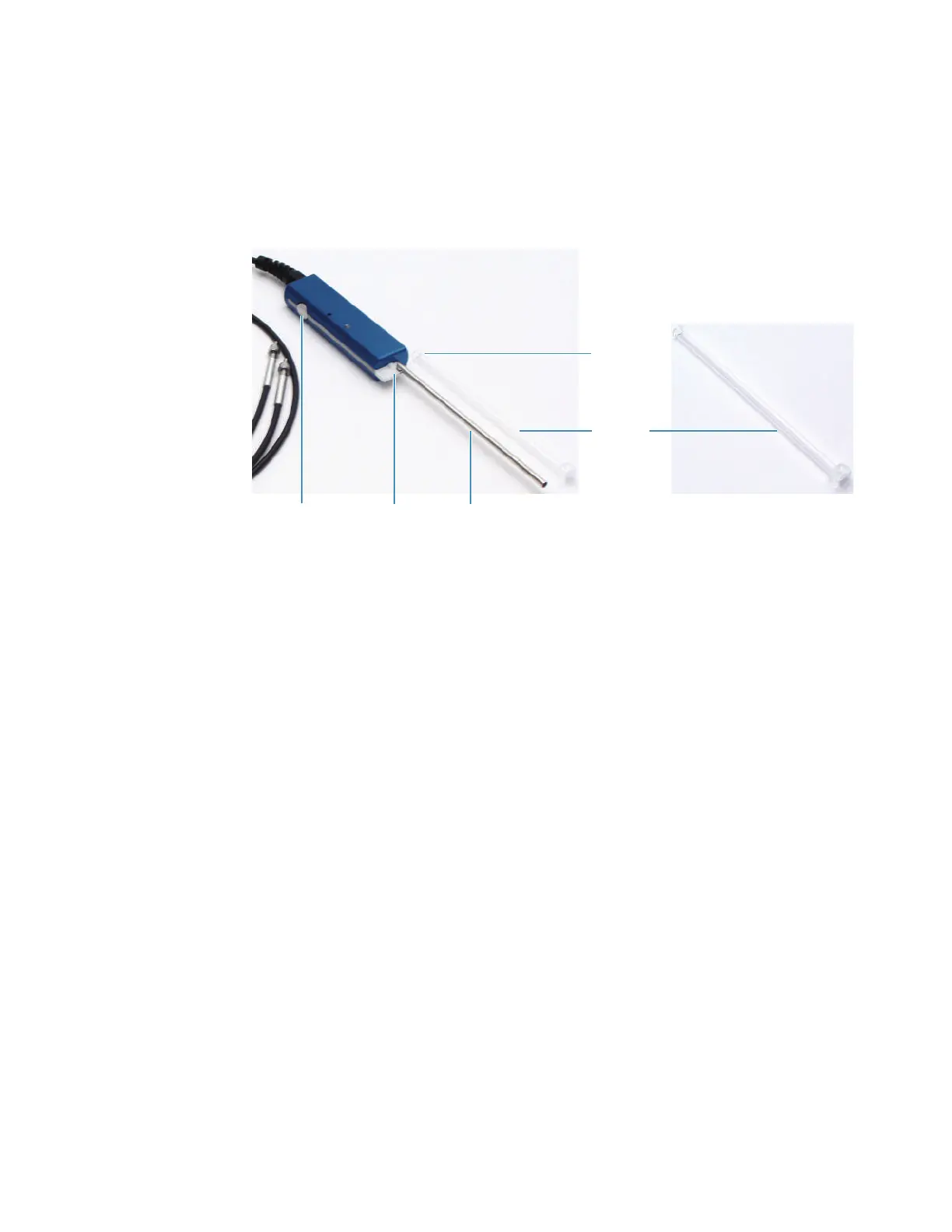
1. Slide a quartz tip onto the probe shaft.
2. Align the notch at the base of the tip with the pin on the probe handle.
3. Press and hold the release button and slide the notch under the pin.
4. Release the button.
Verify the tip is secure by touching the middle portion of the tip and gently attempting to
slide it. If the tip is secure, it will not move.
Y To remove the tip
Press the release button.
Related Topics
Installing the VERSA Probe
Installation
Operation
Install a tip before using the probe. See Installing Tips.
When inserting the probe into a solution, shake the probe gently to release any air bubbles
trapped in the probe tip.
Pin
Notch
Shaft
Release button
Quartz tip









 To Next Page