3
Evolution 200 Series Spectrophotometers
Using the Spectrophotometer
126 Evolution 200 Series User Guide Thermo Scientific
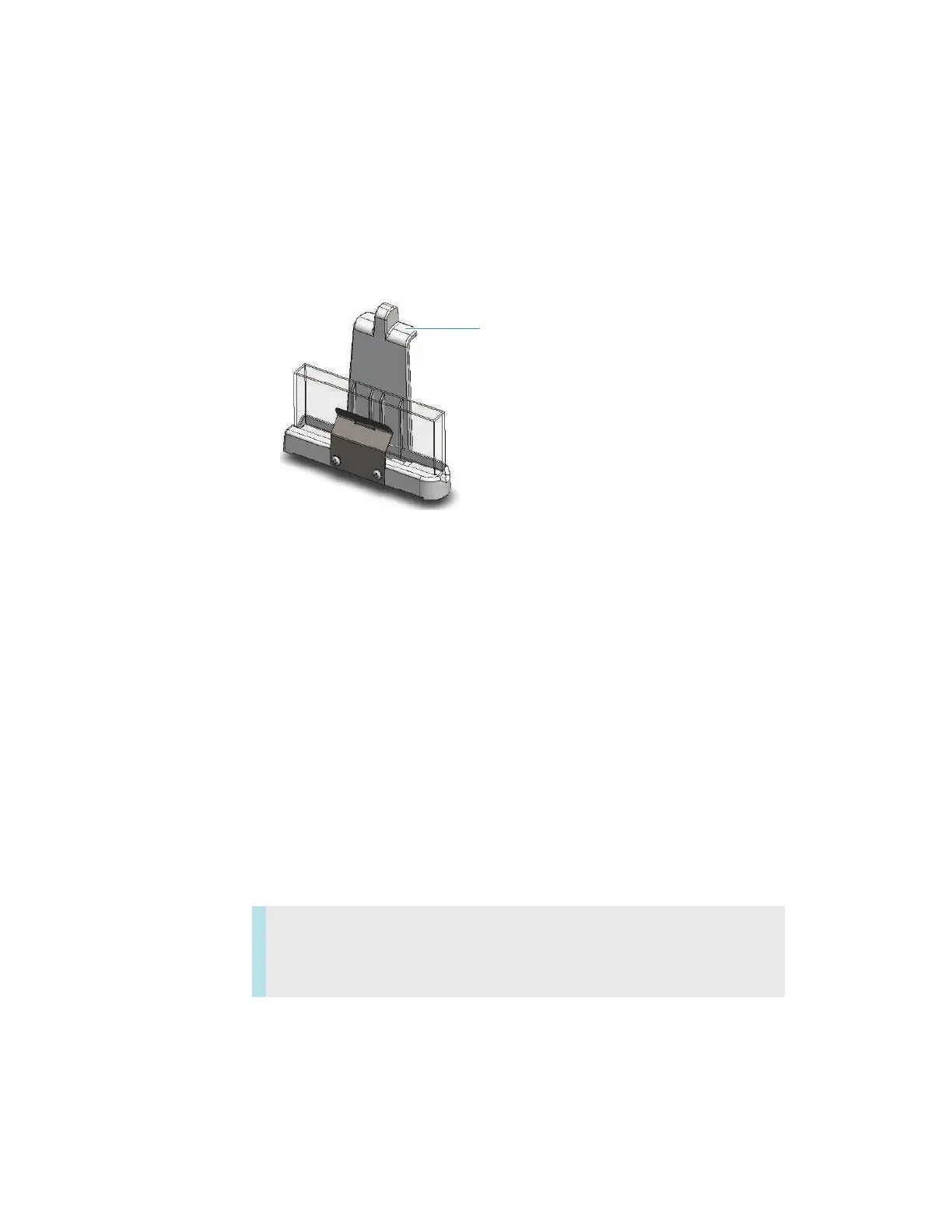
Installing a Reference Cell Holder
Y To install a reference cell holder
1. Open the reference compartment cover. See Opening and Closing the Sample and
Reference Compartment Doors.
2. Grasp the cell holder by the handle and lower it into the reference compartment.
3. Insert the pin in the alignment hole and press the holder in place.
4. Close the reference compartment cover.
For operating instructions, see Reference Cell Holders.
Related Topics
Installing a Smart Accessory
Installing a Manual Accessory
Installing a Liquid Thermostatted Accessory
Using the Spectrophotometer
This section explains how to set up a Computer Control or Local Control spectrophotometer
and perform basic operations using the keypad.
Computer Control Instruments
Computer Control instruments must be connected to an external computer with the proper
software installed.
Contents
• Computer Control Instruments
• Local Control Instruments









 To Next Page