2
INSIGHT Software
The INSIGHT Window
14 Evolution 200 Series User Guide Thermo Scientific
Other action buttons may appear for some tasks.
Related Topics
Task Buttons
Other Navigation Pane Features
Other Navigation Pane Features
Related Topics
Task Buttons
Action Buttons
Right Pane
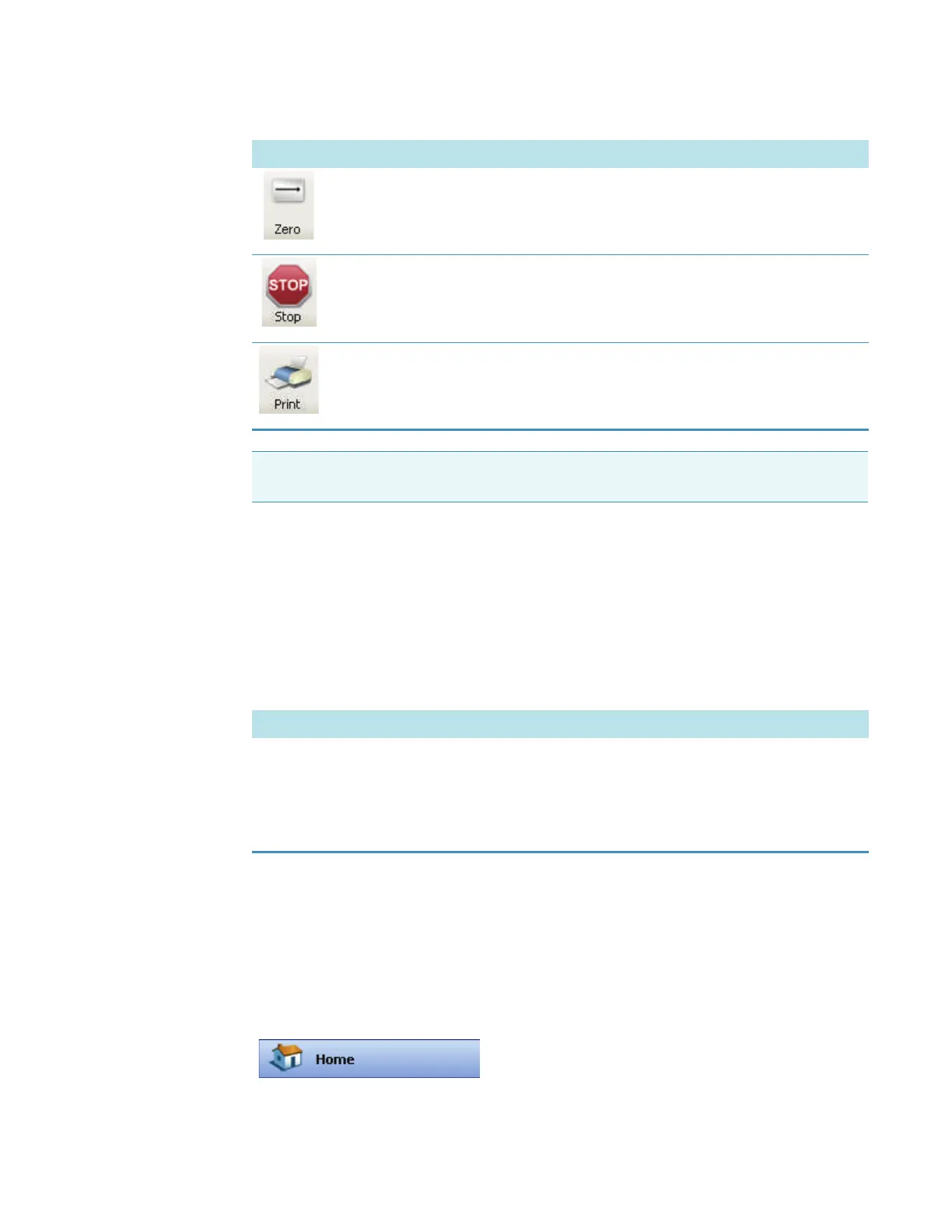
Measures the blank for the application.
Stops data acquisition.
Prints a copy of the spectrum and associated sample data to the default printer.
Note To start data acquisition automatically after a specified delay instead of responding
to a prompt, use Enable auto input trigger on the Preferences tab in Options.
Button Description
Feature Description
Overlay spectra Displays multiple spectra as they are acquired (instead of displaying only
the spectrum being acquired or just acquired). The overlaid sample IDs
appear in the upper-left corner of the data display. To display the
spectrum of interest in red, click its sample ID. The last sample measured
appears in red at the top of the legend.
The right pane in Home includes:









 To Next Page