3
Evolution 200 Series Spectrophotometers
Spectrophotometer Basics
108 Evolution 200 Series User Guide Thermo Scientific
Local Control or Computer Control
The spectrophotometer can be run from the optional touchscreen (Local Control) or from a
Windows®-compatible computer connected to the instrument (Computer Control). Local
Control instruments include an embedded computer preloaded with software. Computer
Control instruments must be connected to an external computer with the proper software
installed.
Related Topics
Local Control Instruments
Computer Control Instruments
INSIGHT Software
All instruments include our INSIGHT™ software for data collection and analysis. See
INSIGHT Software.
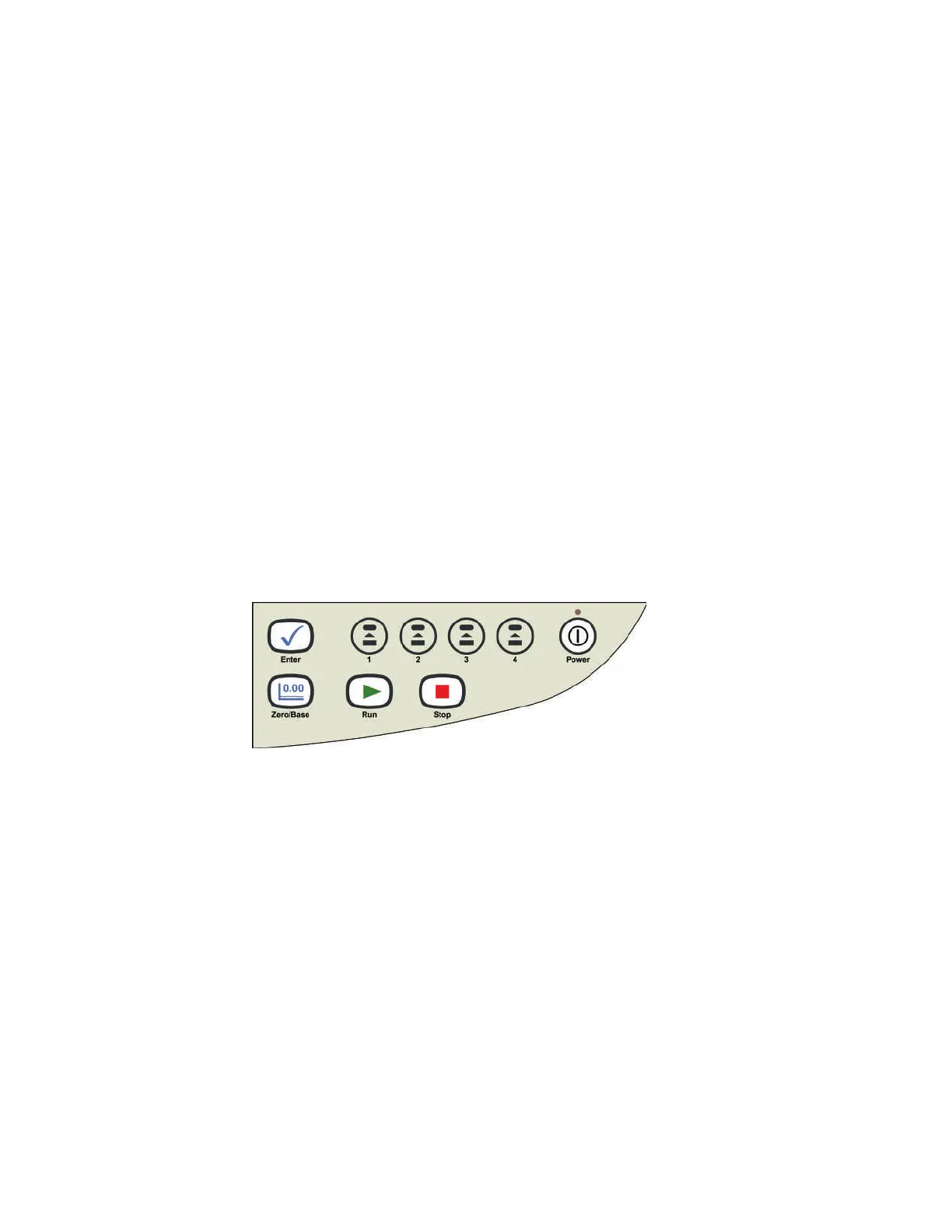
Keypad
All instruments include the keypad shown below. For a list of keypad functions, see Using the
Spectrophotometer.
Related Topics
Keypad Operation
Touchscreen
The touchscreen is included only on Local Control versions of the spectrophotometer.
Related Topics
Touchscreen keyboard
Cleaning the Touchscreen
Connectors
This section shows the locations of the connectors inside and outside the spectrophotometer.









 To Next Page