3
Evolution 200 Series Spectrophotometers
Accessories
120 Evolution 200 Series User Guide Thermo Scientific
Related Topics
10 mm Rectangular Sample Cell Holder
Sample Position Cell Holders
Reference Cell Holders
Installing a Manual Accessory
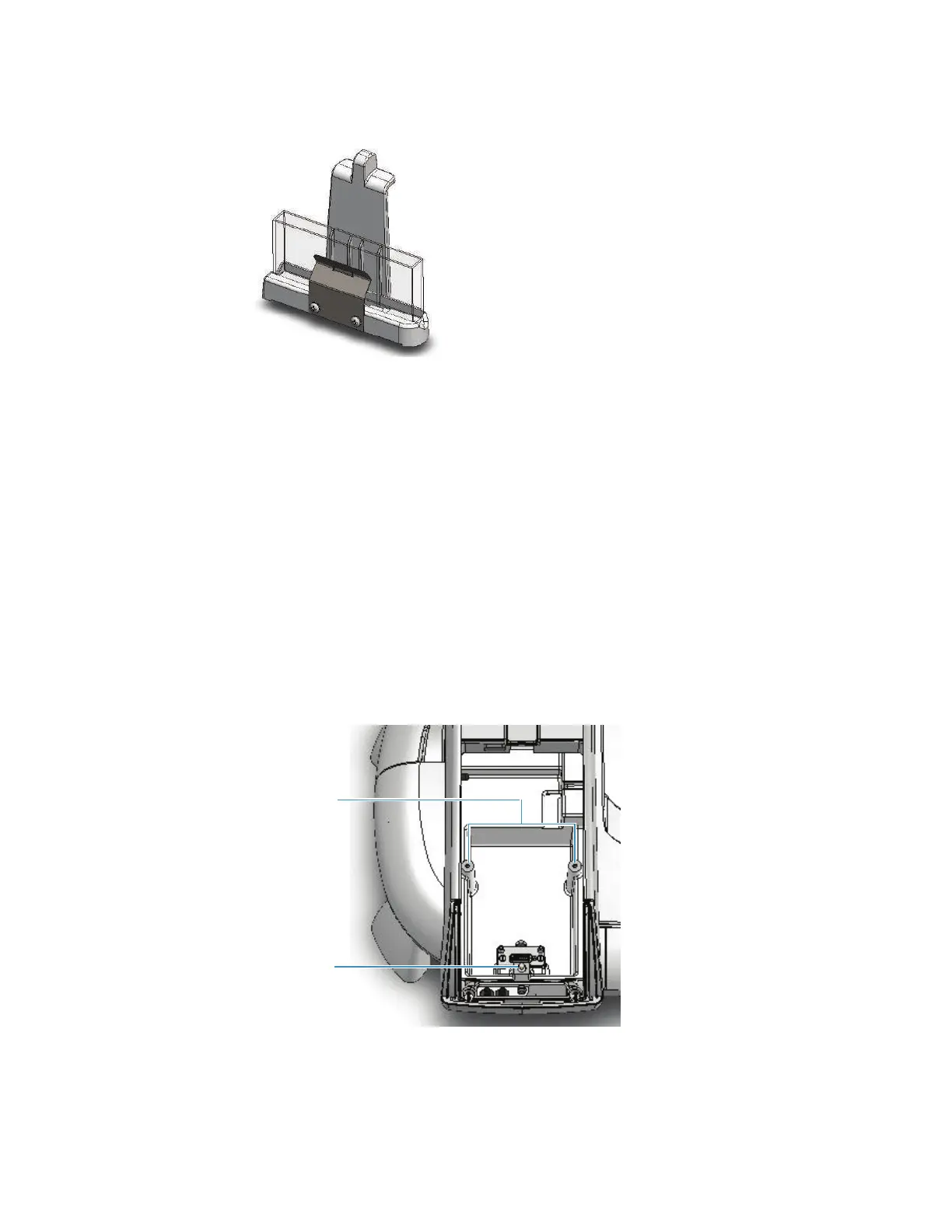
Manual sampling accessories are mounted on a common baseplate. The kinematic mount
ensures correct alignment of the accessory within the instrument.
It is not necessary to power off the instrument while installing or removing a manual
accessory.
Sample compartment top view
Y To install a manual accessory
1. Open the sample compartment door. See Opening and Closing the Sample and
Reference Compartment Doors.









 To Next Page