3
Evolution 200 Series Spectrophotometers
Accessories
Thermo Scientific Evolution 200 Series User Guide 125
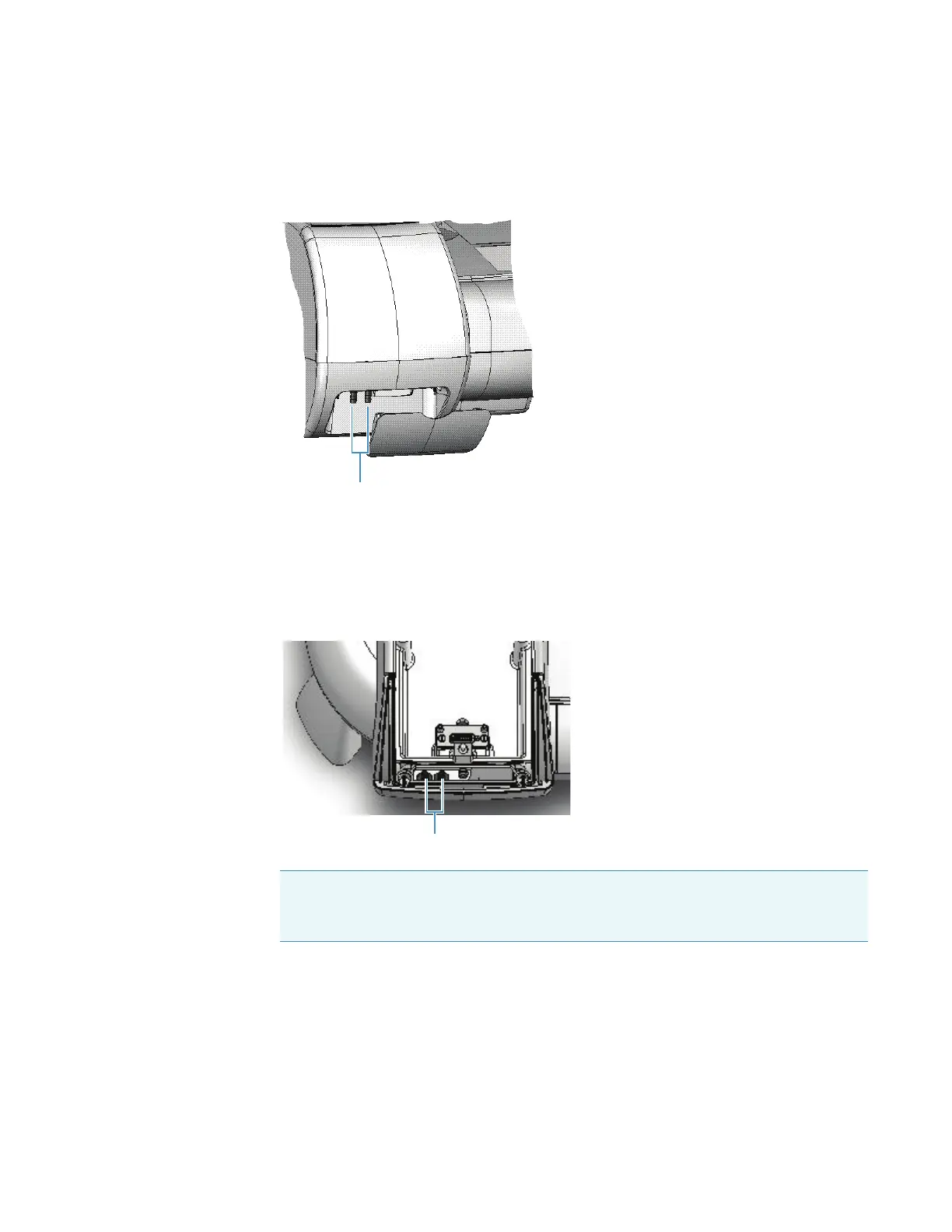
3. Use 1/4-inch internal diameter tubing to connect the water supply or recirculator to the
external fluid ports on the instrument.
If the connectors on the recirculator are a different size, use a tubing adapter.
4. Use additional tubing and adapters (not included), if necessary, to connect the fluid ports
inside the sample compartment to the ports on the accessory.
For a cell changer, set the changer to position 1 before connecting the tubing to the ports
on the accessory. Use just enough tubing to allow the cell changer to move through all
possible positions. This requires approximately 10 inches (25 cm) of tubing for each port.
Related Topics
Installing a Smart Accessory
Installing a Manual Accessory
Installing a Reference Cell Holder
Note Ensure the tubing does not obstruct the light beam or prevent the sample
compartment door from closing. If necessary, secure the tubing using the supplied
clips.









 To Next Page