3
Evolution 200 Series Spectrophotometers
Accessories
122 Evolution 200 Series User Guide Thermo Scientific
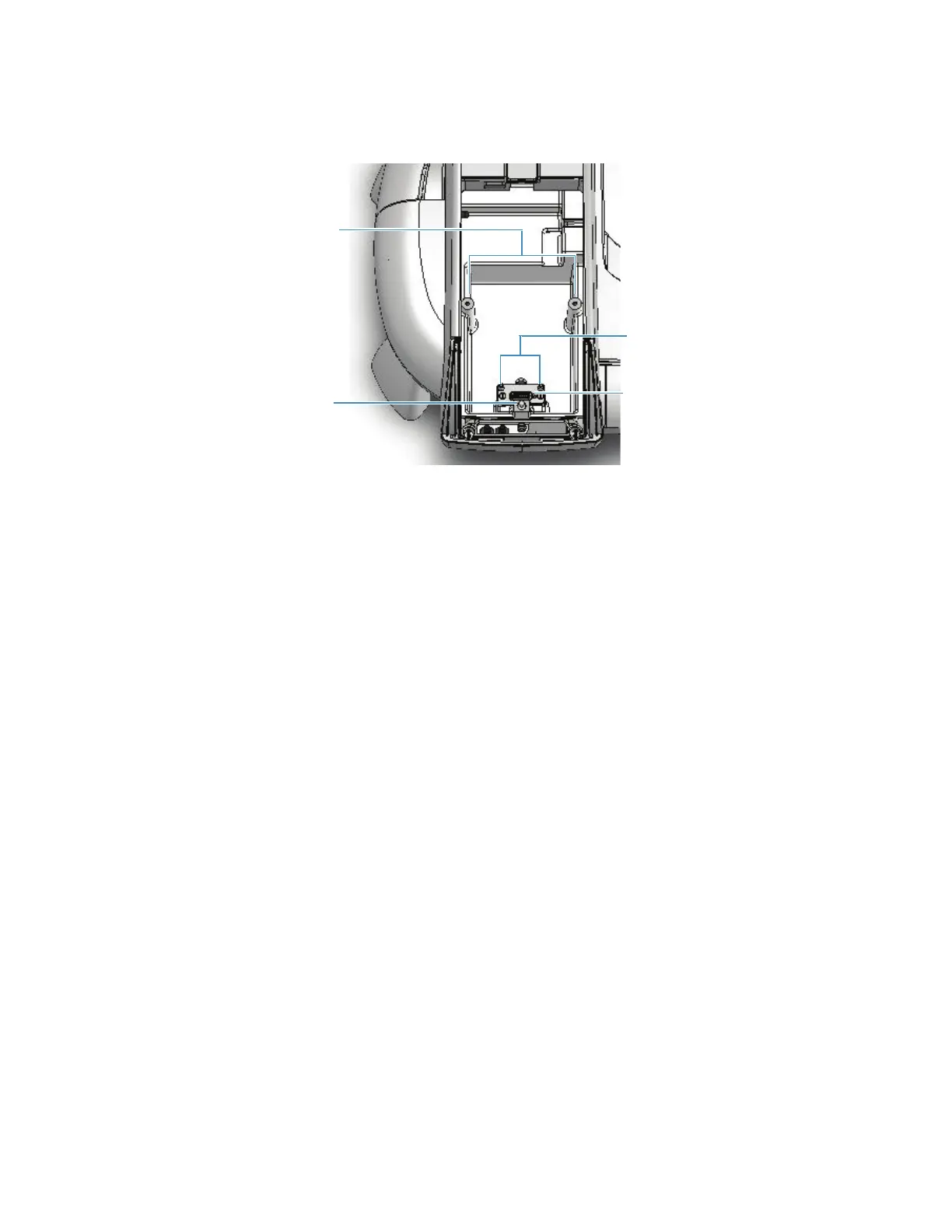
Sample compartment top view
Y To install a Smart Accessory
1. Open the sample compartment door. See Opening and Closing the Sample and
Reference Compartment Doors.
2. Remove the sample compartment front panel. See Sample Compartment Front Panel.
3. Remove any cell holder or accessory. See To remove a Smart Accessory.
4. Insert the accessory.
a. Grasp the accessory by the handles and lower it into the sample compartment
aligning the connector under the baseplate with the connector in the sample
compartment floor.
Use the alignment pins on either side of the connector as guides.
Alignment pins
Toggle
AB
Smart Accessory connector
Alignment pins









 To Next Page