4
Life Science Applications
Protein Biuret
Thermo Scientific Evolution 200 Series User Guide 233
To enter previously saved samples information, use Load Samples. To save the samples
information, use Save Samples.
10. If only one sample will be measured, install it.
11. Click Continue.
12. Follow any instructions that appear, such as to install a specified sample.
The sample results table contains the columns of information specified on the
Configuration tab in Reports. If Sample averaging was set to Duplicate, “D” at the end of
a sample name indicates the second measurement. If Sample averaging was set to
Triplicate, “D” and “T” indicate the second and third measurements, respectively.
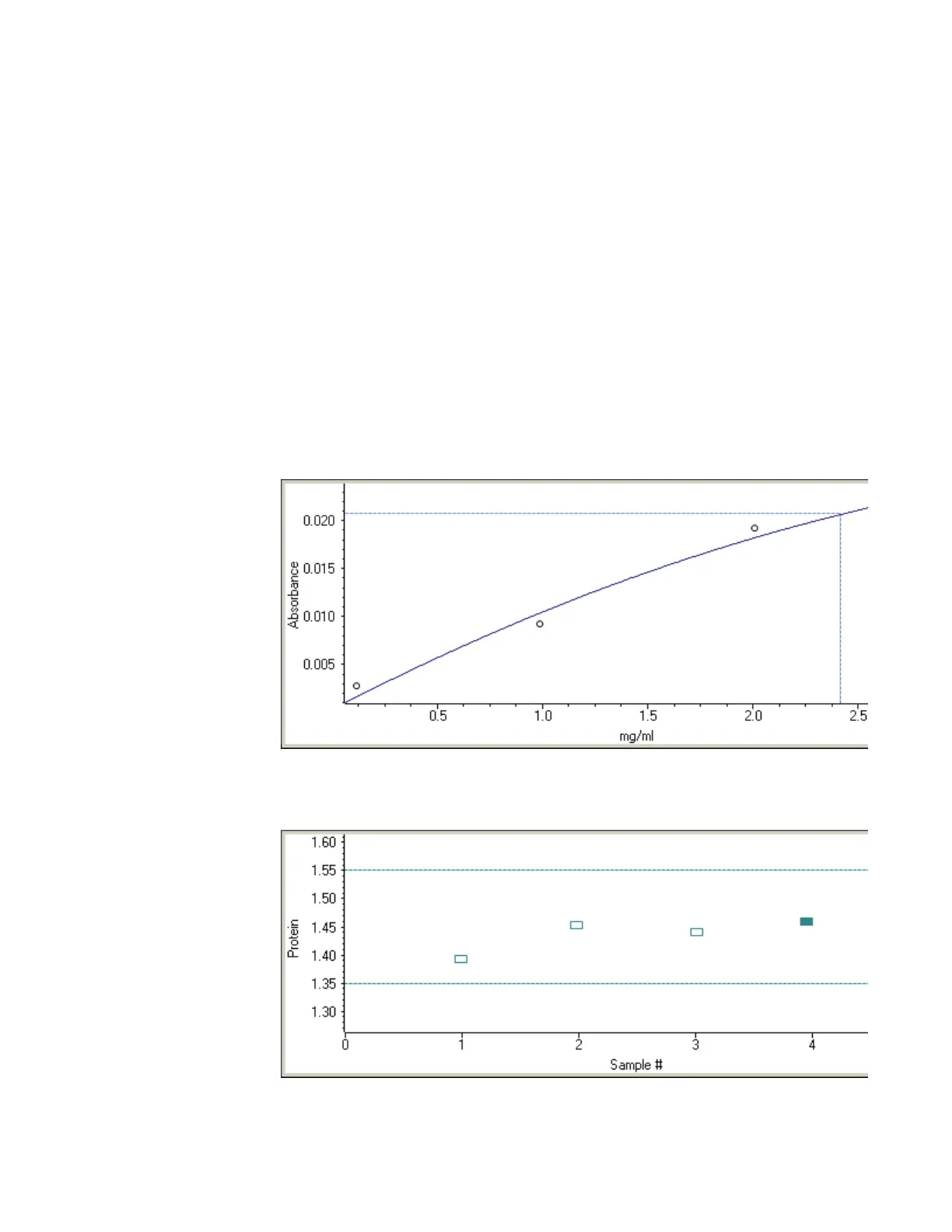
The Standard Curve(s) tab shows graphically the relationship between the standard curve,
measured spectral intensity and calculated concentration for the selected sample: A
horizontal line connects the sample spectral intensity value on the Y-axis to the standard
curve. A vertical line connects that point to the sample concentration value on the X-axis:
The Run Chart tab plots the concentration of the measured component versus sample
number. If Use concentration limits was selected on the Samples tab, horizontal limit
lines show whether the concentrations are within the specified limits:









 To Next Page