15
Integrated Fiber Optic Module
Thermo Scientific Evolution 200 Series User Guide 269
7. Click Start.
8. Maximize the signal strength:
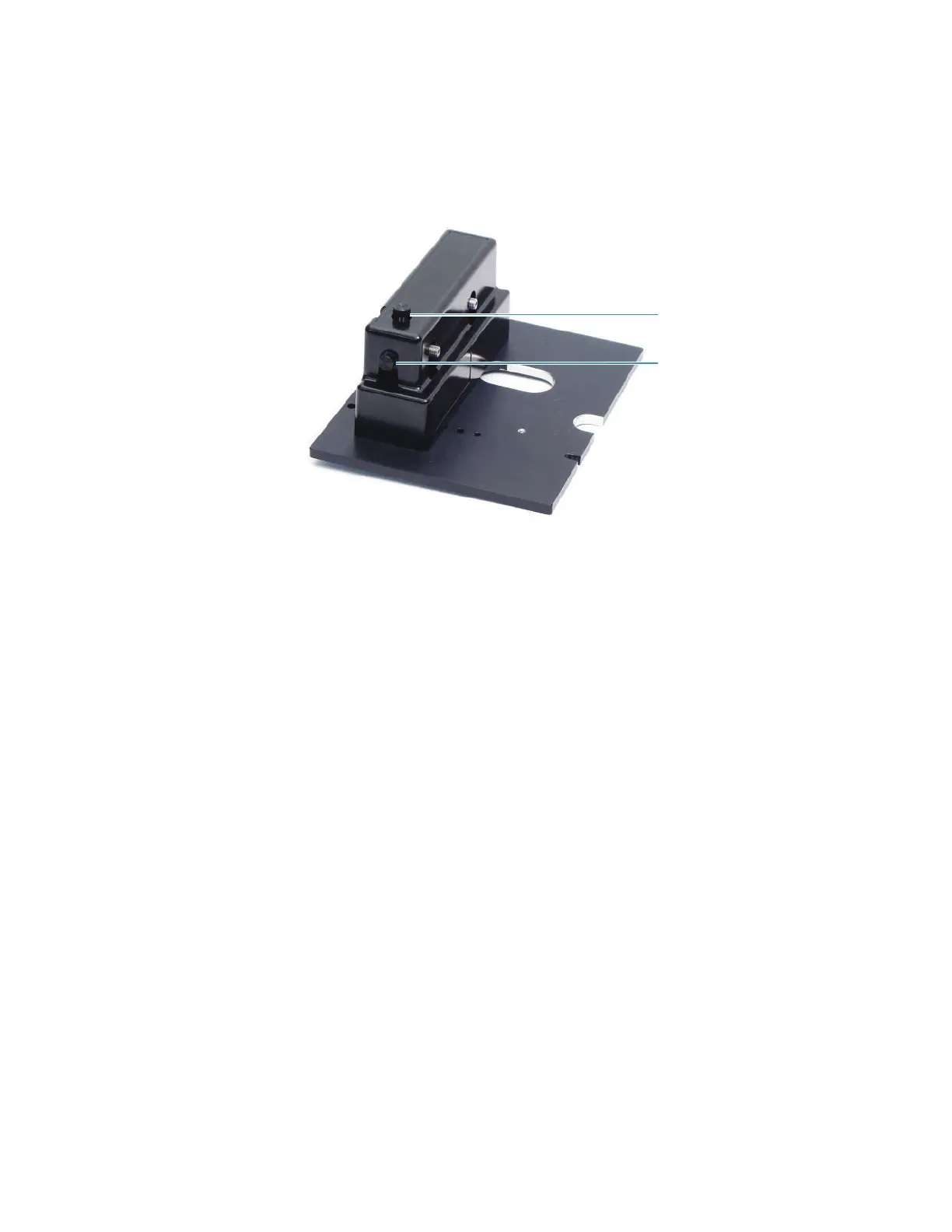
a. Use the Up/Down knob on the accessory to adjust the signal strength.
b. Adjust the Left/Right knob on the accessory to increase the signal further.
c. Repeat steps a and b until the signal is at its maximum value.
9. Click Stop.
Related Topics
Installation
Attaching Cables and Probes
Routine Maintenance
Troubleshooting
Left/Right alignment knob
Up/Down alignment knob









 To Next Page