18
nanoCell
280 Evolution 200 Series User Guide Thermo Scientific
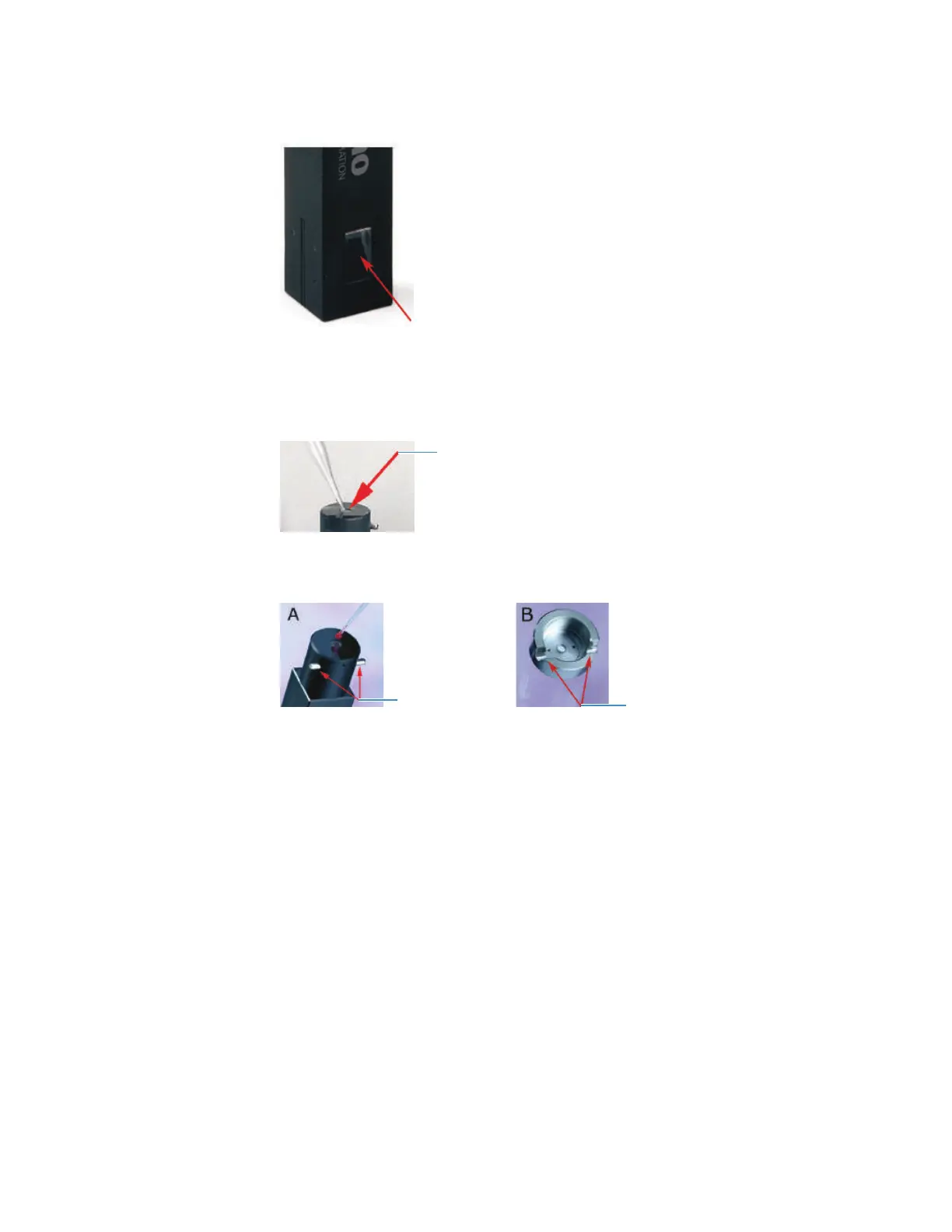
2. Load the solution (buffer, water) used for the baseline (scan) or zero (fixed wavelength)
measurement.
Using a small volume pipette, load 0.7 to 3.0 μL of liquid in the sample loading area at
the top of the nanoCell.
3. Install an appropriate lid on top of the nanoCell.
Align the grooves in the lid with the two pins near the top of the nanoCell.
4. Measure the zero or baseline.
5. When the measurement is finished, use the pipette to remove the excess liquid.
6. Use a laboratory tissue or microfiber cloth to wipe the sample loading area and the mirror
in the lid.
7. Repeat the loading and cleaning steps to measure your samples.
Related Topics
Using the nanoCell
Cleaning the nanoCell
Pathlength Correction Factors
Frequently Asked Questions
Locator pins
Locator grooves









 To Next Page